
Xbox
DownloadApp details
- Version
- 1810.0102.1946
- Updated
- 17.10.2026
- Category
- Arcade
- Compatibility
- Android 4.0.3
- Package name
com.microsoft.xboxone.smartglass- Source
- Official Google Play page
The Xbox application serves as an essential companion for owners of Microsoft video game consoles, enabling seamless control and interaction from virtually anywhere on the globe. This versatile Android app transforms your mobile device into a powerful extension of your home gaming setup, allowing you to manage your console experience with unprecedented ease and flexibility. Whether you are relaxing on a different floor or traveling, the app keeps you connected to your gaming ecosystem without missing a beat.
One of the standout features of the Xbox app is the convenience it offers for navigating the user interface. Using your mobile device, you can browse through the extensive menu options and internet spaces much more comfortably than with a traditional controller. The application provides an on-screen keyboard that makes typing and selecting options significantly more efficient, ensuring that your navigation experience is smooth and intuitive even for complex menu structures.
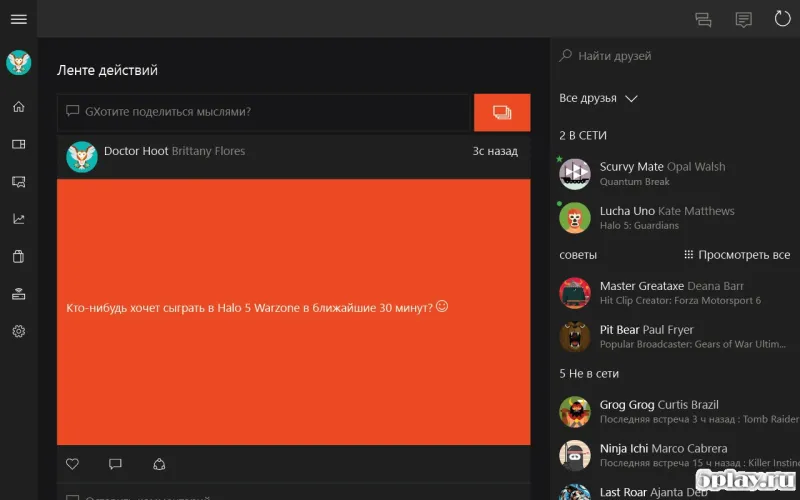
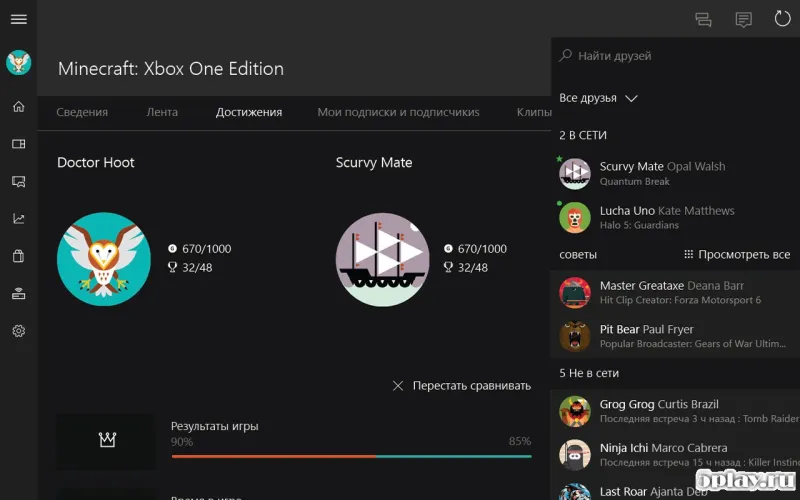
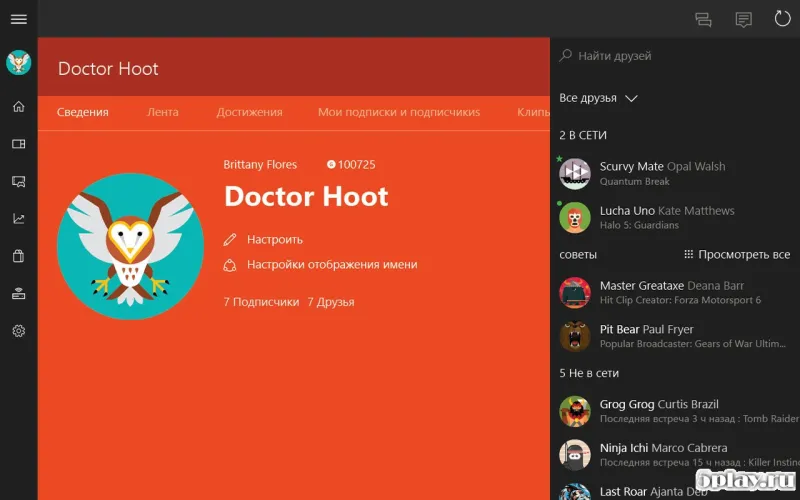
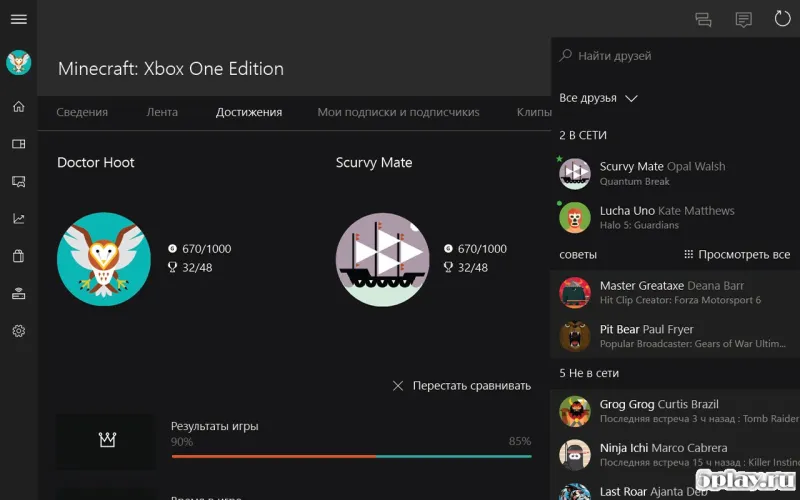
Beyond basic navigation, the app supports social connectivity and game tracking. You can stay connected with other users, view performance results in various games, and compare your statistics with friends or the global community. This social layer adds depth to the gaming experience, allowing you to share achievements and monitor progress without needing to be physically present at the console.
How to install the app
- Check the version, Android compatibility, developer and source in the app details block.
- Open the Downloads tab and use the official source or an available catalog link.
- Before installing, review app permissions and use only sources you trust.
Frequently asked questions
Can I use the Xbox app to control my console from a different room?
Yes, the Xbox app allows you to remotely control your console from any location, making it easy to manage games and settings without being near the TV.
Does the app support an on-screen keyboard for easier navigation?
Absolutely, the app includes a built-in on-screen keyboard that makes navigating menus and typing much more convenient compared to using a standard controller.
Can I track my game stats and compare them with friends?
Yes, the app supports social features where you can view results in various games and compare your performance statistics with other users in your network.
No comments yet. Be the first!