
Zombify - Be a ZOMBIE
Open in Google PlaySpaceAPK does not provide APK files. A listed Google Play link is a reference: check the store for availability, version, price and paid features. The catalog version is not offered as a downloadable file.
App details
- Recorded version
- 1.4.6
- Updated
- 14.07.2021
- Category
- Arcade
- Compatibility
- Android 4.0.3
- Package name
ly.appt.zombify- Source
- Google Play reference
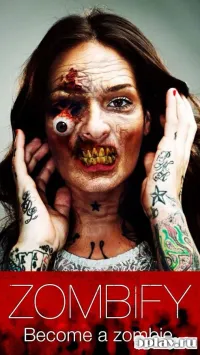
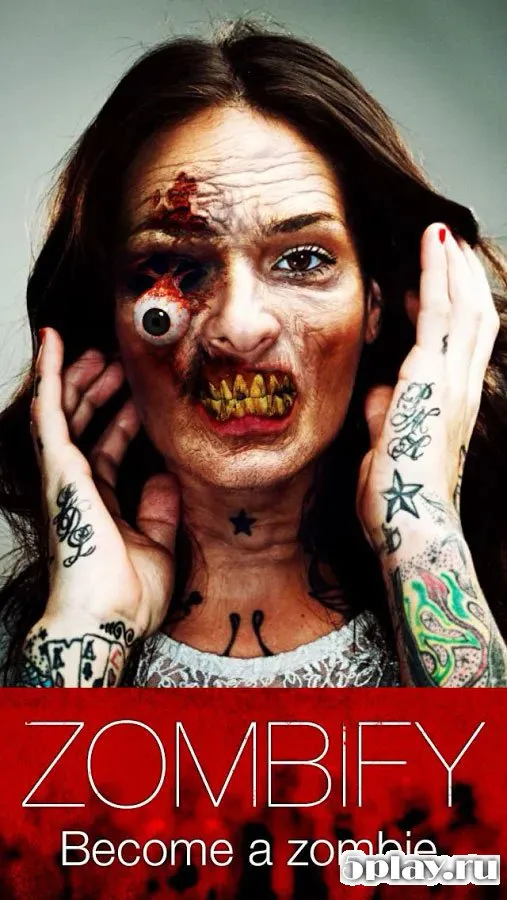
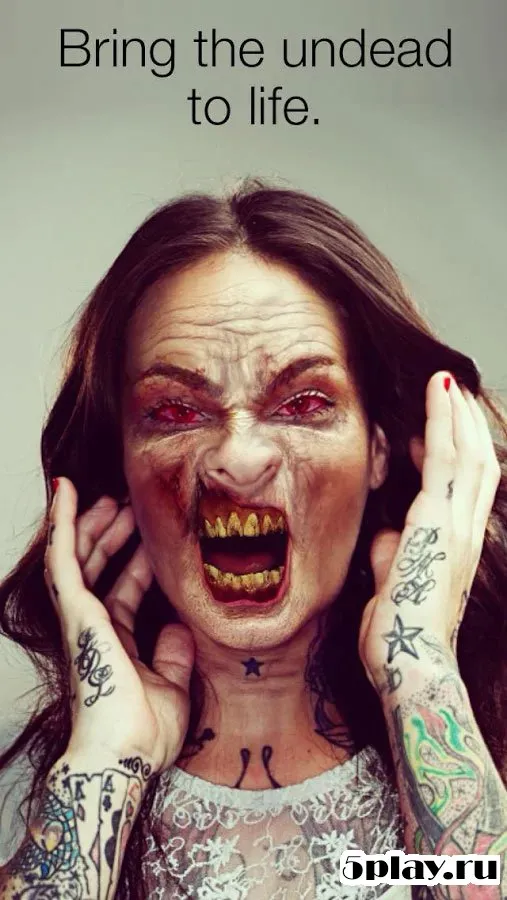
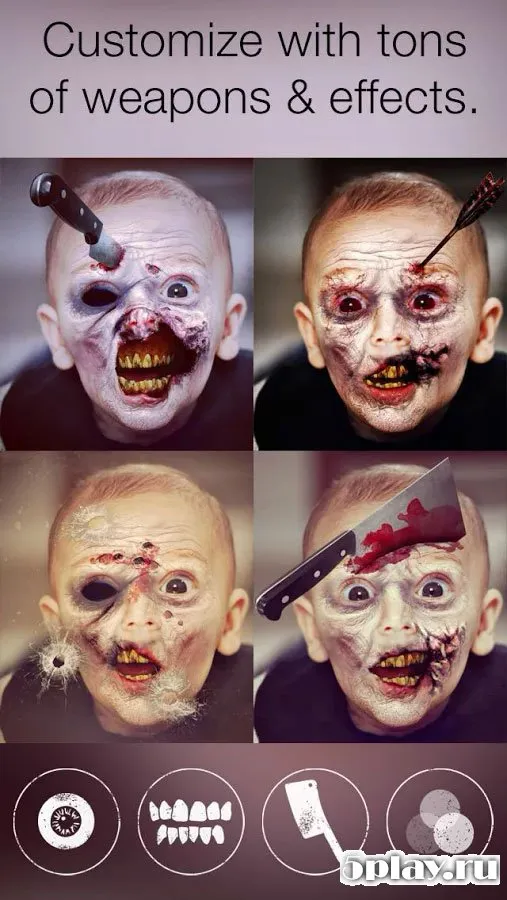
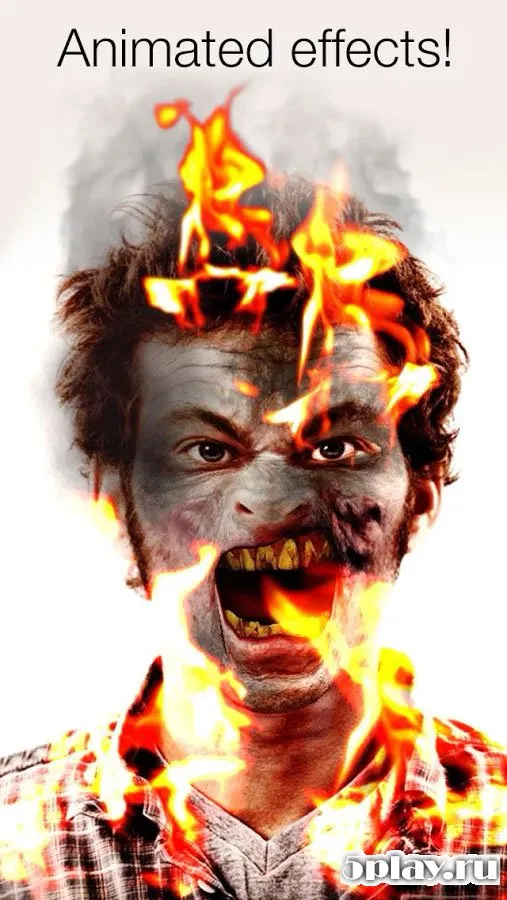
Zombify - Be a ZOMBIE is a standout original photo editor designed specifically for Android devices, offering a unique way to transform ordinary portraits into terrifying monster images. This application allows users to turn any cute face into that of a bloodthirsty zombie or another terrifying creature with just a few taps. The app features a vast library of filters that seamlessly blend horror effects with your existing photos, ensuring a natural and spooky result every time.
The interface is intuitive and user-friendly, making it easy for anyone to create professional-looking zombie photos without needing advanced editing skills. You can apply various horror effects to your selfies or pictures of friends, turning them into ghoulish characters perfect for Halloween parties, social media posts, or just for fun. The process is straightforward, allowing you to experiment with different levels of decay and horror until you achieve the perfect scary look.
Once you have created your ideal zombie portrait, you can easily save the result directly to your phone's internal memory or to an SD card. This flexibility ensures that your creative masterpieces are safely stored and ready to be shared whenever you wish. The app supports high-quality output, so your photos retain their clarity even after applying complex filters and effects.
Sharing your zombie creations is effortless, as you can send the edited images to friends and family instantly.
Availability and source
- Check the version, Android compatibility, developer and source in the app details block.
- Open the official app page on Google Play if a link is available.
- Before installing, review app permissions and use only sources you trust.
Frequently asked questions
Is Zombify - Be a ZOMBIE available for Android devices?
Yes, Zombify - Be a ZOMBIE is an original photo editor designed specifically for Android devices, allowing users to install the APK and create zombie photos on their smartphones.
How do I save my edited zombie photos?
You can save your edited zombie photos directly to your phone's internal storage or to an SD card, ensuring they are kept safely for future viewing or sharing with friends.
Can I share my zombie photos with friends?
Absolutely, the app allows you to easily share your created zombie images with friends via various social media platforms or messaging applications for a fun and spooky experience.
Similar apps



No comments yet. Be the first!