
OneNote
Open in Google PlaySpaceAPK does not provide APK files. A listed Google Play link is a reference: check the store for availability, version, price and paid features. The catalog version is not offered as a downloadable file.
App details
- Recorded version
- 16.0.11601.20056
- Updated
- 28.10.2021
- Category
- Arcade
- Compatibility
- Android 4.4
- Package name
com.microsoft.office.onenote- Source
- Google Play reference
OneNote is a powerful digital note-taking application developed by Microsoft, designed specifically for Android devices. It serves as a comprehensive tool for capturing ideas, organizing thoughts, and managing daily tasks with ease. Whether you are a student, a professional, or simply someone who likes to keep their life organized, this app provides a flexible canvas for all your documentation needs.
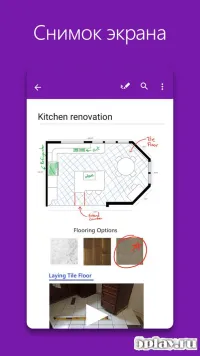
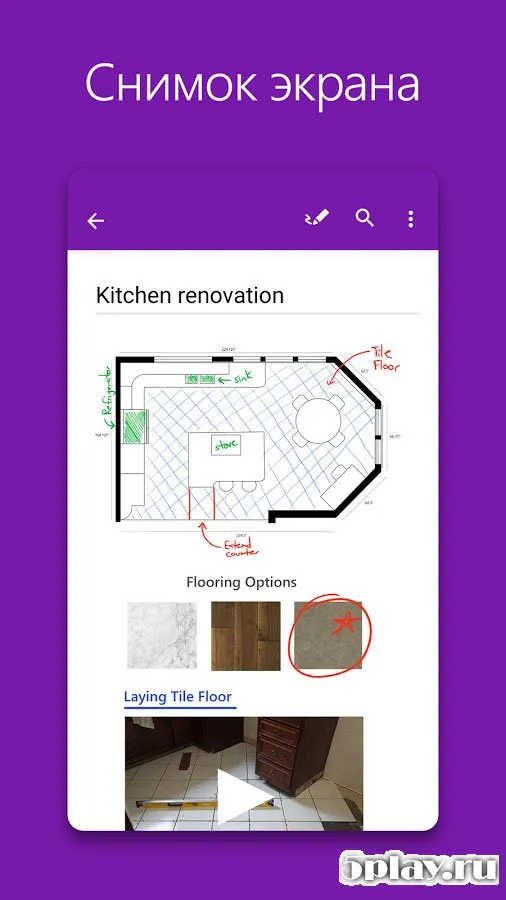
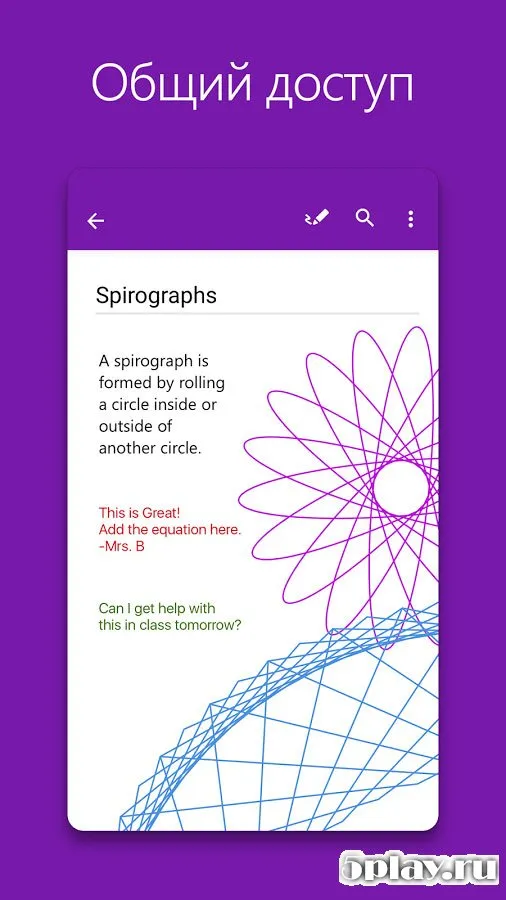
The interface is intuitive, allowing users to dive straight into creating content without a steep learning curve. One of the standout features of OneNote is its support for multiple input methods. You can type notes using the on-screen keyboard, but the app also excels at handling handwritten input.
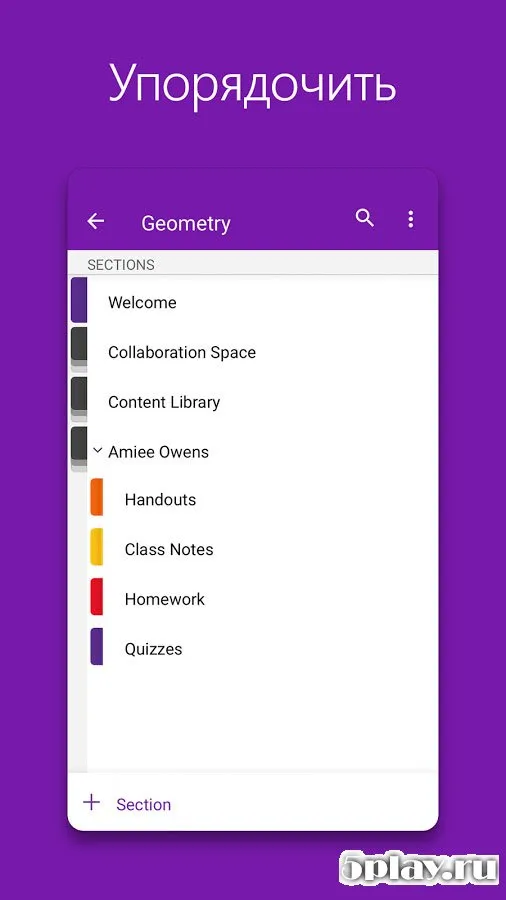
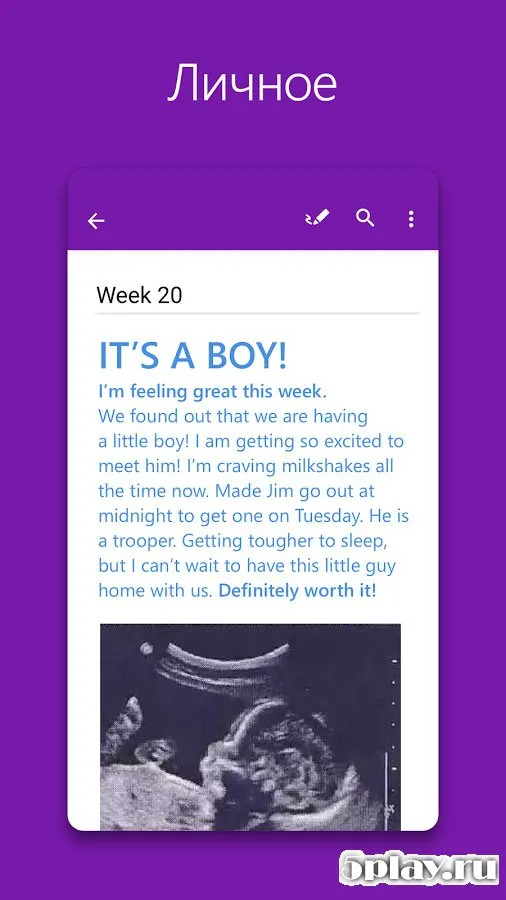
This makes it perfect for sketching diagrams, signing documents, or taking quick handwritten notes during meetings. The ability to mix text, images, audio recordings, and drawings in a single notebook creates a rich multimedia experience that traditional paper notebooks cannot match. The application features a modernized navigation system that makes finding specific notes quick and efficient.
Notes are organized into notebooks, sections, and pages, providing a hierarchical structure that keeps your information tidy. You can easily search through all your content using keywords, making it simple to retrieve that one important detail you jotted down weeks ago.
Availability and source
- Check the version, Android compatibility, developer and source in the app details block.
- Open the official app page on Google Play if a link is available.
- Before installing, review app permissions and use only sources you trust.
Frequently asked questions
Is OneNote free to use on Android devices?
Yes, OneNote is completely free to download and use on Android devices. There are no hidden fees or subscription requirements for the core features, making it accessible for all users regardless of their budget or intended use case.
Can I write notes by hand on OneNote for Android?
Absolutely. OneNote supports handwritten input, allowing you to use your finger or a stylus to write notes, draw diagrams, or sign documents directly on the page. This feature is particularly useful for quick sketches and visual brainstorming sessions.
Does OneNote sync across different devices?
Yes, OneNote syncs seamlessly across all your devices. Whether you start a note on your Android phone and continue on your tablet or computer, your data is automatically updated and available everywhere, ensuring you never lose your progress.
Similar apps
No comments yet. Be the first!