

Oriental Garden 3D
Open in Google PlaySpaceAPK does not provide APK files. A listed Google Play link is a reference: check the store for availability, version, price and paid features. The catalog version is not offered as a downloadable file.
App details
- Recorded version
- 1.1
- Updated
- 09.12.2021
- Category
- Arcade
- Compatibility
- Android 2.2
- Package name
com.orientalgardenfree.livewallpaper- Source
- Google Play reference
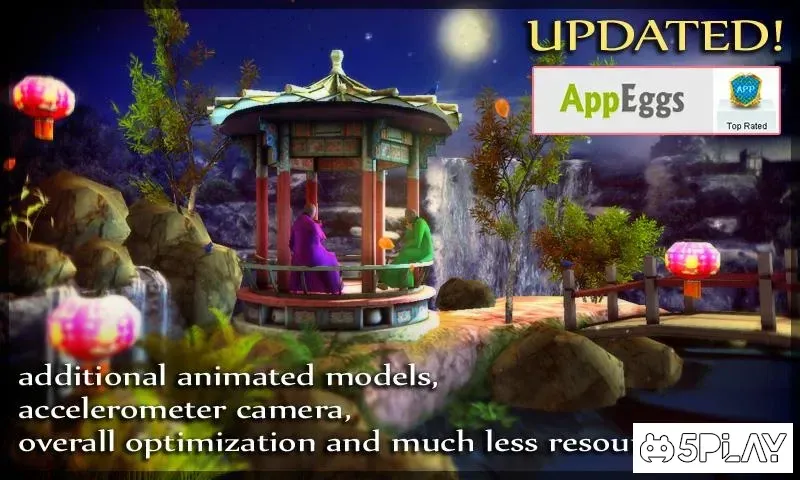
Oriental Garden 3D is a beautifully crafted application designed for users who appreciate the serene beauty of nature and the elegance of traditional aesthetics. This app provides a high-quality visual experience, offering stunning three-dimensional wallpapers that bring a sense of tranquility to your Android device. It is particularly suited for those who enjoy calming environments and wish to customize their phone screens with artistic, nature-inspired imagery.
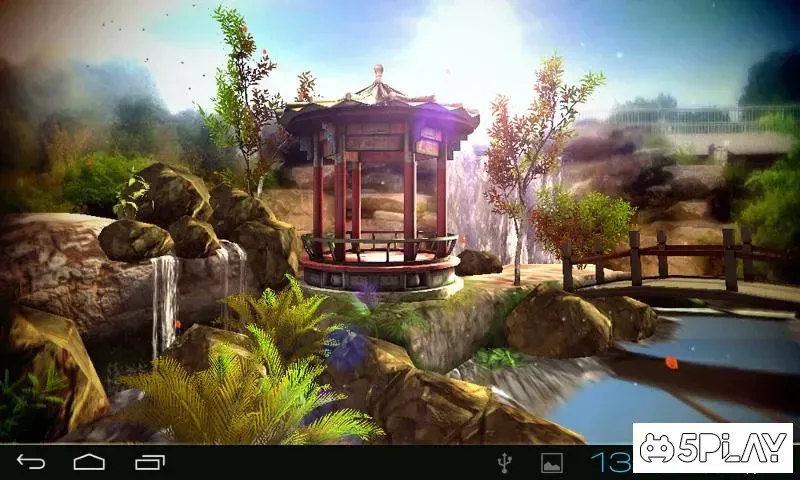
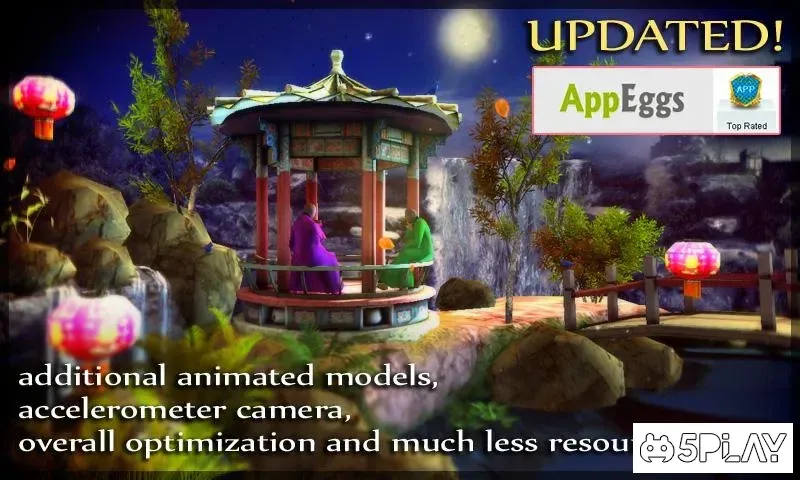
The application features a variety of detailed scenes that capture the essence of an oriental garden. Users can explore intricate landscapes that include small ponds, lush greenery, and decorative elements that evoke a peaceful atmosphere. The visuals are rendered in 3D, adding depth and realism to the images.
This allows for a more immersive viewing experience compared to standard flat wallpapers, making your device screen feel alive and dynamic without consuming excessive battery or processing power. One of the key features of Oriental Garden 3D is its user-friendly interface. Navigating through the different garden scenes is intuitive and smooth.
You can easily browse through the collection by swiping left or right, allowing you to find the perfect wallpaper that matches your mood or aesthetic preference.
Availability and source
- Check the version, Android compatibility, developer and source in the app details block.
- Open the official app page on Google Play if a link is available.
- Before installing, review app permissions and use only sources you trust.
Frequently asked questions
What is Oriental Garden 3D?
Oriental Garden 3D is an Android application that provides high-quality, three-dimensional wallpapers featuring serene oriental garden landscapes and nature scenes.
Is the app resource-heavy?
No, the app is optimized to consume minimal system resources, ensuring smooth performance and low battery usage on most Android devices.
How do I navigate the wallpapers?
You can easily browse through the collection of garden scenes by swiping left or right on the screen to find your preferred wallpaper design.
Similar apps





No comments yet. Be the first!