

Pano
Open in Google PlaySpaceAPK does not provide APK files. A listed Google Play link is a reference: check the store for availability, version, price and paid features. The catalog version is not offered as a downloadable file.
App details
- Recorded version
- 1.1.4a
- Updated
- 12.04.2021
- Category
- Arcade
- Compatibility
- Android 2.1
- Package name
com.debaclesoftware.pano- Source
- Google Play reference
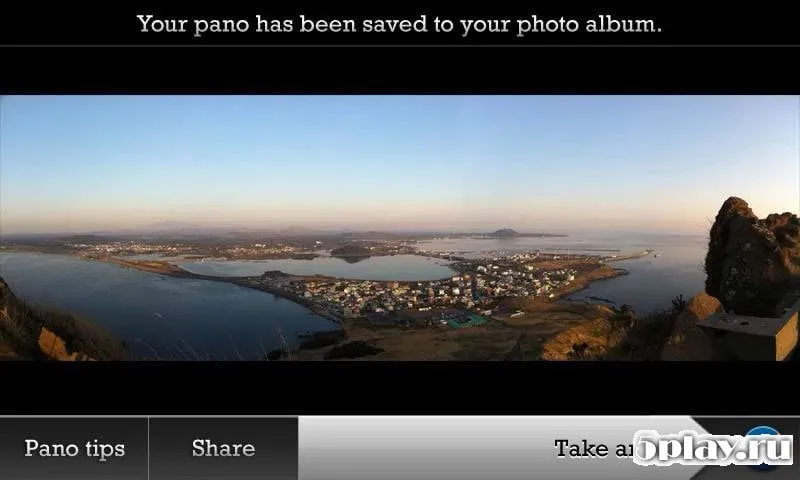
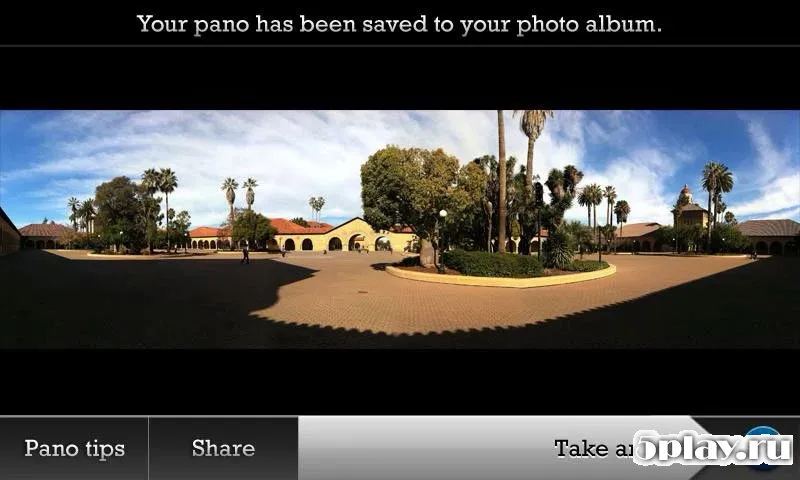
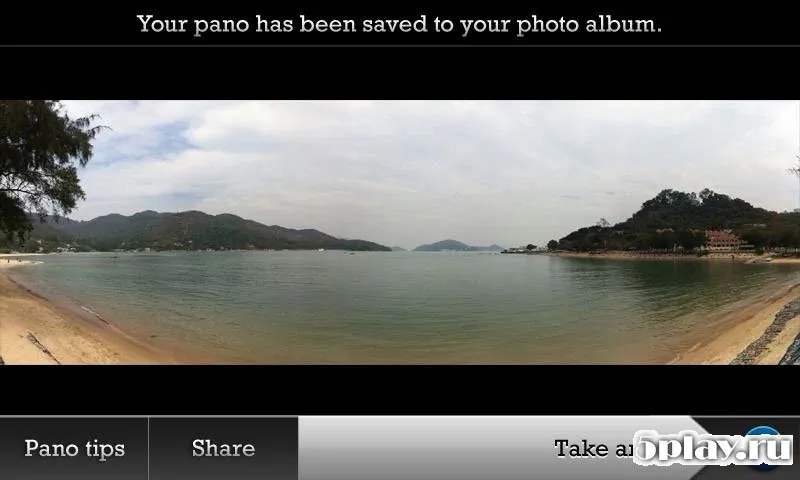
Pano is a specialized utility application designed for Android devices that enables users to create high-quality panoramic photos with ease. Unlike many other camera apps that require precise alignment of frames during capture, Pano simplifies the process significantly. Users simply press the shutter button, and the application handles the rest automatically.
This streamlined approach makes it accessible for both professional photographers and casual users who want to capture scenic landscapes or wide interiors without technical hassle. The app features a user-friendly interface with several customizable parameters to enhance your photos. You can adjust settings such as image contrast, ISO sensitivity, and exposure levels to ensure optimal lighting conditions for every shot.
Additionally, Pano uses guide lines to help you maintain a steady horizontal or vertical alignment, ensuring smooth and seamless panoramas. This attention to detail helps in producing clear, distortion-free images that look professional. One of the standout features of Pano is its ability to create not only horizontal but also vertical panoramas.
The application seamlessly stitches up to sixteen individual images into a single 360-degree view. This capability allows for immersive full-circle shots that can be saved directly to your device's storage.
Availability and source
- Check the version, Android compatibility, developer and source in the app details block.
- Open the official app page on Google Play if a link is available.
- Before installing, review app permissions and use only sources you trust.
Frequently asked questions
How does Pano simplify panorama photography on Android?
Pano automatically stitches up to sixteen images into a seamless 360-degree panorama. Users just press the shutter, and the app handles alignment and stitching without requiring precise manual frame matching during capture.
What camera settings can be adjusted in the Pano app?
Users can adjust key photographic parameters including image contrast, ISO sensitivity, and exposure levels. These controls allow for tailored lighting and clarity in the final panoramic output.
Can Pano create vertical panoramas in addition to horizontal ones?
Yes, Pano supports both horizontal and vertical panoramic shots. The app uses guide lines to help users maintain proper alignment for either orientation, ensuring clear and distortion-free results.
Where are the finished panoramic photos saved in Pano?
All created panoramic images are saved directly to the device's internal storage or SD card. Users can then easily access these files to share them on social media or send them to friends via messaging apps.
Similar apps
No comments yet. Be the first!