
PhotoLayers~Nalozenie foto
Open in Google PlayApp details
- Version
- 2.0.3
- Updated
- 02.11.2021
- Category
- Arcade
- Compatibility
- Android 4.1
- Package name
com.handycloset.android.photolayers- Source
- Official Google Play page
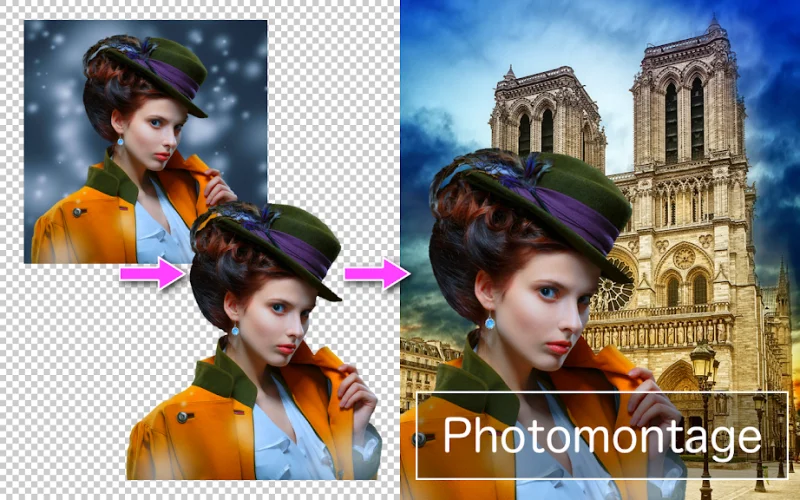
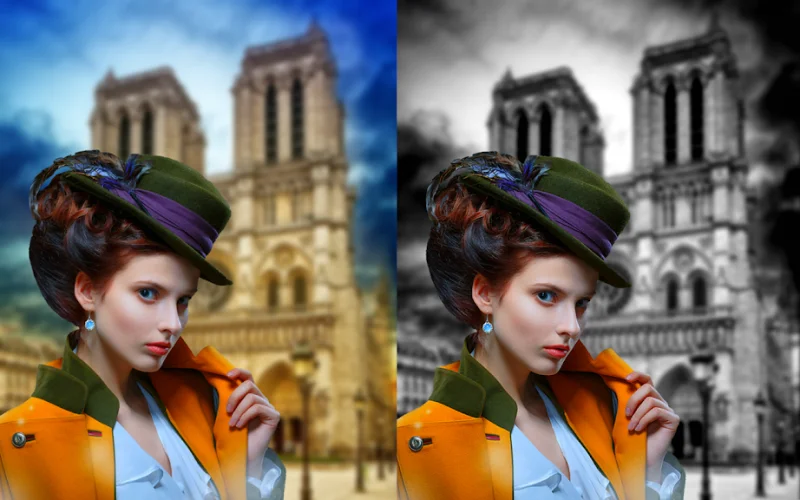
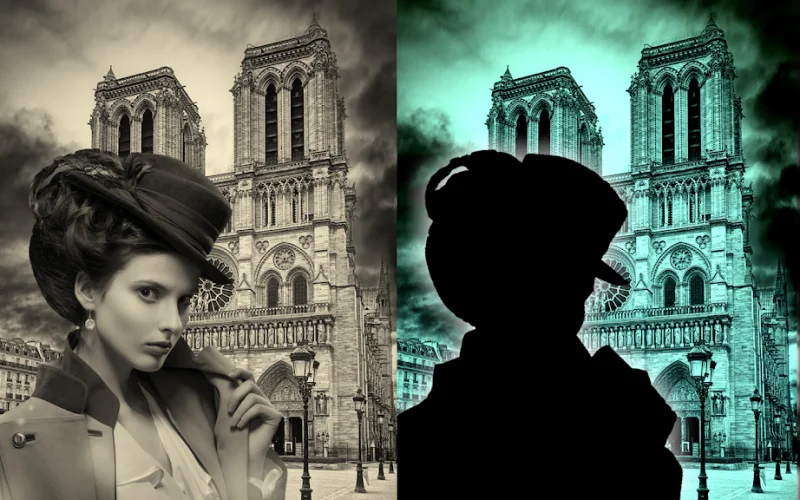
PhotoLayers~Nalozenie foto is a versatile application designed for working with photographs and images. It allows users to apply various effects and tools to transform ordinary pictures into artistic masterpieces. The app features a wide range of adjustable settings and functions, including layer editing, color tone changes, and background replacement options.
This makes it an ideal tool for both casual users and photography enthusiasts looking to enhance their visual content. The interface is intuitive and user-friendly, ensuring a smooth experience even for beginners. The beautiful design of the application adds to the overall aesthetic appeal, making it enjoyable to use.
With its straightforward navigation, users can quickly access the necessary tools without getting lost in complex menus. This simplicity helps in reducing the learning curve, allowing you to focus on creativity rather than technical details. One of the standout features of PhotoLayers~Nalozenie foto is its layer management system.
This functionality enables users to compose complex images by stacking multiple elements. You can adjust the opacity, blending modes, and positions of each layer to achieve the desired effect. Whether you are creating collages, adding text, or combining different photos, the layer system provides the flexibility needed for professional-looking results.
The app also offers robust color adjustment tools.
How to install the app
- Check the version, Android compatibility, developer and source in the app details block.
- Open the official app page on Google Play if a link is available.
- Before installing, review app permissions and use only sources you trust.
Frequently asked questions
What is PhotoLayers~Nalozenie foto?
It is an Android application designed for editing photographs and images using various effects, tools, and layer management systems.
Can I replace the background in this app?
Yes, the app includes a background replacement feature that allows you to seamlessly change the backdrop of your photos.
Is the interface easy to use for beginners?
Absolutely, the app features an intuitive and user-friendly interface that simplifies the photo editing process for all skill levels.
How do I save and share my edited photos?
You can save your edited images directly to your device's memory and share them with friends or on social media platforms.
Similar apps


No comments yet. Be the first!