
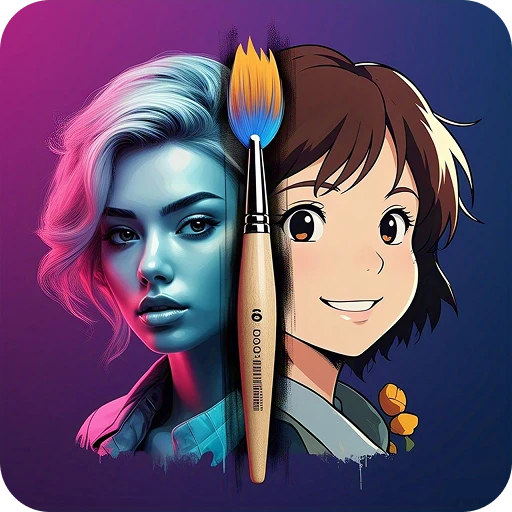
Pixel Loom: AI Image Generator
DownloadApp details
- Version
- 2.0.8
- Updated
- 28.09.2026
- Category
- Miscellaneous
- Compatibility
- Android 7.0+
- Package name
com.pixel.loom.ai.image.generator.android- Source
- Official Google Play page
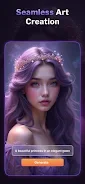
Pixel Loom: AI Image Generator is your creative companion, designed to transform text, photos, and ideas into stunning images powered by artificial intelligence. Whether you're looking to create fantasy art, anime characters, 3D visualizations, avatars, logo concepts, or tattoo ideas, this app provides powerful AI models that require no design experience. Simply describe your idea or upload a photo, choose a style, and Pixel Loom will instantly generate unique images ready for use and sharing.
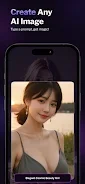
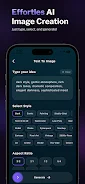
The app's main features include text-to-image generation, allowing you to input your idea and watch as AI turns it into artwork. It also offers a photo-to-art converter, transforming your photos into unique artistic styles. The art generator creates anime, fantasy, surreal, realistic, and 3D images based on your prompts, guiding the AI with your creative ideas.
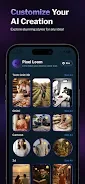
Additionally, you can generate profile avatars in various themes and styles. Pixel Loom is perfect for artists, content creators, anime and fantasy enthusiasts, tattoo and logo designers, and anyone wanting to create art with AI. In summary, Pixel Loom helps bring your ideas to life.
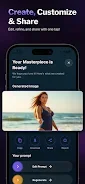
From magical landscapes to stylish avatars and creative concept art, this app allows you to quickly and effortlessly create memorable visuals. Your masterpiece begins with just one prompt.
How to install the app
- Check the version, Android compatibility, developer and source in the app details block.
- Open the Downloads tab and use the official source or an available catalog link.
- Before installing, review app permissions and use only sources you trust.
Frequently asked questions
What can I create with Pixel Loom?
You can create fantasy art, anime characters, 3D visuals, avatars, and more.
Do I need design experience to use Pixel Loom?
No, the app is designed for users of all skill levels.
How does the text-to-image generation work?
Simply input your idea, and the AI will generate artwork based on your description.
Can I use my own photos?
Yes, you can upload your photos to transform them into unique artistic styles.
Similar apps


No comments yet. Be the first!