

Steam
Open in Google PlaySpaceAPK does not provide APK files. A listed Google Play link is a reference: check the store for availability, version, price and paid features. The catalog version is not offered as a downloadable file.
App details
- Recorded version
- 2.3.10
- Updated
- 08.09.2021
- Category
- Arcade
- Compatibility
- Android 2.2
- Package name
com.valvesoftware.android.steam.community- Source
- Google Play reference
Steam is the premier gaming platform developed by Valve Corporation, now available on Android devices. This application allows you to stay connected with friends and manage your game library from anywhere in the world. Whether you are commuting, relaxing at home, or traveling, the app ensures you never miss out on updates or social interactions within the gaming community.
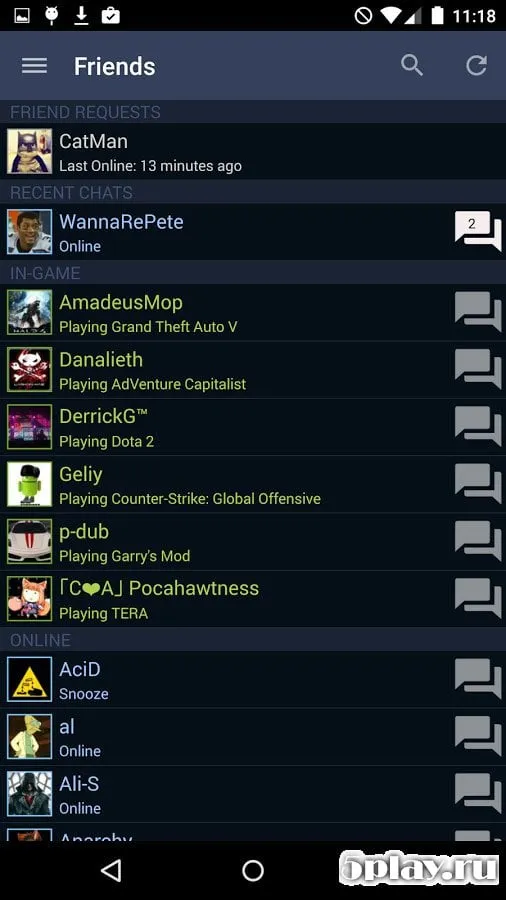
The app provides a comprehensive suite of tools for managing your gaming experience. You can browse profiles of other users, read detailed reviews of popular titles, and stay informed about the latest news from the gaming world. The interface is designed to be intuitive, making it easy to navigate through store categories, manage your wishlist, and check the status of your friends' online presence.
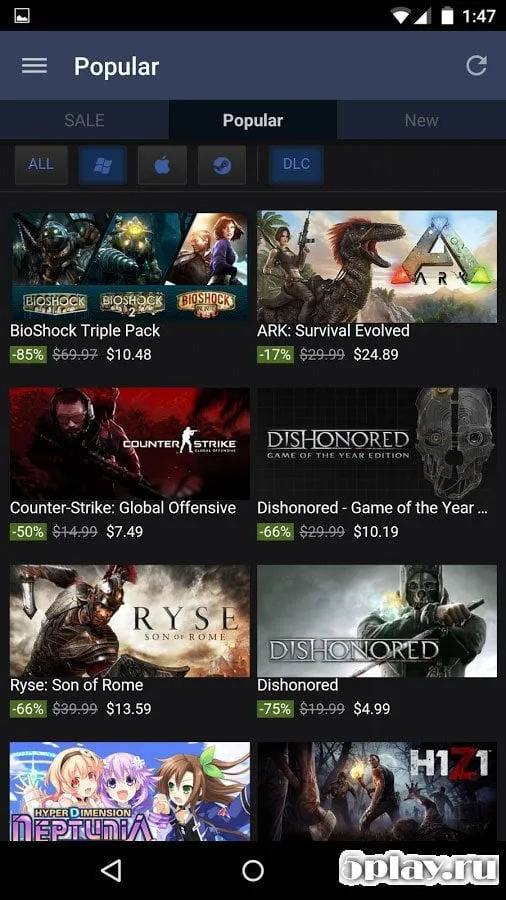
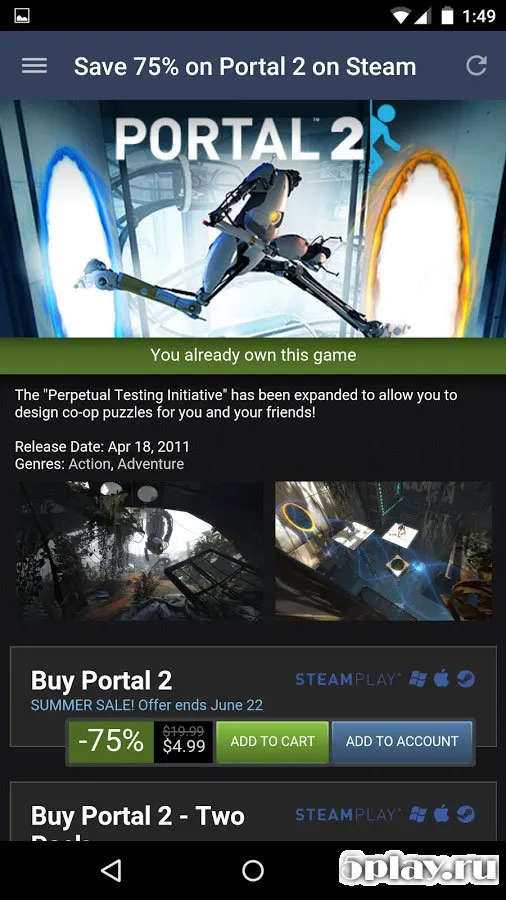
One of the key features of the Steam Android app is its ability to keep you updated on current promotions and sales. You can discover great deals on your favorite games without needing to be at your desktop computer. The app ensures you are always aware of limited-time offers, allowing you to expand your library with high-quality titles at discounted prices.
The design of the application is sleek and modern, offering a pleasant visual experience. The color palette is carefully chosen to be easy on the eyes, ensuring that long browsing sessions do not cause fatigue.
Availability and source
- Check the version, Android compatibility, developer and source in the app details block.
- Open the official app page on Google Play if a link is available.
- Before installing, review app permissions and use only sources you trust.
Frequently asked questions
Is Steam for Android free to download?
Yes, the Steam application for Android devices is completely free to download and install from the Google Play Store or via APK files.
Can I play PC games on my Android phone using Steam?
While you cannot play full PC games directly on Android, you can use the app to manage your library, stream games via Steam Link, and chat with friends.
Does the Steam Android app support offline mode?
The app allows you to browse your library and read store pages offline, but real-time features like chat and store updates require an internet connection.
How do I purchase games on the Steam Android app?
You can browse the store, add games to your cart, and complete purchases using your Steam Wallet balance or supported credit cards directly within the app.


No comments yet. Be the first!