
Tasker
Open in Google PlayApp details
- Version
- 6.6.18 (5443)
- Updated
- 10.08.2021
- Category
- Tools
- Package name
net.dinglisch.android.taskerm- Developer
- joaomgcd
- Source
- Official Google Play page
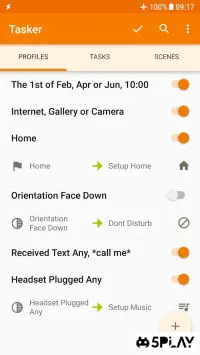
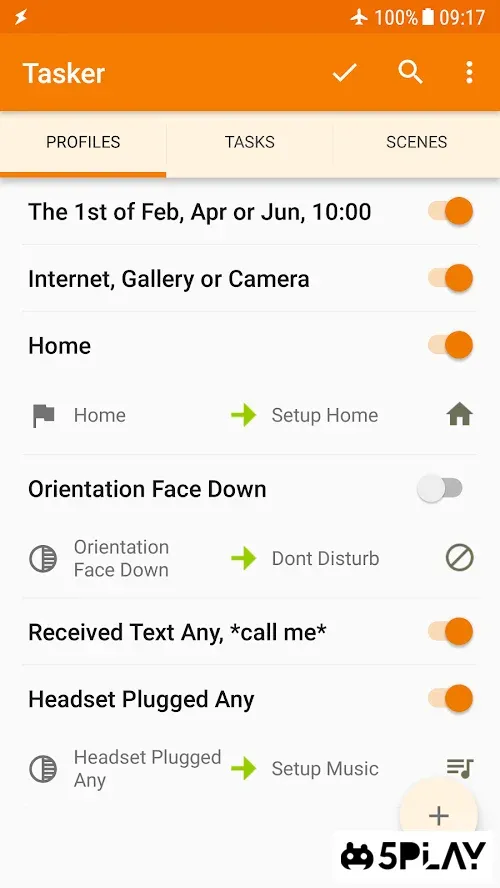
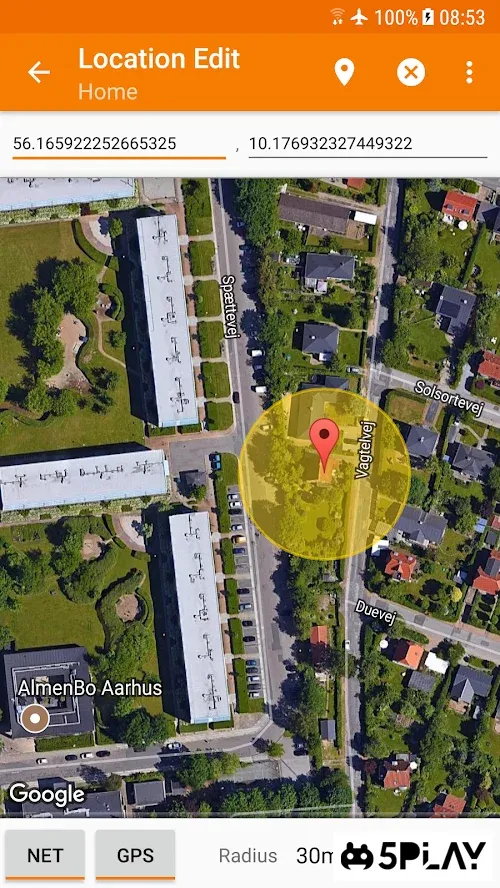
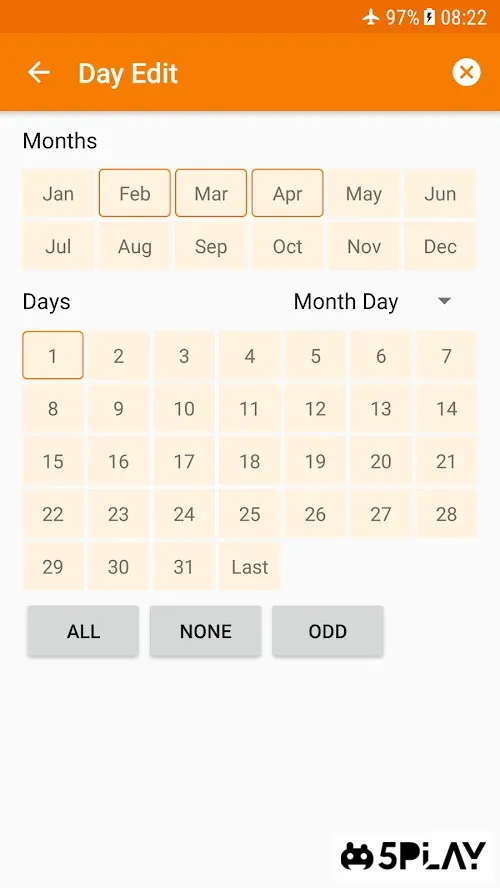
Tasker is a powerful and versatile automation tool designed to transform how you interact with your Android device. By allowing you to automate daily processes, it saves time and reduces repetitive manual tasks. Whether you need to adjust settings based on location, time, or device state, Tasker provides the flexibility to create custom profiles that adapt to your specific needs.
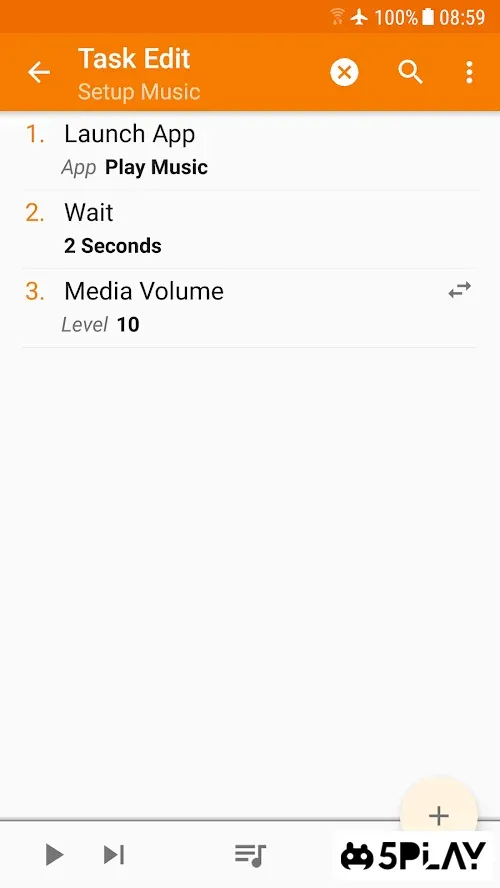
This makes it an essential companion for power users who want to personalize their Android experience. The application functions as a task constructor, enabling you to manage and control the operating system with precision. You can define specific conditions and actions that trigger automatically, such as sending messages, changing connectivity settings, or adjusting volume levels.
Each task is saved within the app, allowing you to review, edit, or modify them at any time. This ensures that your automation workflows remain organized and up-to-date as your habits and requirements evolve. One of the standout features is the ability to create automatic responses to missed notifications and ringtones.
You can set up rules to handle interruptions intelligently, ensuring you stay informed without being overwhelmed. For instance, you can configure the app to switch to a silent mode during meetings or when you are in a specific location. This level of customization helps maintain focus and reduces digital clutter in your daily routine.
Tasker also excels in managing connectivity.
How to install the app
- Check the version, Android compatibility, developer and source in the app details block.
- Open the official app page on Google Play if a link is available.
- Before installing, review app permissions and use only sources you trust.
Frequently asked questions
What is Tasker and how does it work?
Tasker is an Android automation app that allows users to create custom profiles and tasks. It monitors device states and triggers actions automatically based on predefined conditions, such as location, time, or connectivity status, making daily routines more efficient.
Can Tasker automate responses to missed calls?
Yes, Tasker can be configured to send automatic text messages or emails when you miss a call. You can set specific rules for when these responses should trigger, ensuring you stay connected even when you are unable to answer directly.
Does Tasker support Wi-Fi and Bluetooth automation?
Absolutely. Tasker allows you to automate Wi-Fi and Bluetooth connections based on various triggers. For example, you can set it to connect to your home Wi-Fi when you arrive and turn on Bluetooth when you connect to your car's audio system.
Is Tasker suitable for beginners?
While Tasker has a steep learning curve due to its extensive features, it is suitable for beginners who are willing to explore. The app offers a wide range of pre-made profiles and a user-friendly interface that simplifies the creation of basic automation tasks.
Similar apps
No comments yet. Be the first!