

Telegram
Open in Google PlayApp details
- Updated
- 07.08.2021
- Package name
org.telegram.messenger- Source
- Official Google Play page
Telegram is a unique application designed as a powerful cross-platform messenger that has revolutionized the way users communicate. With its rapid development and modern technology, it serves as a reliable alternative to traditional communication methods. The platform is built to be intuitive and functional, requiring no special effort to master, making it accessible to everyone from casual users to tech enthusiasts.
One of the standout features of Telegram is its extensive cross-platform support. You can seamlessly sync your messages across various devices, including Linux, Android, macOS, Windows, and more. This ensures that your conversations are always available, no matter which device you are using at the moment.
The cloud-based storage means you can switch between devices without losing any data or history. Getting started is incredibly easy. Unlike other social networks that require complex passwords and email verifications, Telegram simplifies the process.
You simply verify your phone number with an SMS code and you are ready to go. This streamlined onboarding process allows you to start communicating quickly and efficiently, without the hassle of remembering multiple credentials. The interface is lightweight, fast, and visually appealing, providing a pleasant user experience.
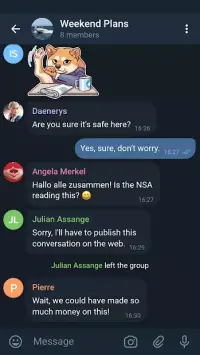
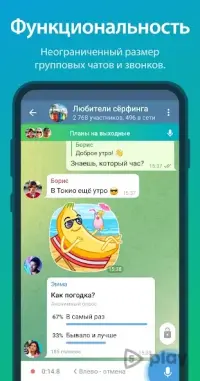
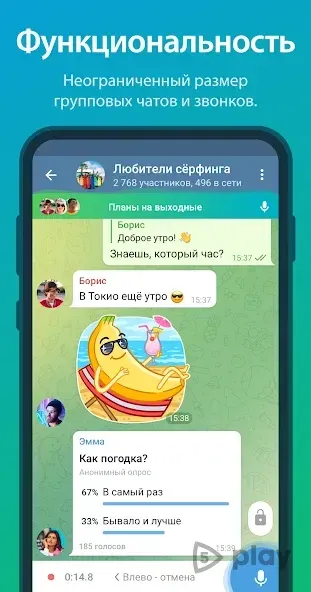
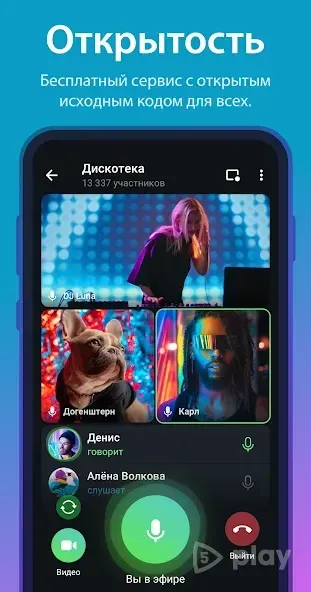
Telegram offers a rich set of features, including the ability to create diverse groups and channels.
How to install the app
- Check the version, Android compatibility, developer and source in the app details block.
- Open the official app page on Google Play if a link is available.
- Before installing, review app permissions and use only sources you trust.
Frequently asked questions
Is Telegram free to use on Android?
Yes, Telegram is completely free to download and use on Android devices without any hidden fees or subscription costs for standard features.
Does Telegram support cross-platform messaging?
Yes, Telegram supports seamless messaging across Android, iOS, Windows, macOS, Linux, and web browsers, keeping your chats synchronized everywhere.
How secure is Telegram compared to other apps?
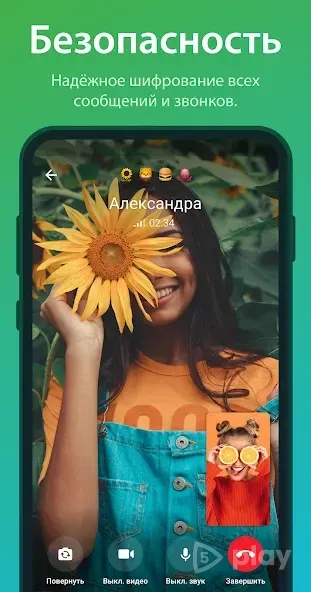
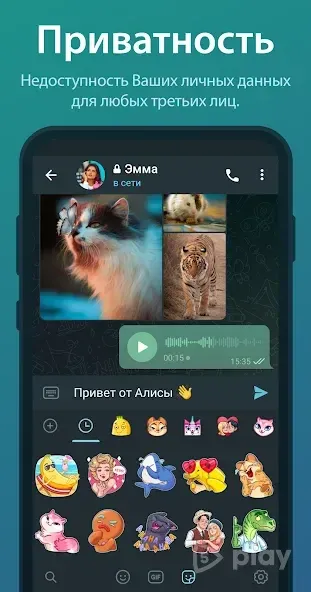
Telegram uses a custom MTProto protocol and stores data in the cloud, offering fast and secure messaging with optional secret chats for end-to-end encryption.
Can I share large files on Telegram?
Yes, Telegram allows users to share large files up to 2GB each, including documents, videos, and music, making it ideal for transferring media quickly.

No comments yet. Be the first!