

TickTock-TikTok Live Wallpaper
DownloadApp details
- Version
- 36.0
- Updated
- 22.09.2026
- Category
- Tools
- Compatibility
- Android 4.1+
- Package name
com.zhiliao.musically.livewallpaper- Developer
- TikTok Pte. Ltd.
- Source
- Official Google Play page
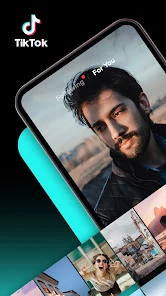
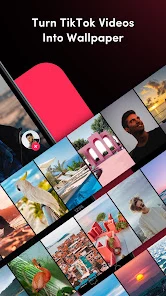
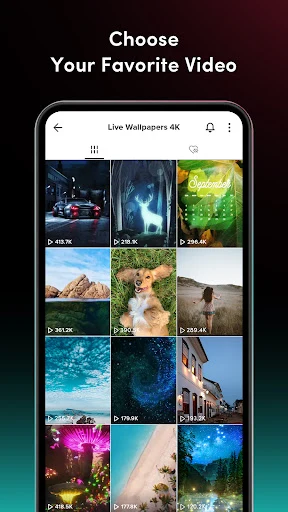
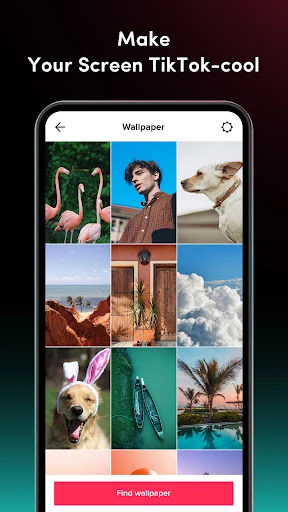
Transform your favorite TikTok videos into dynamic live wallpapers for your smartphone or tablet in just a few minutes. This application offers a simple, light, and fun way to personalize your device's interface. You can turn any video from the popular platform into an exciting live background that enlivens your lock screen and home screen.
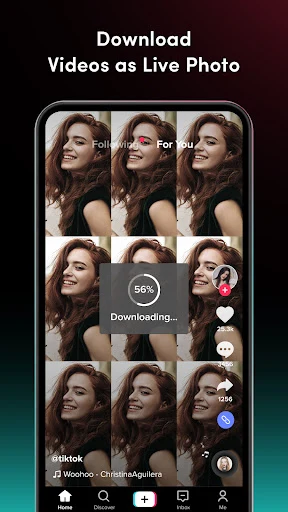
The setup process is maximally intuitive and does not require special skills or technical expertise. To begin, open TikTok and scroll through the videos to find the one you like best. Then, save your favorite video in the Live Photo format.
After that, go to the file manager, select the downloaded file, and set it as the wallpaper. Everything is ready - your device now has a unique dynamic appearance. You can download an unlimited number of videos, limited only by your phone's storage space, and create a whole collection of wallpapers for regular image updates.
The app is perfect for all TikTok content enthusiasts. It works ideally with various genres: from funny pranks and dance trends to anime, animal videos, music clips, and sports moments. Everyone can find a video that matches their tastes and turn it into a live background.
This is a great option for those who want to add more attractiveness and individuality to their phone. Dynamic wallpapers look much more exciting than static photographs and allow you to change the interface so it does not get boring. The technology of converting video to live wallpaper works flawlessly.
How to install the app
- Check the version, Android compatibility, developer and source in the app details block.
- Open the Downloads tab and use the official source or an available catalog link.
- Before installing, review app permissions and use only sources you trust.
Frequently asked questions
How do I set a TikTok video as a live wallpaper?
Save the TikTok video as a Live Photo, open your file manager, select the file, and choose the option to set it as your device's wallpaper.
Does this app work with all TikTok video genres?
Yes, it works with various genres including funny pranks, dance trends, anime, animal videos, music clips, and sports moments.
Is there a limit to how many videos I can use?
You can download an unlimited number of videos, limited only by the storage space available on your phone or tablet device.
Does the wallpaper play on the lock screen?
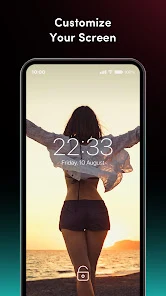
Yes, when you enter the password on the lock screen, your favorite video starts playing, creating an effect of presence right on your device.
Similar apps







No comments yet. Be the first!