
Touchgrind Skate 2
DownloadApp details
- Version
- 2.3.2 (82)
- Updated
- 19.11.2021
- Category
- Racing
- Package name
se.illusionlabs.skate2- Developer
- Illusion Labs
- Source
- Official Google Play page
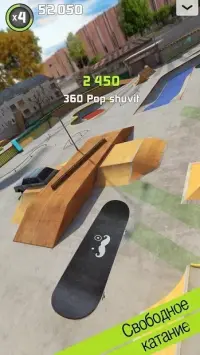
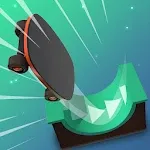
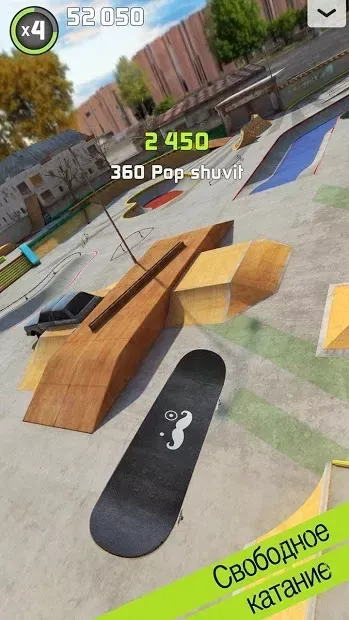
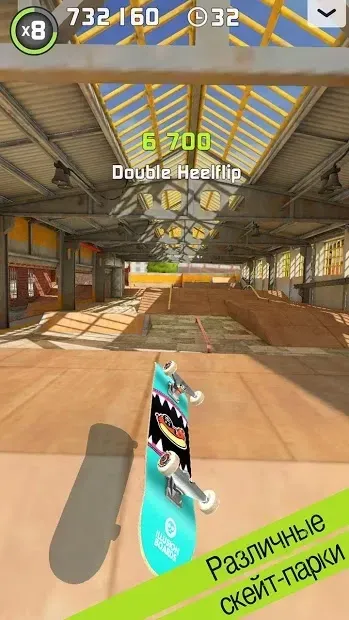
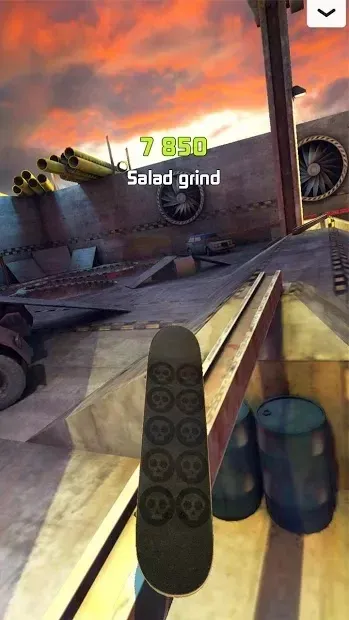
Touchgrind Skate 2 delivers a realistic and immersive fingerboard simulation experience that has evolved significantly from its predecessors. This sequel brings advanced physics and intuitive controls to your Android device, allowing you to feel the authentic sensation of riding a skateboard with your fingertips. The game is designed for players who appreciate depth and precision, offering a challenging yet rewarding environment for skateboarding enthusiasts.
Mastering the controls requires practice and dexterity. To move forward, you must slide your fingers across the touch-sensitive screen, mimicking the motion of pushing a board. Performing a jump involves a specific sequence: lift your middle finger off the display first, followed by your back finger.
This multi-touch mechanic allows for a wide variety of tricks that mirror real-life skateboarding maneuvers, making every landing feel satisfying. The game features a robust training mission system that guides you through the fundamentals. These missions detail the principles of control and help you execute complex tricks step by step.
Precision is key; you must learn the exact placement and movement of your fingers on the virtual board. The ability to lift a finger at the precise moment is crucial, requiring intense concentration and muscle memory to succeed in more difficult stunts. Expect a steep learning curve as you progress.
How to install the app
- Check the version, Android compatibility, developer and source in the app details block.
- Open the Downloads tab and use the official source or an available catalog link.
- Before installing, review app permissions and use only sources you trust.
Frequently asked questions
How do you perform a jump in Touchgrind Skate 2?
To perform a jump, you must first lift your middle finger off the screen and then lift your back finger. This specific sequence allows the board to pop and execute aerial tricks effectively.
Is Touchgrind Skate 2 suitable for casual players?
The game features a steep learning curve and requires significant practice to master complex tricks. It is best suited for players who enjoy detailed mechanics and are willing to invest time to improve their skills.
What makes the controls in this fingerboard game unique?
The controls rely on multi-touch gestures on the Android screen. You slide fingers to move and use specific lift sequences to perform tricks, mimicking real skateboarding physics and board dynamics.

No comments yet. Be the first!