

VSCO
Open in Google PlayApp details
- Version
- 496 (103033494)
- Updated
- 24.10.2021
- Category
- Android applications
- Package name
com.vsco.cam- Developer
- VSCO
- Source
- Official Google Play page
VSCO is a premier mobile application designed for Android devices that serves as both a powerful photo editor and a creative social network. It strips away unnecessary clutter to focus entirely on what matters most: your imagery. The interface is built for photographers and visual enthusiasts who want precise control over their digital art without being overwhelmed by complex menus or distracting elements.
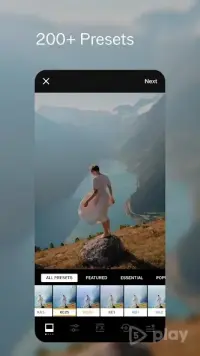
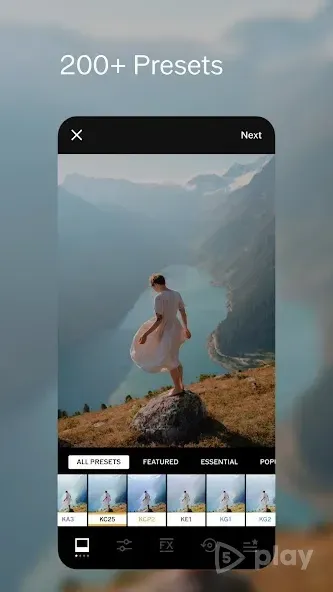
This streamlined approach ensures that you can concentrate fully on the aesthetic details of your photos. The app provides an extensive collection of professional-grade filters and editing tools. Users can access a vast library of presets that instantly transform ordinary snapshots into visually striking images.
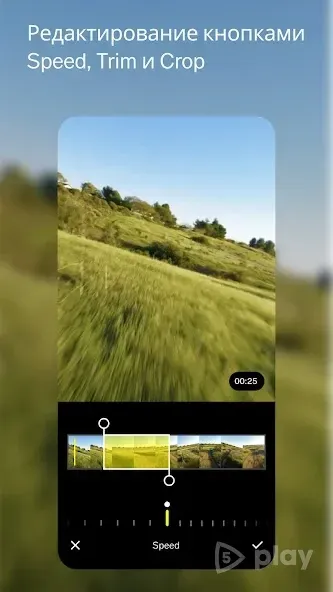
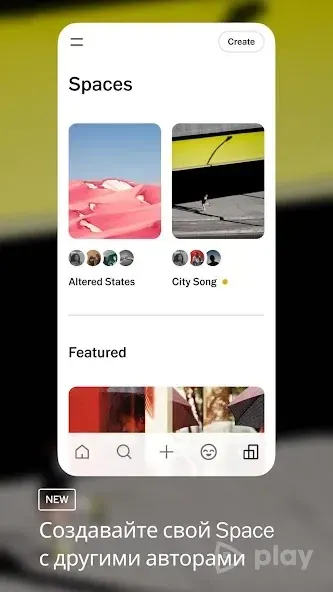
Beyond simple filters, VSCO offers advanced manual controls for adjusting exposure, contrast, saturation, and more. These tools allow for granular customization, enabling you to fine-tune every aspect of your image to match your unique artistic vision and style preferences. One of the standout features of VSCO is its integrated social community.
Unlike traditional social media platforms, this network focuses purely on visual expression. There are no public likes, view counts, or comment sections to distract you from the content itself.
How to install the app
- Check the version, Android compatibility, developer and source in the app details block.
- Open the official app page on Google Play if a link is available.
- Before installing, review app permissions and use only sources you trust.
Frequently asked questions
What makes VSCO different from other photo editors?
VSCO combines professional editing tools with a minimalist social network that excludes likes and comments, focusing purely on visual aesthetics.
Does VSCO have a social media component?
Yes, VSCO includes a social network where users can share photos and explore content from other creators without the distraction of public metrics.
Is VSCO suitable for professional photographers?
Absolutely. It offers advanced manual controls for exposure, contrast, and color grading, making it a versatile tool for high-quality image editing.
Similar apps

No comments yet. Be the first!