
Action Launcher
DownloadApp details
- Version
- 52.0 (52000201)
- Updated
- 09.12.2021
- Category
- Browsers
- Package name
com.actionlauncher.playstore- Developer
- Action Launcher
- Source
- Official Google Play page
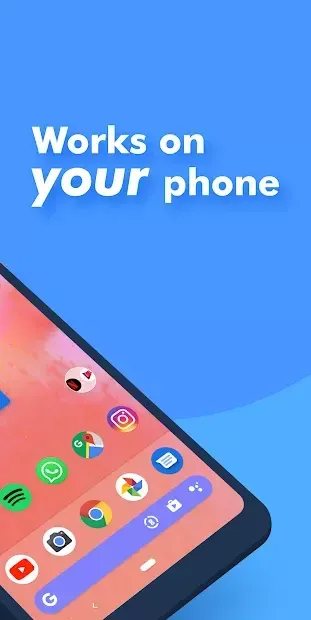
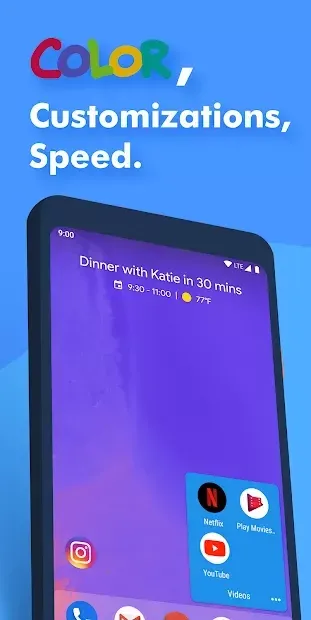
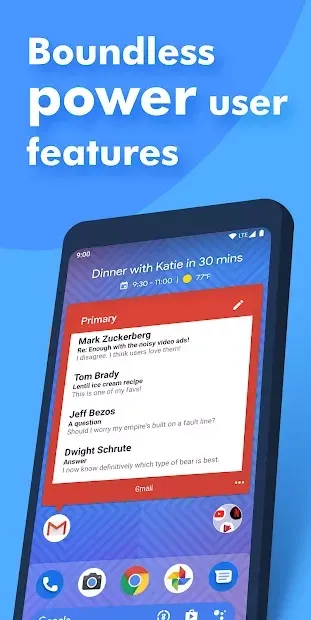
Action Launcher stands out as a unique program that allows you to change your work style from the inside out, both in terms of functionality and graphical composition. This utility boasts a large number of useful options that go beyond standard customization. While it includes the familiar ability to change the wallpaper on the home screen, it also offers deep customization for the main font, icons, status bar, and widgets.
Users can independently create the most suitable design using the integrated tools, ensuring a truly personal touch. The software distinguishes itself from similar developments by its simplicity and convenience, regardless of the work mode it offers to owners of modern smartphones running the Android operating system. Configuring visual effects in Action Launcher is a quite easy and comfortable task that does not require additional skills or knowledge.
Upon first connection, automatic installation sets the necessary parameters, including the required screen resolution, making the setup process seamless for all users. The application features premium design and quality optimization overall. It provides a wide range of options, with even the smallest details performing their work efficiently.
Users enjoy quick access to important sections that they often use, streamlining their daily interaction with the device.
How to install the app
- Check the version, Android compatibility, developer and source in the app details block.
- Open the Downloads tab and use the official source or an available catalog link.
- Before installing, review app permissions and use only sources you trust.
Frequently asked questions
What is Action Launcher primarily used for?
Action Launcher is primarily used to customize the look and feel of your Android home screen, allowing you to change fonts, icons, and widgets with ease.
Does Action Launcher require advanced technical skills?
No, Action Launcher is designed to be user-friendly, with automatic setup and intuitive tools that require no additional technical skills or knowledge to use effectively.
Can I change the font and icons in Action Launcher?
Yes, Action Launcher allows you to change the main font, icons, status bar, and widgets, giving you full control over the visual appearance of your device.
Is Action Launcher optimized for modern Android devices?
Yes, Action Launcher features premium design and quality optimization overall, ensuring smooth performance and quick access to important sections on modern Android devices.
Similar apps







Version history
Below are the catalog pages found for this app. When a source changelog is available, it will be added separately.
No comments yet. Be the first!