
POCO Launcher
DownloadApp details
- Updated
- 18.11.2021
- Category
- Tools
- Package name
com.mi.android.globallauncher- Source
- Official Google Play page
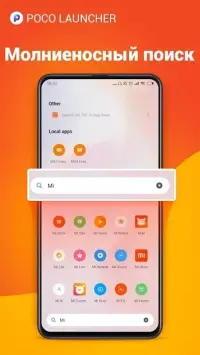
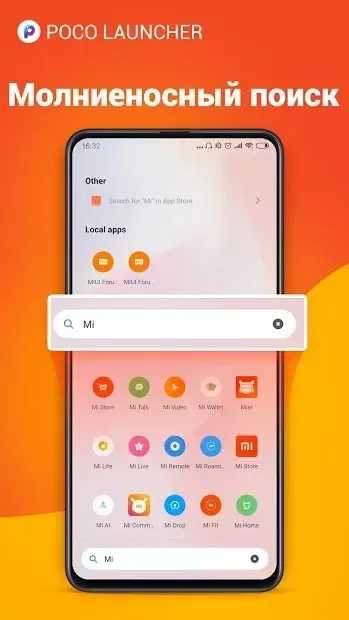
POCO Launcher is a streamlined Android application launcher designed to offer a clean, fast, and distraction-free user experience. Originally developed for the Xiaomi Pocofone F1, this launcher provides a fresh alternative to the standard MIUI interface found on most Chinese mobile devices. It is built for users who want a minimalist home screen without unnecessary bloat, ensuring smooth navigation and quick access to your most-used apps.
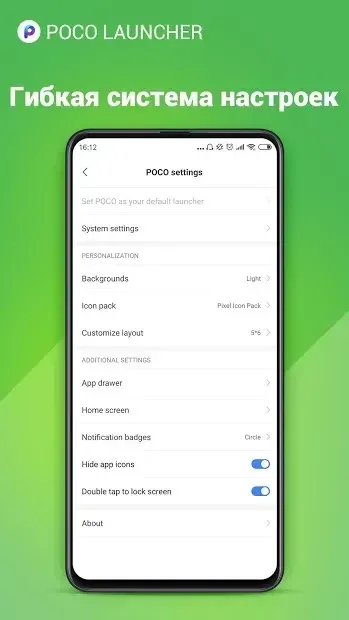
The interface is optimized for performance, reducing lag and providing a responsive feel that enhances daily smartphone usage. One of the standout features of POCO Launcher is its dedicated app drawer menu. This allows users to organize their home screen by displaying only the applications they need immediately, keeping the workspace tidy and uncluttered.
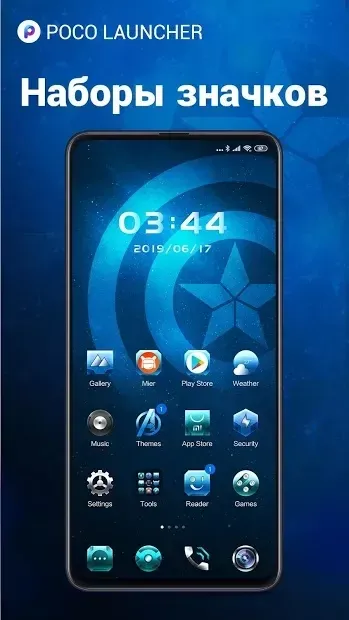
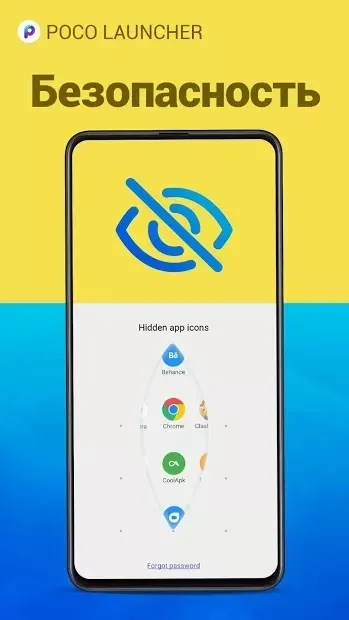
You can easily separate frequently used apps from the rest of your collection, creating a personalized and efficient layout. The launcher also supports third-party icons, giving you the flexibility to customize the visual appearance of your apps to match your style or theme preferences. Security and organization are further enhanced by the ability to set specific passwords for individual folders and apps.
This feature is particularly useful for protecting sensitive data or hiding specific applications from prying eyes without removing them from your device.
How to install the app
- Check the version, Android compatibility, developer and source in the app details block.
- Open the Downloads tab and use the official source or an available catalog link.
- Before installing, review app permissions and use only sources you trust.
Frequently asked questions
What is the main advantage of using POCO Launcher?
The main advantage is its clean, minimalist interface that reduces clutter and improves navigation speed compared to standard MIUI overlays.
Does POCO Launcher support third-party icon packs?
Yes, POCO Launcher fully supports third-party icon packs, allowing you to customize the look of your apps to suit your personal style.
Can I lock specific folders or apps with a password?
Yes, you can set specific passwords for individual folders and apps, providing an extra layer of security for your sensitive data and applications.
Similar apps



No comments yet. Be the first!