
Barcode Scanner
DownloadApp details
- Version
- 4.7.8
- Updated
- 01.11.2021
- Category
- Arcade
- Compatibility
- Android 2.3
- Package name
com.google.zxing.client.android- Source
- Official Google Play page
The Barcode Scanner application is a versatile utility designed to streamline the way you interact with product information and digital links. Originally, data for goods was stored primarily in linear barcodes. However, technology has evolved significantly.
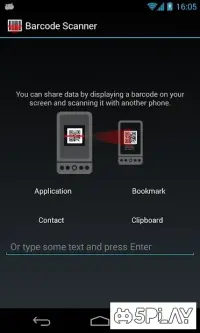
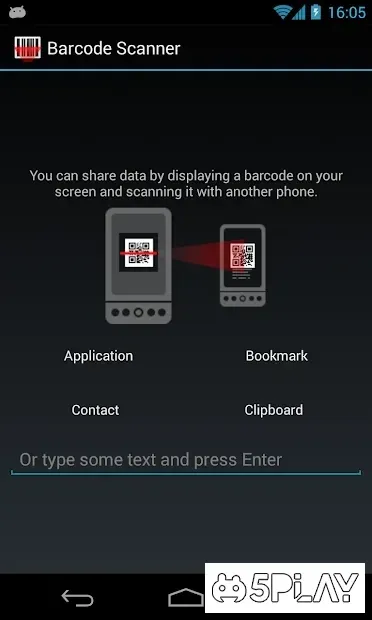
Modern QR codes can contain not only product details but also direct links to the internet, text messages, and other digital assets. This app allows you to utilize your smartphone's camera as a powerful scanner to read this information instantly. This utility is specifically engineered for scanning tasks.
It leverages your device's camera to recognize various types of barcodes and QR codes with high precision. The results are displayed directly on your screen or redirected to the corresponding internet resource. You can easily read the encoded data and process it immediately.
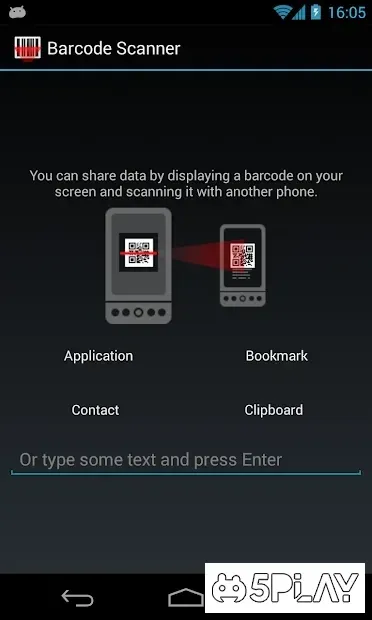
The interface is simple and intuitive, making the app convenient for daily use whether you are shopping, organizing inventory, or sharing digital content. Beyond reading codes, the Barcode Scanner app offers robust data management features. You can operate the extracted information efficiently and use it across a wide range of scenarios.
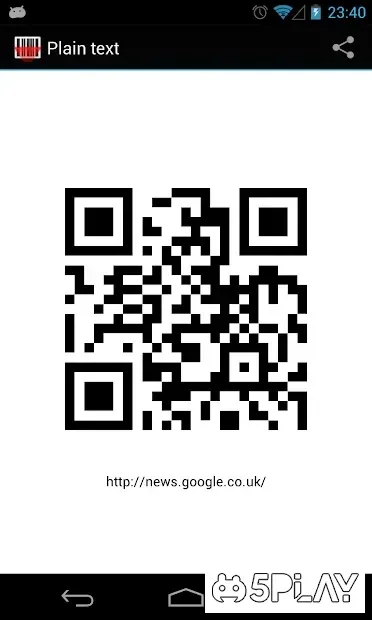
For instance, you can send the scanned data via email, add it to your contacts, or save it for later reference. The app supports converting data into codes as well, allowing you to encode messages or text values.
How to install the app
- Check the version, Android compatibility, developer and source in the app details block.
- Open the Downloads tab and use the official source or an available catalog link.
- Before installing, review app permissions and use only sources you trust.
Frequently asked questions
What types of codes can Barcode Scanner read?
The application is designed to recognize various types of barcodes and QR codes, including linear codes and modern QR formats containing links or text.
Can I use my phone camera with this app?
Yes, the app utilizes your smartphone's camera as a scanner to read encoded information and display the results directly on your screen.
Does the app support data encryption?
Yes, the Barcode Scanner app can convert data into codes and encrypt messages or text values, providing a secure way to share information digitally.
Is the interface easy to use for beginners?
The application features a simple and intuitive interface, making it convenient for users of all skill levels to scan codes and manage data efficiently.
Similar apps



No comments yet. Be the first!