
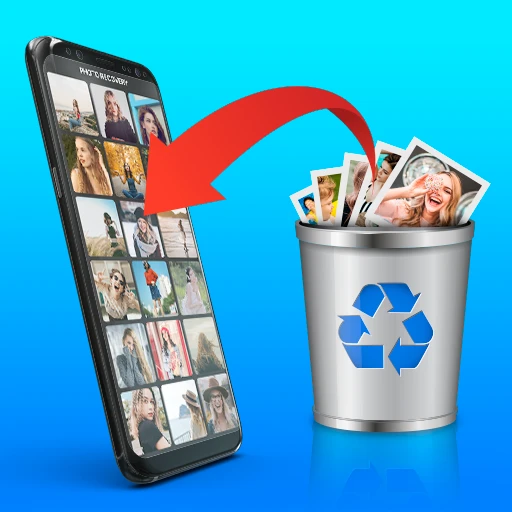
Deleted Photo Recovery
Open in Google PlaySpaceAPK does not provide APK files. A listed Google Play link is a reference: check the store for availability, version, price and paid features. The catalog version is not offered as a downloadable file.
App details
- Recorded version
- 1.8.6
- Updated
- 21.09.2026
- Category
- Tools
- Compatibility
- Android 7.0+
- Package name
com.cutestudio.filerecovery- Source
- Google Play reference
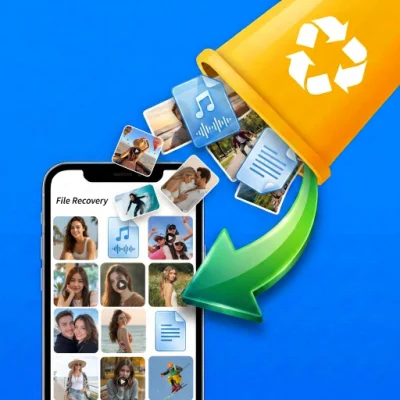
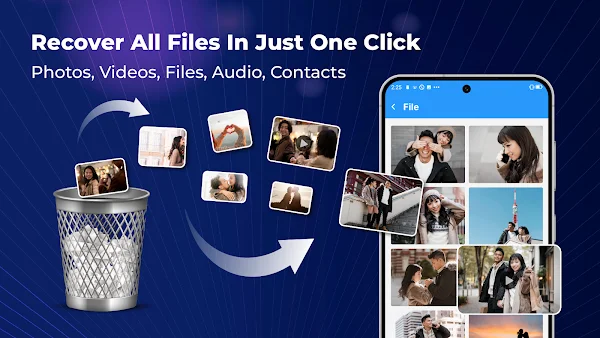
Accidentally deleted precious photos, videos, or audio files from your Android device? The Deleted Photo Recovery app offers a powerful and user-friendly solution to recover your lost memories with ease. This versatile file rescuer works seamlessly on both internal storage and SD cards, allowing you to retrieve deleted data without the need for rooting your device.
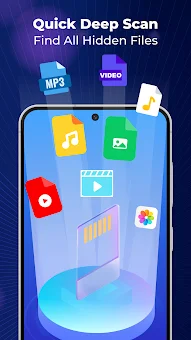
Whether you formatted your phone or simply emptied the trash, this tool helps you get your files back quickly. The process is incredibly simple and intuitive. Just tap the scan button, and the app automatically searches your device for all deleted and lost files.
It utilizes an advanced file retrieval algorithm to ensure that even files deleted after formatting are found. You can then restore them instantly with a single click or permanently delete them if they are no longer needed. The app supports batch recovery, making it efficient for restoring multiple items at once.
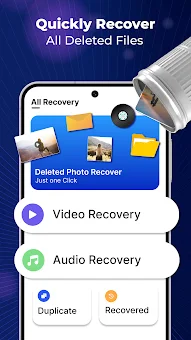
Advanced features enhance the recovery experience by providing powerful filters. You can sort recovered files by date, size, and folder, ensuring you find exactly what you are looking for without sifting through irrelevant data. The app also includes media-specific recovery modes for photos, videos, and audio, allowing you to target specific file types for faster results.
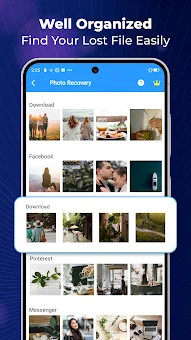
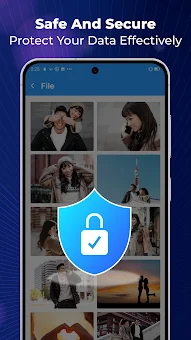
Deleted items are organized in a dedicated folder for easy management, viewing, and sharing. Deleted Photo Recovery is designed for convenience and speed.
Availability and source
- Check the version, Android compatibility, developer and source in the app details block.
- Open the official app page on Google Play if a link is available.
- Before installing, review app permissions and use only sources you trust.
Frequently asked questions
Does Deleted Photo Recovery require root access?
No, the app allows you to recover deleted files from your device or SD card without requiring root access, making it simple to use for all Android users.
Can I recover files after formatting my device?
Yes, the advanced file retrieval algorithm is designed to restore deleted files even after you have formatted your device, ensuring your data is not lost forever.
Is an internet connection required for recovery?
No, the app performs local scans on your device, so you do not need an active internet connection to recover your deleted photos, videos, or audio files.






No comments yet. Be the first!
Leave a comment