
Dropbox
Open in Google PlayApp details
- Version
- 492.2.2 (49220200)
- Updated
- 12.12.2021
- Category
- Android applications
- Package name
com.dropbox.android- Developer
- Dropbox, Inc.
- Source
- Official Google Play page
Dropbox is a leading cloud storage service that has earned global recognition for its reliability and ease of use. It serves a diverse user base, from students and professionals to accountants and casual users who need a dependable way to manage their digital lives. The application is designed to be intuitive, making it simple to organize and access your files from anywhere with an internet connection.
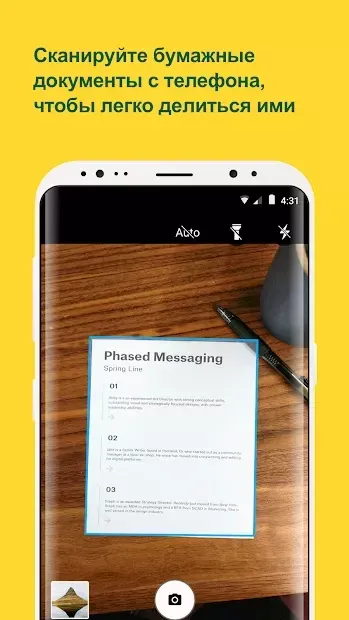
Store a wide variety of data types in the cloud, including important documents, high-resolution photos, and video files. The app allows you to easily edit files directly on your mobile device, ensuring you can work on the go without needing a desktop computer. You can also back up photos and videos from your device's memory, freeing up local storage space while keeping your memories safe.
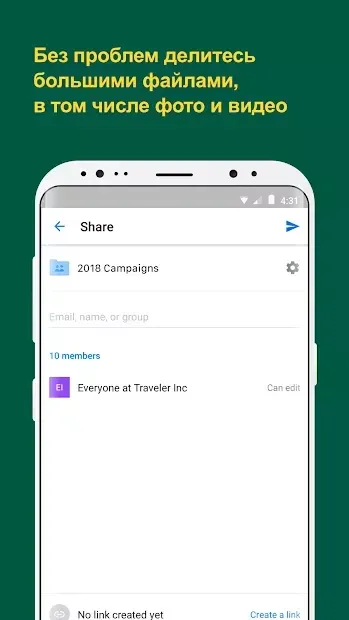
Sharing is seamless with Dropbox. You can quickly share files with friends, colleagues, or clients, making collaboration efficient and straightforward. This feature is particularly useful for teams working remotely or individuals who need to distribute large files without worrying about email attachment limits.
The service is an essential tool for anyone running low on device storage. Keep your critical information always accessible. Dropbox ensures that your files are synchronized across all your devices, so you have constant access to your work wherever you are.
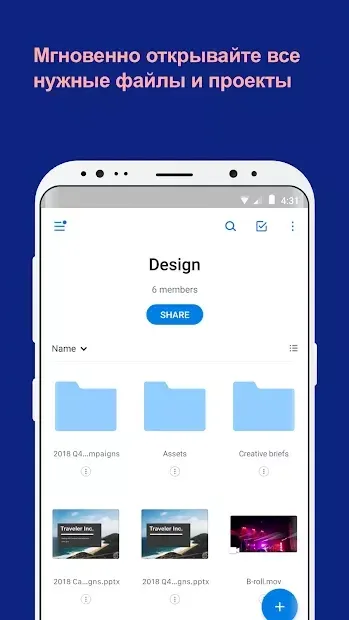
The interface is clean and straightforward, allowing for easy navigation and interaction with the product.
How to install the app
- Check the version, Android compatibility, developer and source in the app details block.
- Open the official app page on Google Play if a link is available.
- Before installing, review app permissions and use only sources you trust.
Frequently asked questions
Is Dropbox free to use?
Yes, Dropbox offers a free tier that allows users to store a limited amount of data in the cloud.
Can I edit files directly on the Android app?
Yes, the Dropbox app allows you to easily and quickly edit files directly on your mobile device.
Does Dropbox support multiple languages?
Yes, the application supports multiple languages, making it accessible to a global audience.
How does Dropbox help with device storage?
Dropbox stores your files in the cloud, allowing you to free up space on your Android device while keeping your data accessible.
Similar apps






Version history
Below are the catalog pages found for this app. When a source changelog is available, it will be added separately.
No comments yet. Be the first!