
DU Recorder
Open in Google PlayApp details
- Version
- 2.4.8.4 (100704)
- Updated
- 20.11.2021
- Category
- Multimedia
- Package name
com.duapps.recorder- Developer
- Screen Recorder & Video Editor
- Source
- Official Google Play page
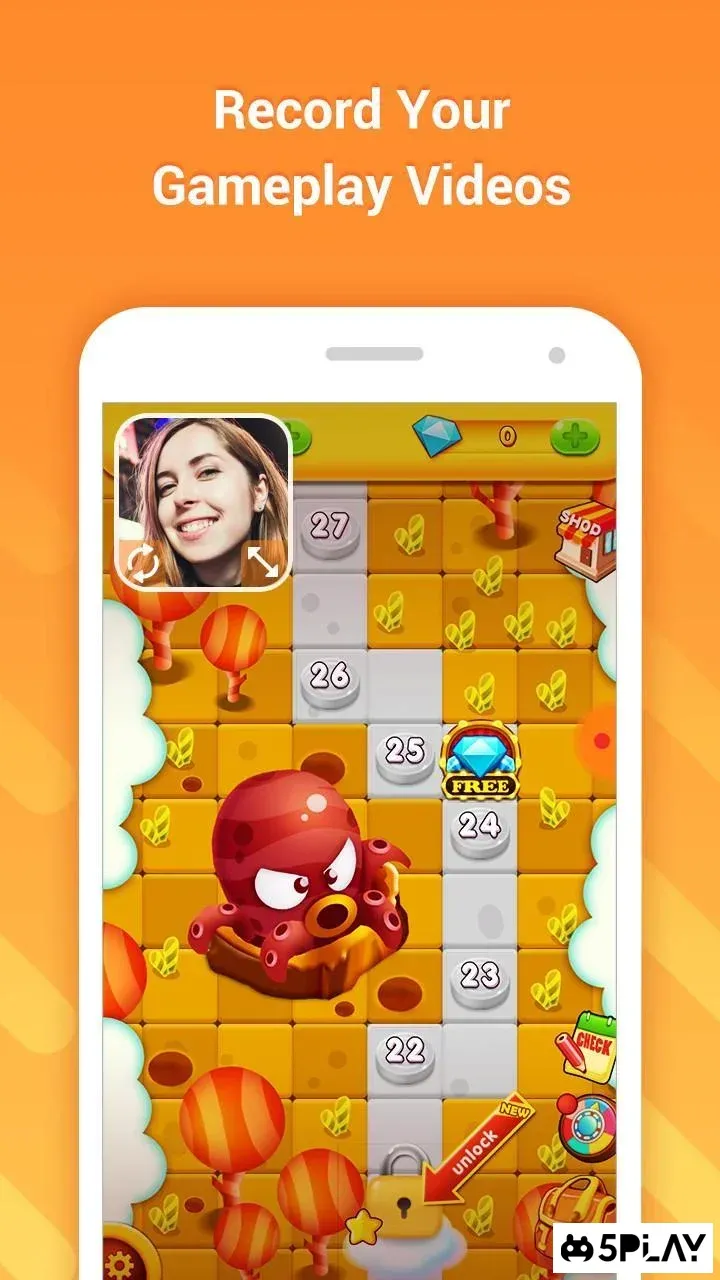
DU Recorder stands out as an exceptional utility application designed to help users effortlessly capture video of their mobile device screen. This versatile tool is particularly beneficial for individuals who create gaming highlights, record tutorials, or simply wish to document interesting moments and interactions happening on their Android devices. The application simplifies the process of screen recording, making it accessible to users of all technical skill levels.
One of the key features of DU Recorder is its ability to record videos in high definition. This ensures that the captured footage remains clear and detailed, preserving the visual quality of your games, apps, or video calls. The app optimizes the frame rate per second, allowing for smooth playback that accurately reflects the action on your screen.
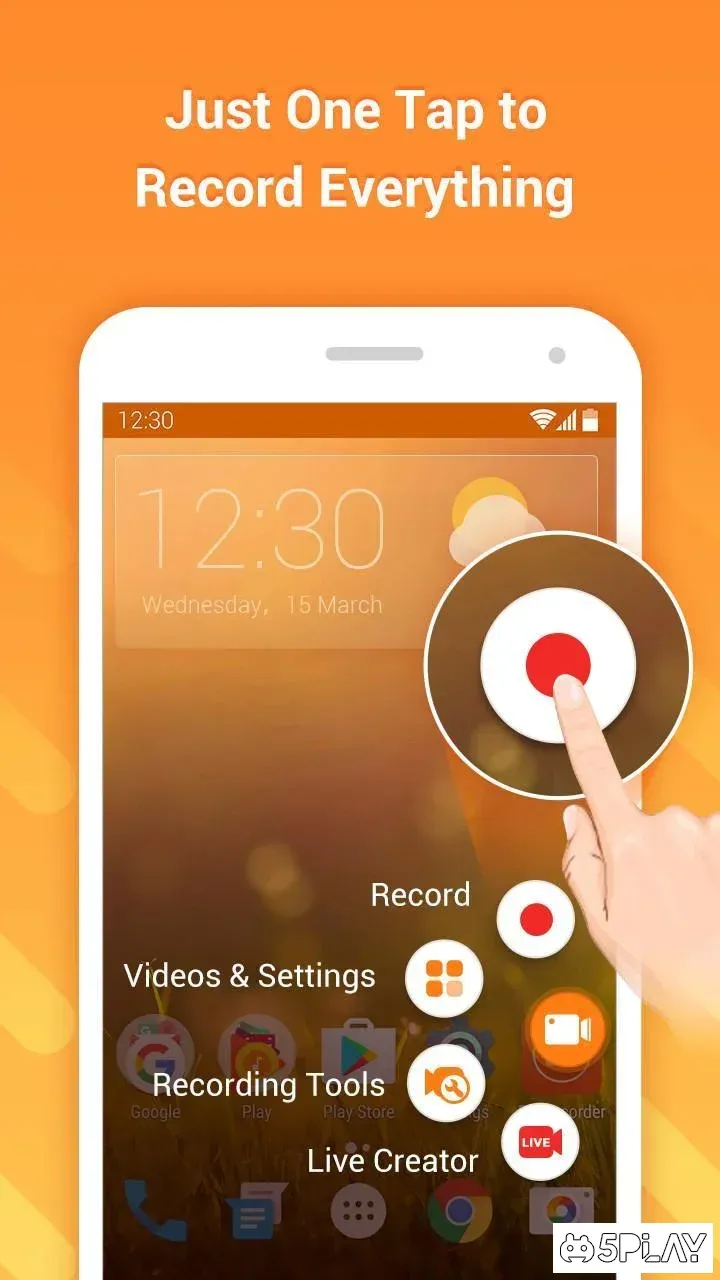
Whether you are streaming a fast-paced game or recording a calm instructional video, the output quality remains consistently sharp. Users can save their recorded videos directly to the device's internal storage or to an SD card, providing flexible options for managing large media files. The interface of DU Recorder is crafted to be intuitive and easy to navigate, ensuring that users can start recording with just a few taps.
There is no need for complex settings or lengthy tutorials to get started; the design prioritizes simplicity and user convenience. Beyond basic recording, the app offers additional functionalities that enhance the user experience.
How to install the app
- Check the version, Android compatibility, developer and source in the app details block.
- Open the official app page on Google Play if a link is available.
- Before installing, review app permissions and use only sources you trust.
Frequently asked questions
What is DU Recorder used for on Android devices?
DU Recorder is primarily used to capture video of your Android device's screen. It is ideal for recording gameplay, creating how-to tutorials, documenting app demonstrations, or saving important video calls and notifications for later reference.
Does DU Recorder support high-definition video recording?
Yes, DU Recorder supports high-definition video recording. It optimizes the frame rate per second to ensure smooth playback and maintains high visual quality, making the recorded content clear and easy to view on any screen.
Where are the recorded videos saved by DU Recorder?
Recorded videos can be saved directly to the device's internal storage or to an SD card, depending on your preference and available space. This flexibility allows you to manage your media files efficiently without running out of internal memory.
Is DU Recorder easy to use for beginners?
Yes, DU Recorder features an intuitive and simple interface designed for ease of use. Users can start recording with minimal effort, and the app does not require complex configurations, making it accessible for users of all technical skill levels.





No comments yet. Be the first!