
Glassify - Widgets & Themes
DownloadApp details
- Updated
- 24.10.2026
- Category
- Systemic
- Compatibility
- ANDROID
- Package name
com.mahmoudzadah.glassifywidgets- Developer
- Mahmoud Zadah
- Source
- Official Google Play page
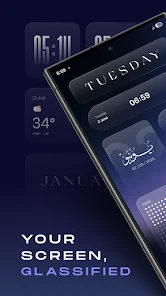
Transform your Android home screen into a personalized masterpiece with Glassify, a powerful widget application designed for deep customization. This app allows you to modify colors, fonts, number styles, and intricate details without needing separate editors. Unlike many alternatives, Glassify is built natively to ensure smooth performance and minimal battery drain, effectively replacing popular tools like KWGT while avoiding common update breakage issues.
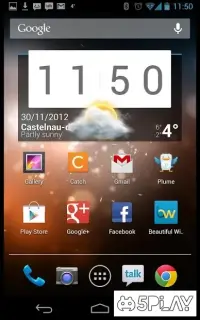
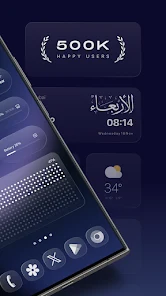
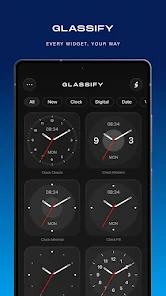
The interface is clean, stable, and offers extensive configuration options for users who prefer a streamlined experience over cluttered settings. Samsung users gain access to a unique feature: 14 new lock screen widgets that integrate directly into the lock screen settings without requiring Good Lock or LockStar. The library includes diverse clocks, weather widgets with automatic location detection, a minimalist calendar, and customizable reverse time displays.
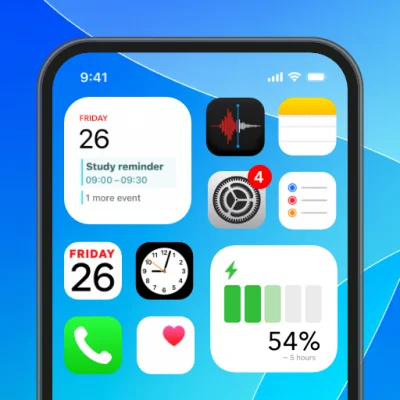
You can also track progress bars for days, months, or years, view system battery and memory info, and receive updates for sports scores. The app supports nine languages, including Ukrainian, English, and Portuguese, ensuring accessibility for a global audience. Glassify provides various widget sizes to fit any layout, from compact to large.
It features an exclusive real-time frosted glass effect that updates dynamically without static images, adding a modern aesthetic to your device.
How to install the app
- Check the version, Android compatibility, developer and source in the app details block.
- Open the Downloads tab and use the official source or an available catalog link.
- Before installing, review app permissions and use only sources you trust.
Frequently asked questions
Does Glassify work on all Android devices?
Yes, Glassify works on most Android devices, but compatibility with Huawei devices may be limited due to the absence of Google services.
Can I use Glassify without installing Good Lock?
Yes, Samsung users can access 14 exclusive lock screen widgets directly through the lock screen settings without needing Good Lock or LockStar.
What languages does the app support?
The app supports nine languages, including Ukrainian, English, French, German, Turkish, Indonesian, and Portuguese, among others.
Is Glassify lightweight on battery usage?
Yes, because the widgets are created natively, they ensure smooth operation and low battery consumption compared to background editors.


No comments yet. Be the first!