

5PLAY App
DownloadApp details
- Version
- 1.2
- Updated
- 27.09.2026
- Category
- Multimedia
- Compatibility
- Android 7.0
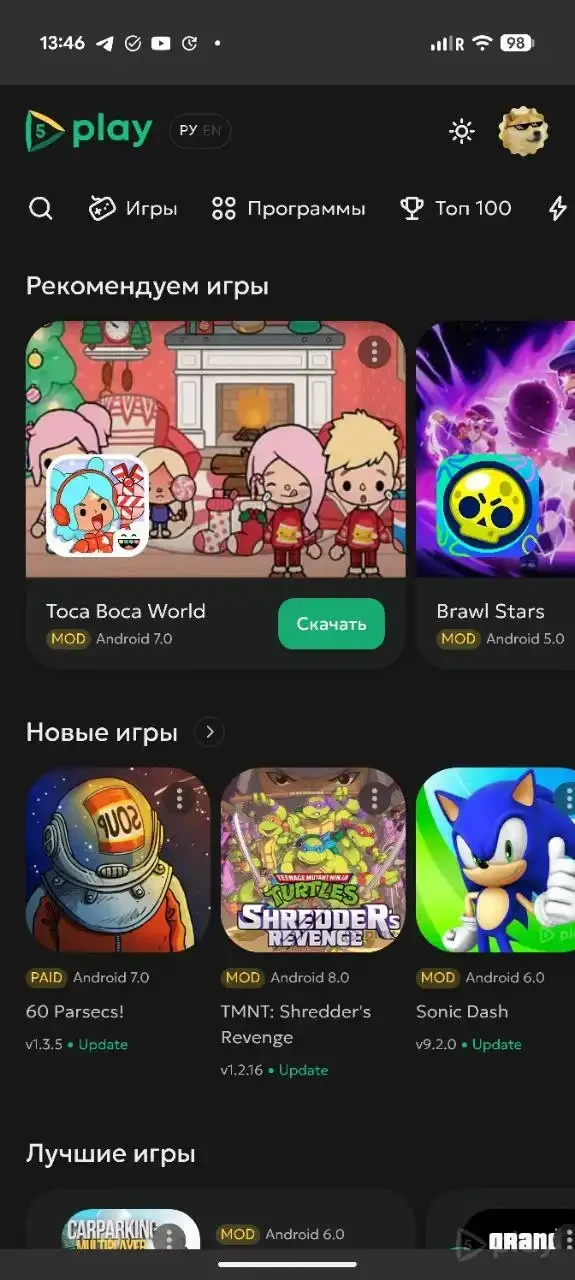
The 5PLAY App serves as the official client for 5play.org, designed to provide a straightforward way to access your favorite content without unnecessary tabs or long navigation paths. When you open the application, the familiar website interface appears instantly, offering a fast, clear, and organized experience right where you need it. This streamlined approach ensures that you spend less time looking for what you want and more time enjoying the content itself.
Navigation within the app is intuitive and efficient. You can swipe from the left edge to go back, pull down to refresh the page, or perform a long press on a link to access the context menu. These gestures make browsing smooth and responsive, allowing you to move through articles and media with ease.
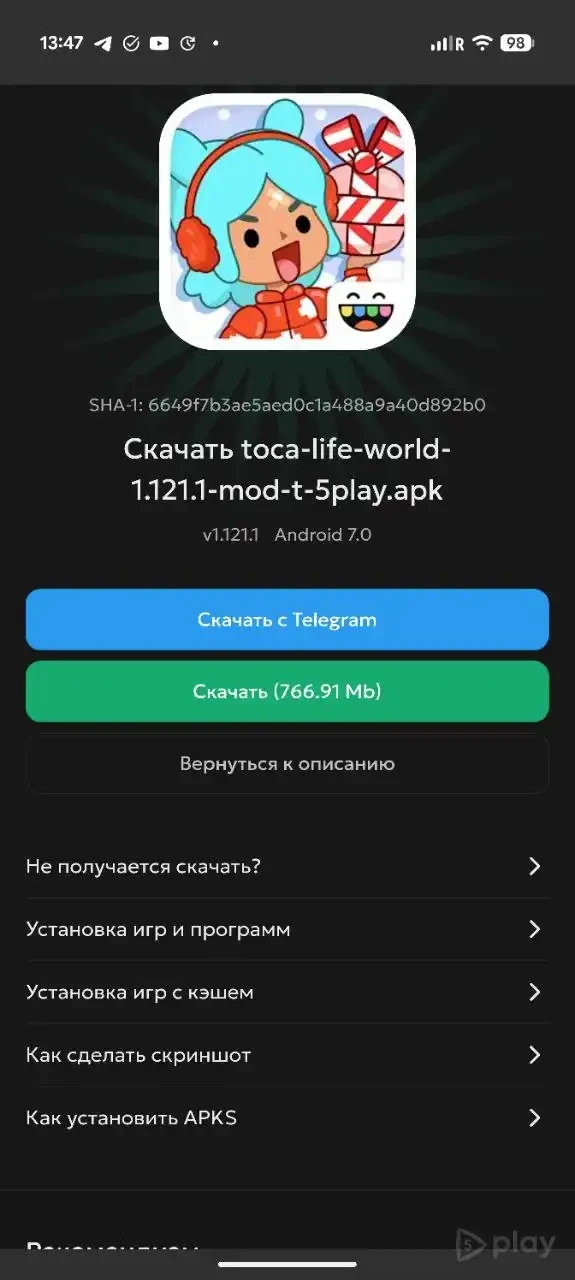
The interface is designed to be unobtrusive, helping you act quickly without distractions, making it ideal for users who value speed and simplicity in their daily digital interactions. A key feature of the 5PLAY App is its deep integration with the system download manager. Files are sent directly to the standard queue, where you can clearly see the progress and status in the notification bar.
This integration supports pausing and resuming downloads, as well as background downloading, ensuring that your data usage is managed efficiently even when you are not actively using the app.
How to install the app
- Check the version, Android compatibility, developer and source in the app details block.
- Open the Downloads tab and use the official source or an available catalog link.
- Before installing, review app permissions and use only sources you trust.
Frequently asked questions
How does the 5PLAY App handle downloads?
The app integrates with the system download manager, allowing files to be queued with visible progress, pause/resume options, and background downloading support for efficient data management.
Is the 5PLAY App free to use?
Yes, the 5PLAY App is a free client that provides easy access to the 5play.org website with enhanced features like gesture navigation and notification customization.
Can I customize notifications in the app?
Absolutely. The app allows you to receive alerts for download completions, important updates, and specific sections, all of which can be customized to suit your preferences.
How is navigation handled in the 5PLAY App?
Navigation is gesture-based, including swiping to go back, pulling down to refresh, and long-pressing links for context menus, making the experience fast and intuitive.
Similar apps








No comments yet. Be the first!