
All PDF Reader & PDF Editor
Open in Google PlayApp details
- Version
- 1.4.1
- Updated
- 19.09.2026
- Category
- Tools
- Compatibility
- Android 8.0+
- Package name
com.brighteasestudio.pdfreader.pdfeditor- Source
- Official Google Play page
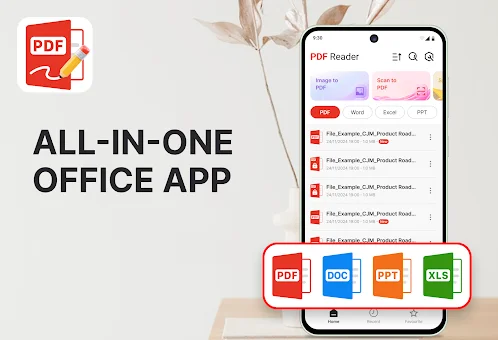
All PDF Reader & PDF Editor is a smart and universal add-on for working with documents on your smartphone. This instrument combines a convenient viewer, editor, scanner, and converter, allowing you to effectively manage everyday files. You can read study materials, edit PDF files, scan paper documents, convert photos to PDF format, and keep order in your files in one workspace.
A key advantage is the ability to open and read documents stored on the device, even in offline mode. This significantly simplifies access to important information during learning, work, or performing daily tasks when there is no stable internet connection. The add-on offers a comfortable workspace for reading.
You can scroll pages in vertical or horizontal mode, increase text scale, images, tables, and page details for a clear view. Built-in search allows you to quickly find the necessary information within the document and jump to a specific page. Text copying is supported, which is convenient for studying, reviewing, or referencing.
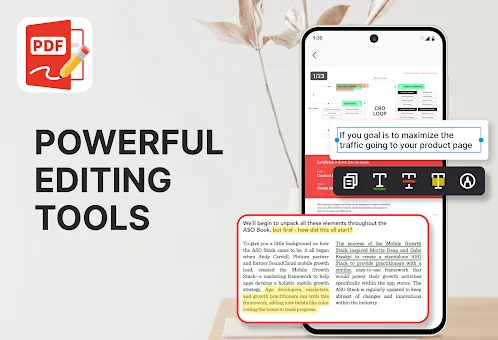
Users can switch between light and dark display modes, making reading easier in any lighting conditions. In editing mode, tools for annotations and document review are available. You can highlight text with a marker, underline or encircle important parts, and add notes and comments to pages.
There is also the ability to freehand drawing for explanations or reminders. These tools are ideal for marking lessons, forms, reports, and other PDF documents.
How to install the app
- Check the version, Android compatibility, developer and source in the app details block.
- Open the official app page on Google Play if a link is available.
- Before installing, review app permissions and use only sources you trust.
Frequently asked questions
Can I edit PDF files offline with this app?
Yes, you can open, read, and edit PDF documents stored on your device even without an internet connection, making it perfect for travel or areas with poor signal.
Does the app support scanning paper documents?
Absolutely. You can use your camera to scan notes, receipts, forms, and paper pages, then save them directly as digital PDF files for easy organization.
Can I convert images to PDF format?
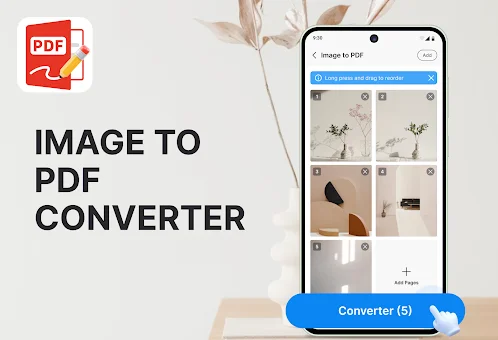
Yes, the app allows you to create PDF documents from images like JPG and PNG, as well as from supported office files such as Word and Excel documents.
No comments yet. Be the first!