
AndroZip Root File Manager
DownloadApp details
- Version
- 4.7.2
- Updated
- 16.10.2026
- Category
- Arcade
- Compatibility
- Android 2.2
- Package name
com.asrazpaid- Source
- Official Google Play page
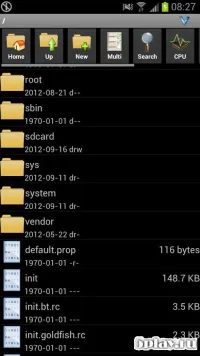
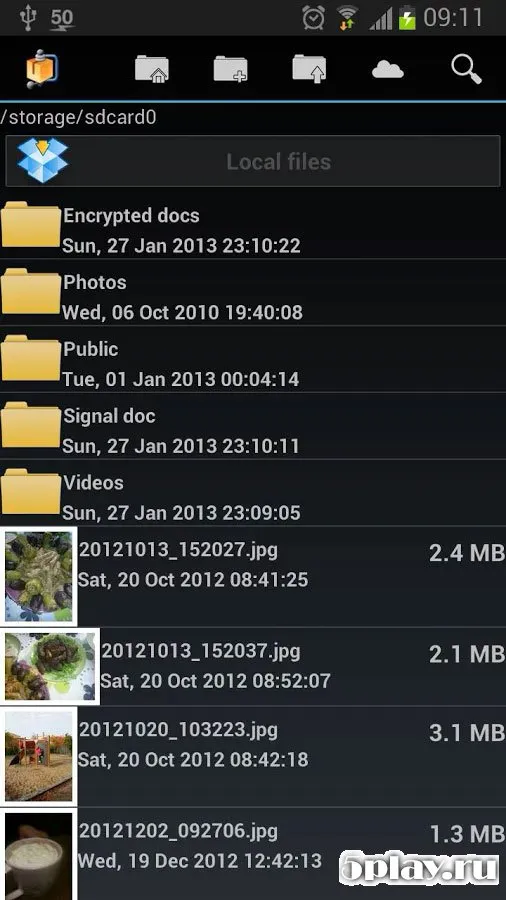
AndroZip Root File Manager is a powerful utility application designed for Android devices that combines robust file management with advanced compression capabilities. This versatile tool allows users to navigate their device storage efficiently, providing a seamless interface for organizing media, documents, and system files. It serves as an excellent alternative to default file explorers, offering enhanced features for those who need more control over their data.
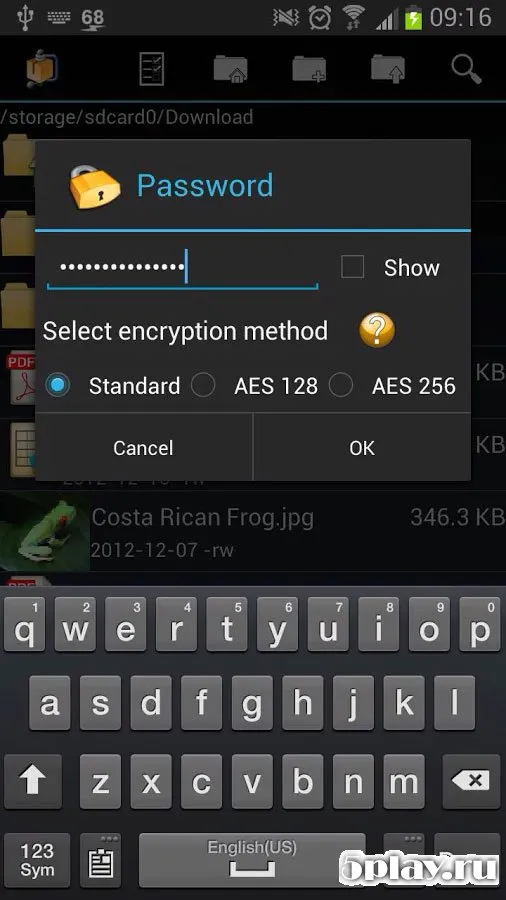
The application excels in handling various archive formats, supporting popular standards such as ZIP, RAR, TAR, and GZIP. Users can easily extract compressed files or create new archives directly on their Android device without needing external software. This functionality is particularly useful for saving storage space and managing large collections of files by bundling them into smaller, more manageable units.
Beyond archiving, AndroZip provides essential file management tools including renaming, moving, and copying files with ease. The interface is intuitive, making it simple to perform complex operations with just a few taps. Whether you are organizing photos, managing app data, or handling system files, the app ensures a smooth and efficient workflow for daily tasks.
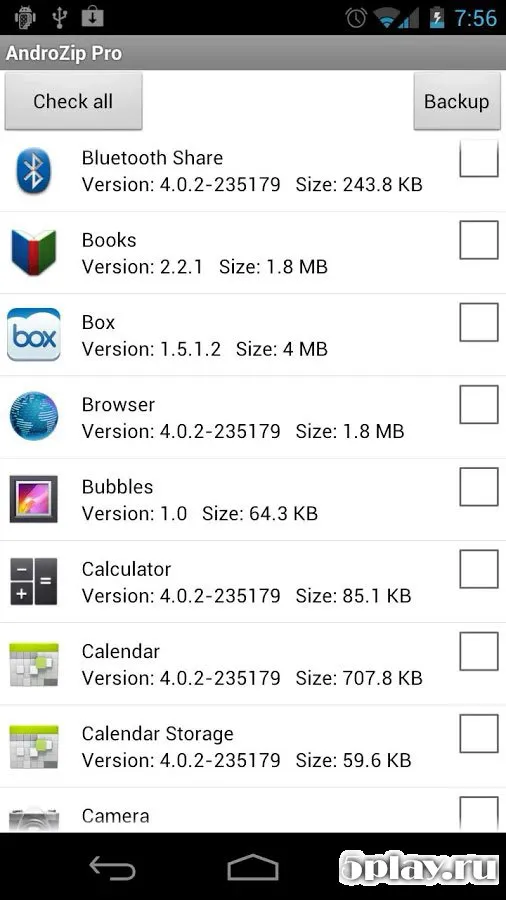
For users with rooted devices, the manager offers deep access to system directories, allowing for more advanced customization and file manipulation.
How to install the app
- Check the version, Android compatibility, developer and source in the app details block.
- Open the Downloads tab and use the official source or an available catalog link.
- Before installing, review app permissions and use only sources you trust.
Frequently asked questions
What archive formats does AndroZip support?
AndroZip supports a wide range of archive formats including ZIP, RAR, TAR, and GZIP, allowing users to create and extract files easily.
Can I use this app on a rooted Android device?
Yes, AndroZip is designed to work with root access, providing deep access to system files and directories for advanced file management tasks.
Does the app allow file renaming and moving?
Absolutely, the app includes full file management capabilities such as renaming, moving, copying, and deleting files directly on your device.
Similar apps


No comments yet. Be the first!