
Auto Call recorder App
Open in Google PlayApp details
- Version
- 1.9.3
- Updated
- 19.09.2026
- Category
- Tools
- Compatibility
- Android 8.0+
- Package name
record.phone.call- Source
- Official Google Play page
Do you need a reliable way to capture important conversations without missing a single detail? The Auto Call recorder App APK offers a seamless solution for recording both incoming and outgoing calls directly on your Android device. Whether you are discussing critical business terms with partners or simply want to save funny moments with friends and family, this tool ensures every word is preserved.
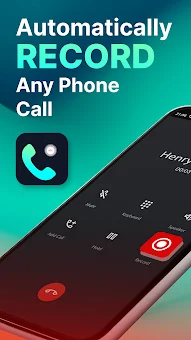
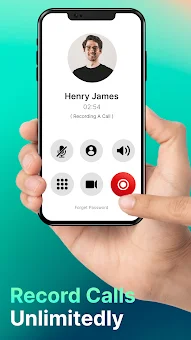
The app works silently in the background, allowing you to record phone end-to-end conversations effortlessly without any additional fees for the core features. One of the standout features is the automatic recording capability. With just one tap, you can start capturing high-quality voice audio for any call.
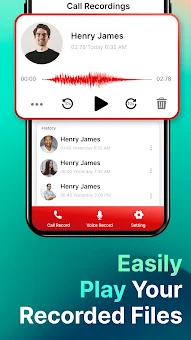
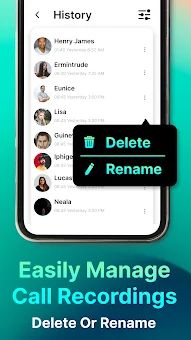
This is particularly useful for business users who need to take notes of detailed information during negotiations. The app stores these recordings as audio documents, creating a personal library that you can access anytime. You can navigate through your conversation history easily, making it simple to find specific recordings when you need them for reference or proof.
Organization and security are key aspects of this application. You can create a structured conversation library stored in a list and calendar format, which makes locating record files much easier than scrolling through random folders. To protect your vital recordings, the app allows you to set a password, ensuring that only you can access your private conversations.
How to install the app
- Check the version, Android compatibility, developer and source in the app details block.
- Open the official app page on Google Play if a link is available.
- Before installing, review app permissions and use only sources you trust.
Frequently asked questions
Does the Auto Call recorder App record incoming and outgoing calls automatically?
Yes, the app features an automatic call recorder that captures both incoming and outgoing calls instantly without requiring manual activation each time.
Can I protect my recorded conversations with a password?
Absolutely. You can set a password to secure your vital recordings list, ensuring that only authorized users can access your sensitive audio documents.
How can I share my call recordings with others?
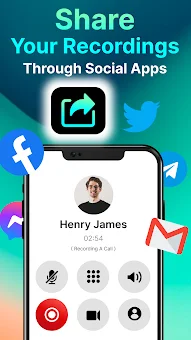
You can easily share your interesting records via social apps, Messenger, Gmail, or Google Drive using the built-in share button for quick distribution.
Is the voice quality clear for business negotiations?
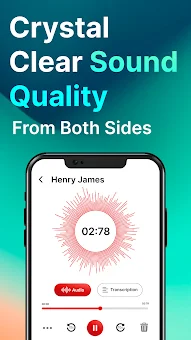
The app provides crystal clear high-quality voice record files from both sides, making it ideal for documenting important business conversations and negotiations.
Similar apps







No comments yet. Be the first!