
BlockLauncher Pro
Open in Google PlayApp details
- Version
- 1.27 (169)
- Updated
- 11.08.2021
- Category
- Themes and launcher Android
- Package name
net.zhuoweizhang.mcpelauncher.pro- Developer
- Zhuowei Zhang
- Source
- Official Google Play page
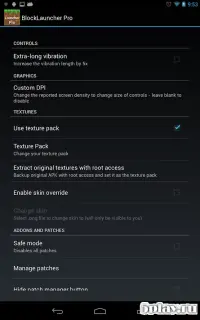
BlockLauncher Pro serves as a powerful and versatile launcher designed specifically for Minecraft Pocket Edition on Android devices. This application allows users to easily manage mods, add-ons, and resource packs, transforming the standard gameplay experience into something more personalized and exciting. By integrating directly with the game's structure, it provides a seamless way to launch Minecraft PE with custom parameters, ensuring that your favorite modifications are always ready to go.
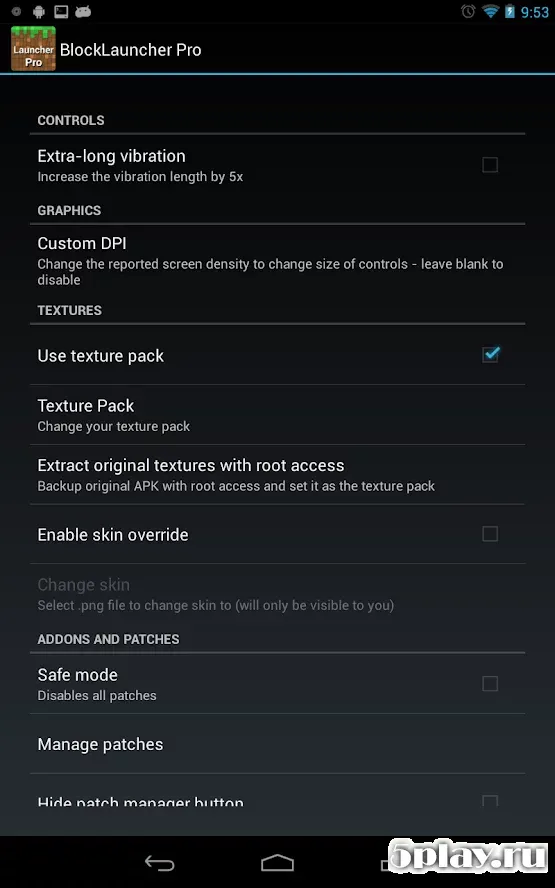
The launcher features a user-friendly interface that makes installing mods, add-ons, scripts, and other content incredibly simple. Even beginners can navigate the setup process with ease, as the program handles the technical details automatically. You can simply place files in the required folders, and the launcher will detect them without any manual intervention.
This streamlined approach saves time and reduces the frustration often associated with manual mod installations on mobile devices. BlockLauncher Pro is the updated version of the MCPELauncher, offering improved comfort and ease of use. It supports a wide range of Android devices, ensuring compatibility and smooth performance across different hardware configurations.
The application allows you to configure specific settings for each mod, giving you granular control over your gaming experience.
How to install the app
- Check the version, Android compatibility, developer and source in the app details block.
- Open the official app page on Google Play if a link is available.
- Before installing, review app permissions and use only sources you trust.
Frequently asked questions
What is BlockLauncher Pro used for?
BlockLauncher Pro is a launcher for Minecraft Pocket Edition that allows users to easily install and manage mods, add-ons, scripts, and resource packs on Android devices.
Does BlockLauncher Pro support custom server addresses?
Yes, the application allows users to input and connect to custom multiplayer server addresses, enabling access to various community-driven Minecraft worlds and servers.
Is BlockLauncher Pro compatible with all Android devices?
BlockLauncher Pro is designed to be compatible with a wide range of Android devices, ensuring smooth performance and functionality across different hardware configurations and versions.
How do I install mods using BlockLauncher Pro?
You can install mods by placing the mod files in the designated folders, which the launcher automatically detects. You can then enable or configure these mods through the application's intuitive interface.
Similar apps

No comments yet. Be the first!