

SD Maid Pro
DownloadApp details
- Version
- 5.6.3 (50603)
- Updated
- 20.11.2021
- Category
- Tools
- Package name
eu.thedarken.sdm- Developer
- darken
- Source
- Official Google Play page
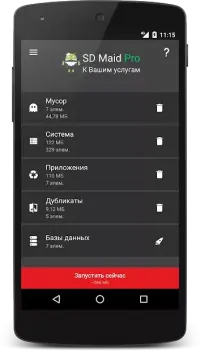
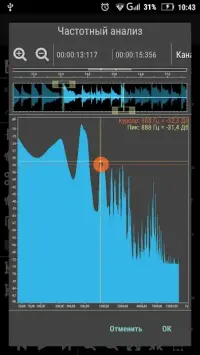
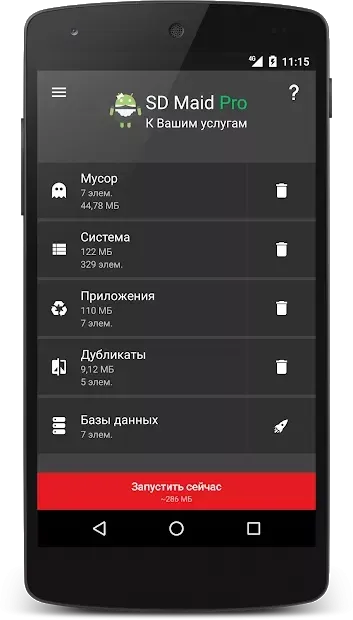
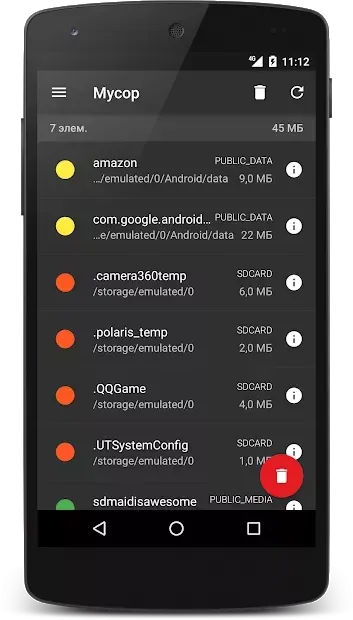
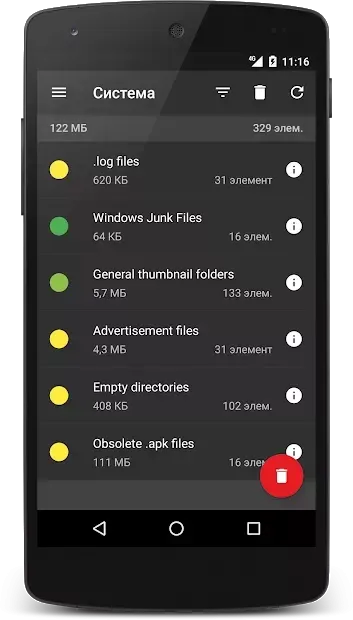
SD Maid Pro is a powerful utility designed to help Android users reclaim storage space and optimize device performance. It scans your system to find unnecessary programs and files that are taking up valuable room. By identifying junk data, it allows you to clean your disk space efficiently, making your gadget work faster and smoother.
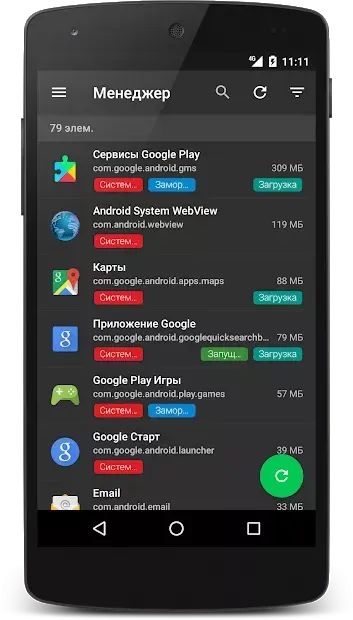
This tool is essential for maintaining a clutter-free Android environment. The application features a built-in file manager that gives you full control over your data. You can rename, move, or delete files with ease.
The sorting feature allows you to organize files by specific parameters, which simplifies working with large amounts of data. This intuitive interface makes it easy for anyone to manage their storage without needing advanced technical knowledge. SD Maid Pro also performs deep system checks to find residual files from uninstalled apps.
These leftover files often accumulate over time and can slow down your device. By removing them, you ensure that your Android OS runs efficiently. The tool helps keep your storage organized and prevents unnecessary data from lingering on your device.
To access all features, you may need to grant superuser permissions on rooted devices. Some advanced capabilities are available in the premium version, offering deeper cleaning options. The app is designed to make working with your mobile device more comfortable and stable.
How to install the app
- Check the version, Android compatibility, developer and source in the app details block.
- Open the Downloads tab and use the official source or an available catalog link.
- Before installing, review app permissions and use only sources you trust.
Frequently asked questions
What is the main function of SD Maid Pro?
SD Maid Pro is a utility app that scans and removes unnecessary files, junk data, and residual files from uninstalled apps to free up storage space on Android devices.
Does SD Maid Pro require root access?
Yes, to access all features and perform deep system cleaning, the app requires superuser permissions, which are typically available on rooted Android devices.
Can I manage files using SD Maid Pro?
Yes, it includes a built-in file manager that allows you to rename, move, and delete files, as well as sort them by various parameters for better organization.
Is SD Maid Pro free to use?
The basic version is free, but some advanced features and deeper cleaning options are available in the premium version of the application for a fee.
Similar apps






No comments yet. Be the first!