
Creator PC - simulator pobudovi PK 6.5.0
An official link is not currently available. Downloads from other sources are disabled.
App details
- Updated
- 21.06.2025
- Category
- Simulators
Dive into the world of computer hardware with Creator PC, an engaging simulator that allows you to master the art of building personal computers. This Android app provides a detailed and interactive experience where you can explore the intricacies of PC assembly from the comfort of your mobile device. It is perfect for enthusiasts who want to learn about hardware compatibility and component selection without the risk of damaging expensive parts.
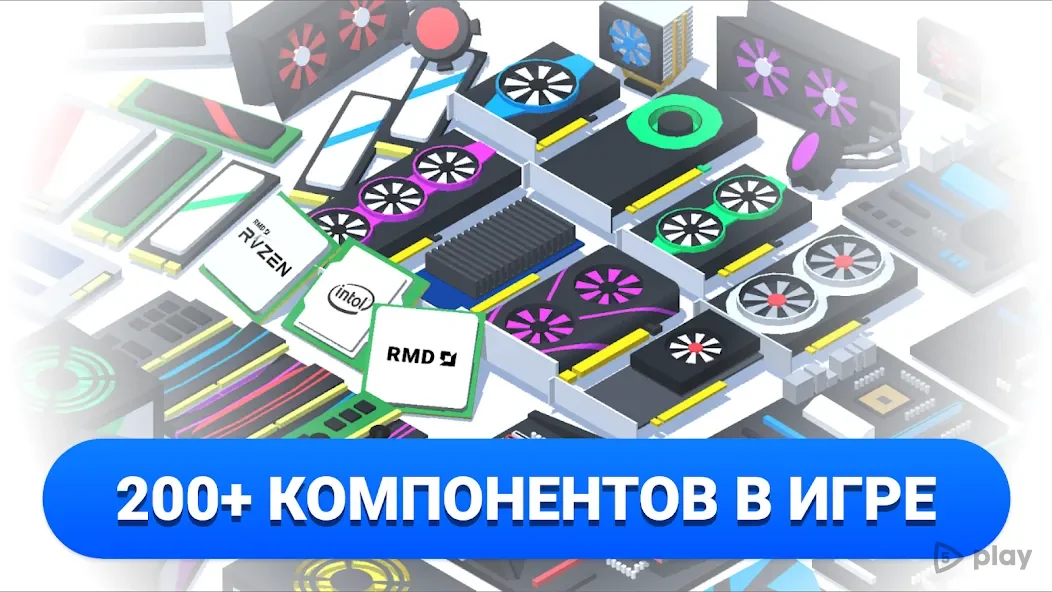
In this simulation, you are tasked with assembling a PC from various essential components. You will need to carefully select and install a processor, sound card, video card, RAM modules, and a power supply unit. Each component plays a crucial role in the performance and stability of the final build, requiring you to make informed decisions based on your specific needs and budget constraints.
The game simulates the real-world challenges of matching parts to ensure optimal functionality. The interface is designed to be intuitive, making it easy for beginners to understand the assembly process while still offering enough depth for advanced users. You can experiment with different configurations to see how various combinations affect the overall performance of the computer.
How to install the app
- Check the version, Android compatibility, developer and source in the app details block.
- Open the official app page on Google Play if a link is available.
- Before installing, review app permissions and use only sources you trust.
Frequently asked questions
What is Creator PC simulator?
It is a mobile game that simulates the process of assembling a personal computer from various hardware components like CPUs, GPUs, and RAM.
Can I play this game on Android?
Yes, the Creator PC APK is designed for Android devices, allowing you to build PCs on your phone or tablet.
Is it educational?
Yes, it helps users learn about computer hardware compatibility and assembly steps in a risk-free environment.
Do I need real hardware to play?
No, all components are virtual, so you can experiment with different parts without purchasing physical hardware.
Similar apps







No comments yet. Be the first!