
Microsoft Excel: Spreadsheets
DownloadApp details
- Updated
- 24.10.2026
- Category
- Tools
- Compatibility
- ANDROID
- Package name
com.microsoft.office.excel- Developer
- Microsoft Corporation
- Source
- Official Google Play page
Microsoft Excel: Spreadsheets is a powerful and versatile application designed for efficient work with data tables, combining the familiar functionality of classic Excel with modern tools for data analysis. This app integrates Copilot artificial intelligence to serve as a smart assistant in everyday calculations, allowing you to quickly summarize large data sets, identify key trends, and generate charts and tables using simple text queries. It provides intelligent recommendations for budgeting and forecasting, significantly speeding up decision-making in both personal life and business environments.
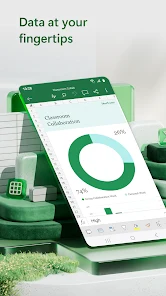
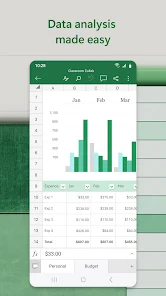
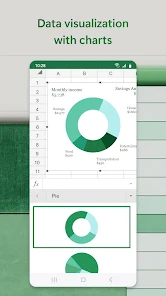
The application offers a wide selection of modern templates for creating budgets, project plans, financial analysis, and accounting reports. You can utilize ready-made tools for tracking expenses, which helps in effectively managing personal finances and saving costs. The data analysis functions include creating visual diagrams, using pivot tables, and utilizing visualization tools that transform dry numbers into understandable graphical representations.
Editing documents, charts, and data is possible from anywhere, with convenient tools for sorting and filtering columns available at your fingertips. On devices with touch screens, a drawing tab is accessible for annotating charts, highlighting parts of sheets, and writing equations.
How to install the app
- Check the version, Android compatibility, developer and source in the app details block.
- Open the Downloads tab and use the official source or an available catalog link.
- Before installing, review app permissions and use only sources you trust.
Frequently asked questions
Does Microsoft Excel: Spreadsheets support AI features?
Yes, the app integrates Copilot AI to help summarize data, identify trends, and generate charts using simple text queries for smarter analysis.
Is Microsoft Excel: Spreadsheets available for Android devices?
Yes, you can download the APK for Android and enjoy features like touch screen drawing tabs, sorting, and filtering on the go.
What types of templates are included in the app?
The app includes templates for budgets, project plans, financial analysis, and accounting reports to help you get started quickly.








No comments yet. Be the first!