
PDF Reader: PDF Editor, Viewer
DownloadApp details
- Version
- 1.3
- Updated
- 29.09.2026
- Category
- Tools
- Compatibility
- Android
- Package name
quickviewpdf.pdfreader.pdfeditor.pdfviewer.pdfsimple- Developer
- AI Photo Simple
- Source
- Official Google Play page
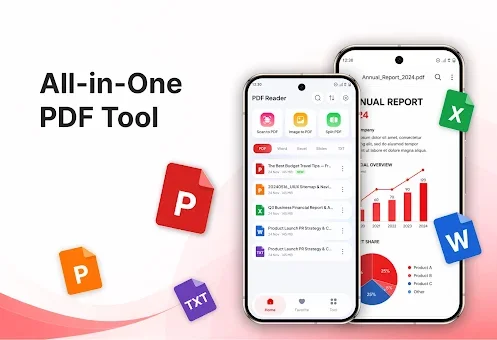
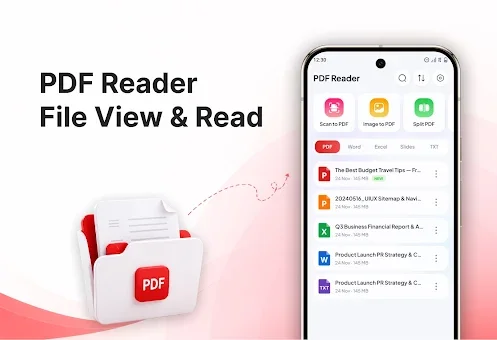
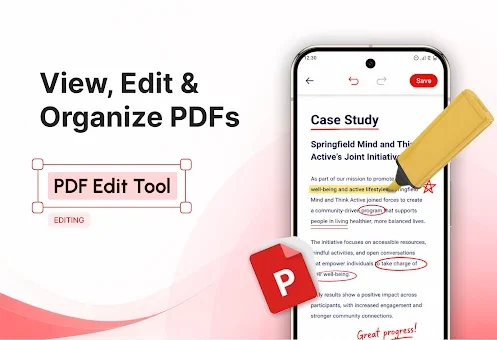
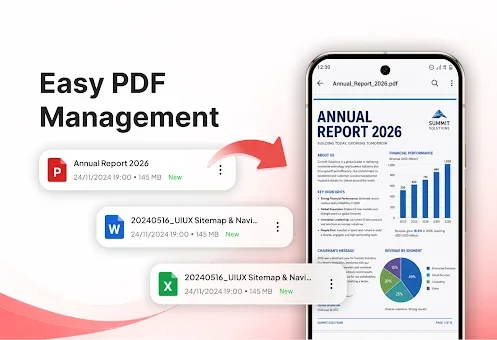
The PDF Reader: PDF Editor, Viewer application offers a comprehensive suite of tools for managing, editing, and viewing PDF documents directly on your Android smartphone. Designed with an intuitive interface and straightforward settings, it makes working with digital files both efficient and comfortable for students, office workers, and anyone who regularly handles documents. This app transforms your mobile device into a powerful document management station, allowing you to access important information quickly without needing a computer.
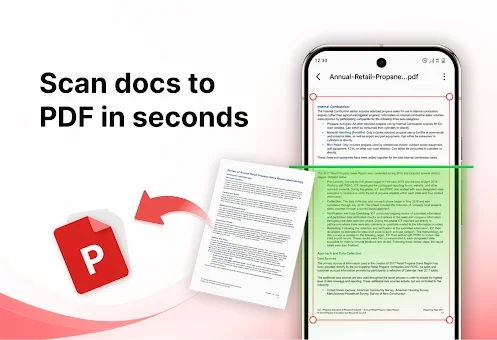
One of the standout features is the ability to scan physical documents, receipts, forms, or notes using your phone camera and convert them directly into high-quality PDF files. You can also convert one or multiple images from your gallery into a single PDF, which is ideal for creating reports or combining home assignments. The app ensures that these scanned documents maintain clarity and readability, making them perfect for sharing or archiving.
For users who need to reorganize their files, the app allows you to extract selected pages from large documents to create separate, smaller files for easier sharing. You can also merge multiple PDF documents into one, adjusting their order before combining them.
How to install the app
- Check the version, Android compatibility, developer and source in the app details block.
- Open the Downloads tab and use the official source or an available catalog link.
- Before installing, review app permissions and use only sources you trust.
Frequently asked questions
Can I scan paper documents with this app?
Yes, you can use your phone camera to scan paper documents, receipts, and notes, converting them directly into high-quality PDF files for easy storage and sharing.
Does the app support merging multiple PDF files?
Absolutely. You can merge multiple PDF documents into a single file and adjust their order before combining them, which is perfect for creating comprehensive reports or presentations.
Is it possible to translate content within a PDF?
Yes, the app includes a feature that translates content from PDFs into other languages, making foreign language materials more accessible for learning and professional use.
Can I print PDFs directly from my Android device?
Yes, you can print PDF files directly from the application to supported printers, allowing you to choose between printing the entire document or just specific pages.
No comments yet. Be the first!