
PDF Reader - Smart PDF Viewer
DownloadApp details
- Version
- 122.0
- Updated
- 08.10.2026
- Category
- Tools
- Compatibility
- Android 7.0+
- Package name
io.pdf.pdfreader.viewer.editor- Developer
- GambiSoftVn
- Source
- Official Google Play page
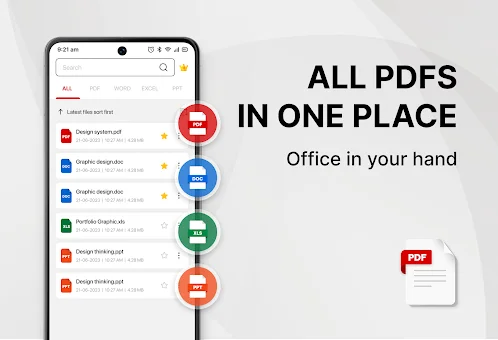
Looking for a simple and all-in-one document management solution? The PDF Reader - Smart PDF Viewer app for Android is designed to help you easily read and manage all your PDF files with efficiency. This free application supports reading various document formats, including PDFs, Word documents, Excel spreadsheets, and PowerPoint presentations, making it a versatile tool for both personal and professional use.
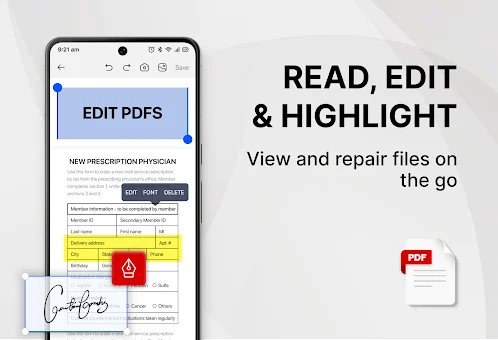
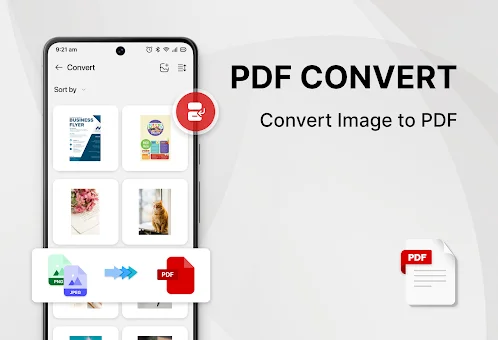
With this app, you get a complete suite of features that combine a PDF reader, ebook viewer, and PDF editor in one convenient package. The app offers powerful tools to enhance your productivity. You can easily add e-signatures to your documents, convert images to PDF, and even scan paper documents directly into digital format.
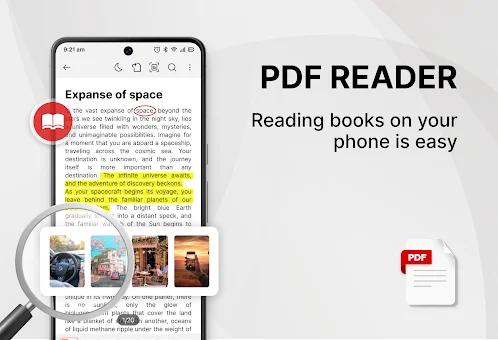
Additionally, it allows you to merge or split PDF files, set passwords to protect sensitive documents, and search for text within PDFs with ease. The ability to convert Word files to PDF and share documents with others makes this app an essential utility for anyone who handles digital paperwork regularly. User experience is prioritized with features like a one-click switch between light and dark mode, ensuring comfortable reading in any environment.
The recently opened files are displayed in a simple list for quick viewing, and the smart search function helps you locate specific documents quickly.
How to install the app
- Check the version, Android compatibility, developer and source in the app details block.
- Open the Downloads tab and use the official source or an available catalog link.
- Before installing, review app permissions and use only sources you trust.
Frequently asked questions
What document formats does the PDF Reader support?
The app supports reading and managing various formats including PDF, Word, Excel, PowerPoint, and image files, allowing for versatile document handling on Android devices.
Does the app require special permissions to work?
Yes, the app requires the MANAGE_EXTERNAL_STORAGE permission to locate, access, and edit your document files effectively. Without this permission, the app cannot function properly.
Can I convert images to PDF using this app?
Yes, the app includes powerful tools to convert images to PDF, scan paper documents into digital format, and merge or split existing PDF files with ease.
No comments yet. Be the first!