
Pixlr
Open in Google PlayApp details
- Version
- 3.9.2 (39202)
- Updated
- 17.10.2021
- Category
- Android applications
- Package name
com.pixlr.express- Developer
- Pixlr Pte Ltd
- Source
- Official Google Play page
Pixlr is a versatile photo editing application designed for Android devices, offering a robust suite of tools for creating stunning collages and editing high-quality images on the go. The app features an intuitive interface that makes it easy for users of all skill levels to access powerful editing instruments without a steep learning curve. Whether you are a casual user looking to enhance a snapshot or a creative enthusiast wanting to craft a masterpiece, Pixlr provides the necessary features to bring your vision to life.
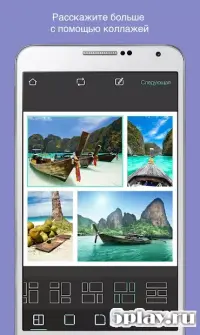
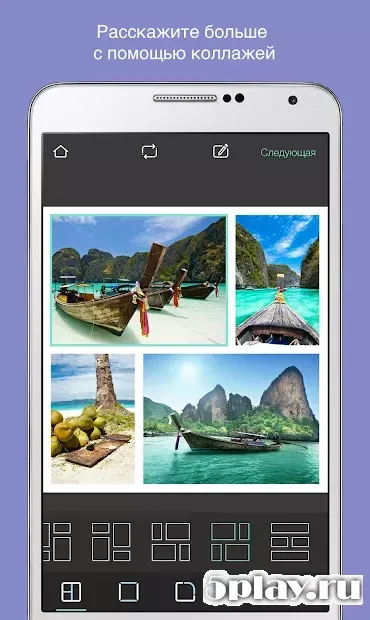
One of the standout capabilities of Pixlr is its ability to generate beautiful photo collages. You can combine multiple images into a single, cohesive design, perfect for sharing memories or creating unique visual stories. The app allows you to arrange your photos creatively, adding layers and effects to make your compositions stand out.
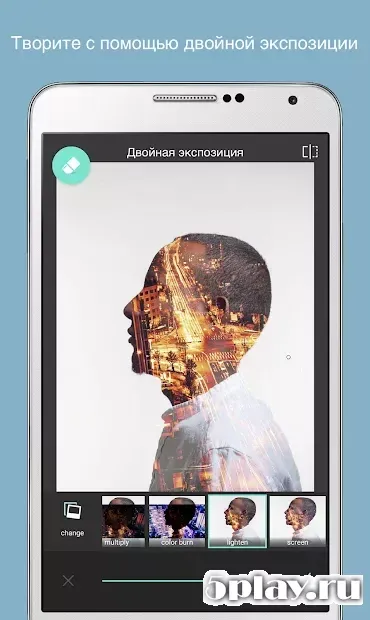
These collages can be saved directly to your device's storage, ensuring that your hard work is preserved and ready for future use or immediate sharing with friends and family. For detailed image adjustments, Pixlr offers a wide variety of filters and customizable settings. You can apply effects to enhance colors, adjust lighting, or add artistic touches that give your photos a distinct style.
The editing tools allow you to refine details, remove unwanted elements, or add creative overlays.
How to install the app
- Check the version, Android compatibility, developer and source in the app details block.
- Open the official app page on Google Play if a link is available.
- Before installing, review app permissions and use only sources you trust.
Frequently asked questions
What is the main purpose of the Pixlr application?
Pixlr is primarily designed for creating beautiful photo collages and editing images on Android devices with a user-friendly interface.
Can I save my edited photos to my device?
Yes, all created images and collages can be saved directly to your mobile device's storage for easy access and sharing later.
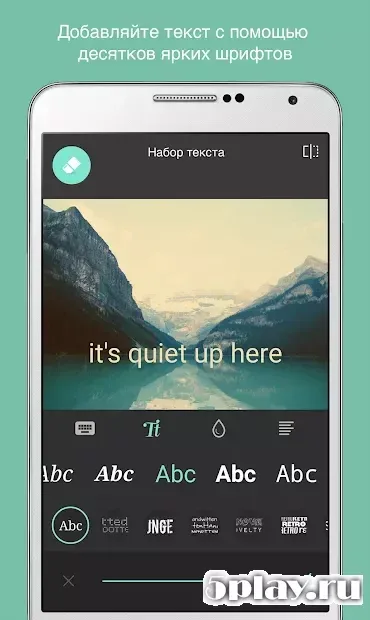
Does Pixlr support text overlays in photos?
Absolutely, Pixlr allows you to add text to your images using a variety of attractive fonts to customize your photos further.
Is Pixlr suitable for beginners?
Yes, the app features a well-thought-out interface and intuitive tools, making it easy for beginners to start editing photos immediately.
Similar apps
No comments yet. Be the first!