

Screencast Video Recorder
DownloadApp details
- Version
- 3.2a
- Updated
- 16.10.2026
- Category
- Arcade
- Compatibility
- Android 2.2
- Package name
com.ms.screencastfree- Source
- Official Google Play page
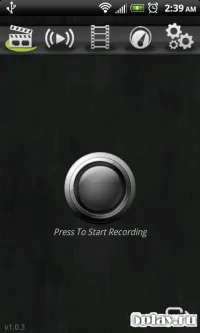
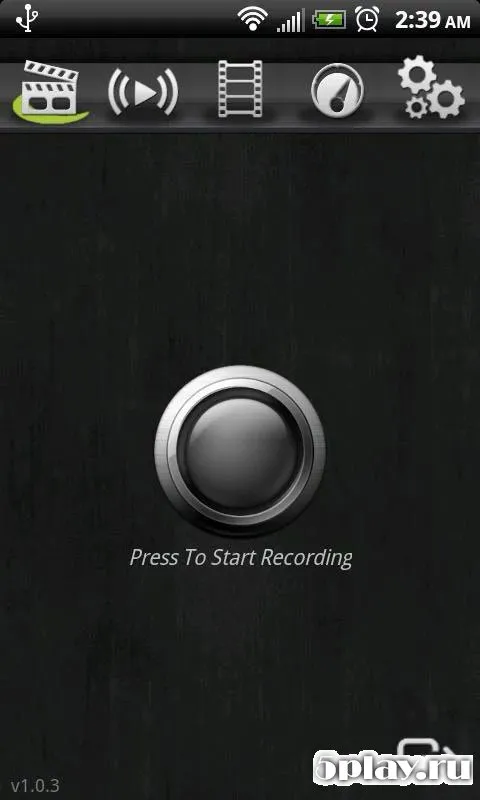
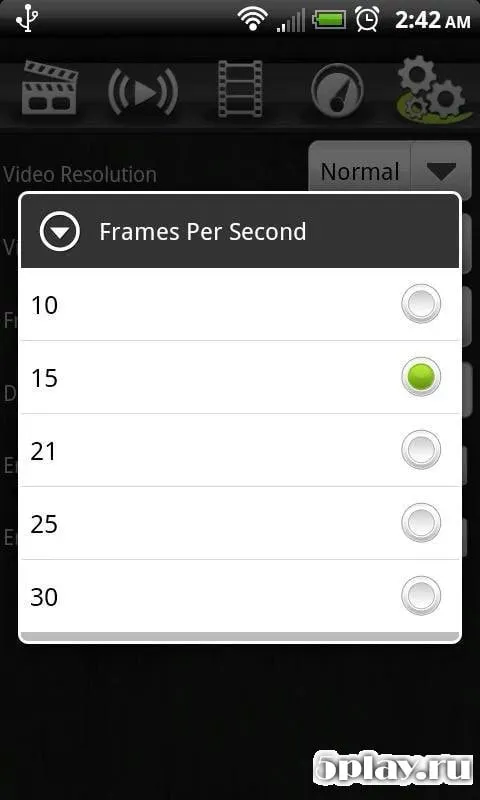
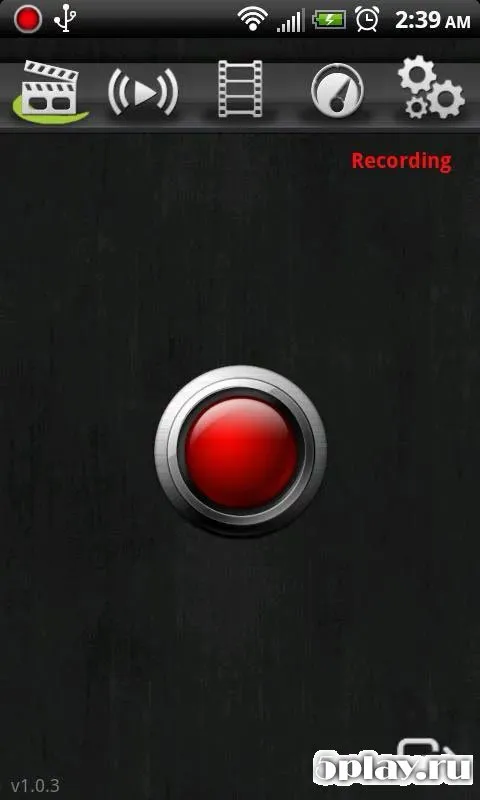
Screencast Video Recorder is a dedicated Android application designed for capturing high-quality video directly from your device screen. This tool allows users to record their Android device activity with ease, making it perfect for creating tutorials, showcasing gameplay, or documenting app interactions. The app supports recording in high resolution, ensuring that the visual details remain sharp and clear for viewers.
One of the key features of this application is its support for multiple video formats. This flexibility allows users to choose the best file type for their specific needs, whether for sharing on social media or for professional editing later. The recorded videos maintain excellent quality, preserving the visual integrity of the original screen output without unnecessary compression artifacts.
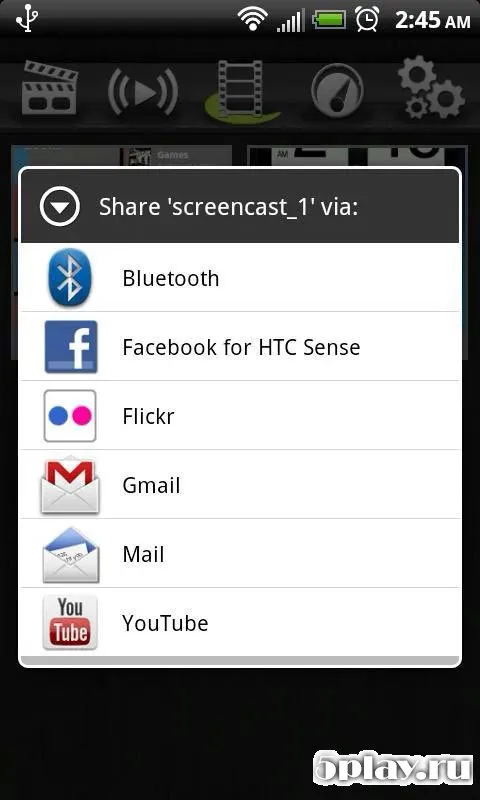
The app includes a built-in gallery where you can manage your recorded content. You can rename files to keep your library organized, preview recordings to check their quality, or delete unwanted videos to free up storage space. This integrated management system simplifies the workflow, allowing you to handle your media library without switching to a separate file manager.
Audio recording is another essential feature provided by the Screencast Video Recorder. It utilizes the device's built-in microphone to capture clear sound alongside the video. This is particularly useful for voiceovers, commentary, or recording ambient sounds during gameplay.
How to install the app
- Check the version, Android compatibility, developer and source in the app details block.
- Open the Downloads tab and use the official source or an available catalog link.
- Before installing, review app permissions and use only sources you trust.
Frequently asked questions
What video formats does Screencast Video Recorder support?
The application supports multiple video formats, allowing users to choose the best option for their specific needs and compatibility requirements.
Can I record audio while using the screen recorder?
Yes, the app uses the device's built-in microphone to capture clear audio alongside the screen video for a complete recording experience.
How can I manage my recorded videos?
The app includes a gallery where you can rename, preview, or delete your recorded files directly without needing to use a separate file manager.
What features are coming in future updates?
Developers plan to add streaming playback support and a screenshot feature to expand the app's utility for capturing both video and static images.
Similar apps



No comments yet. Be the first!