

Smart Keyboard Pro
DownloadApp details
- Version
- 4.21.0
- Updated
- 16.10.2026
- Category
- Arcade
- Compatibility
- Android 2.2
- Package name
net.cdeguet.smartkeyboardpro- Source
- Official Google Play page
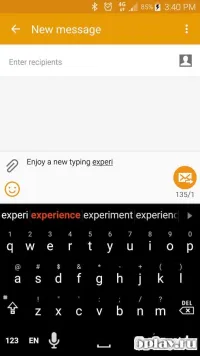
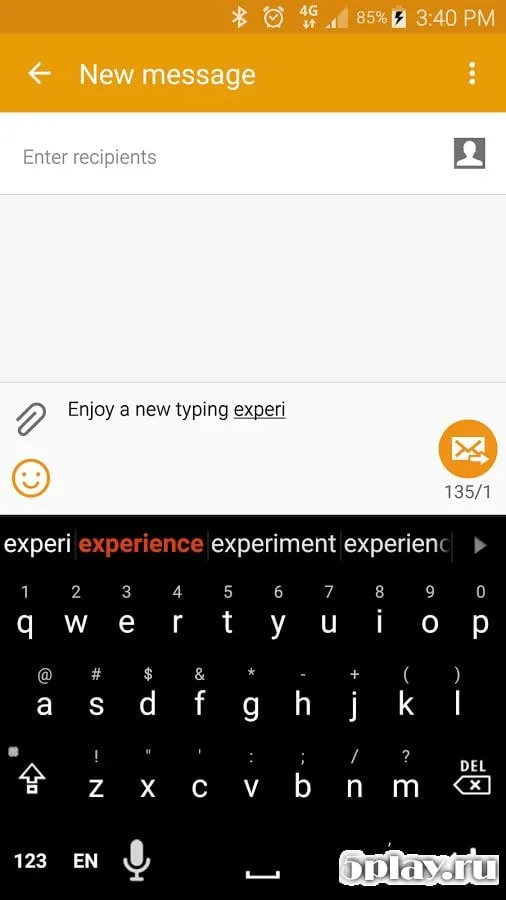
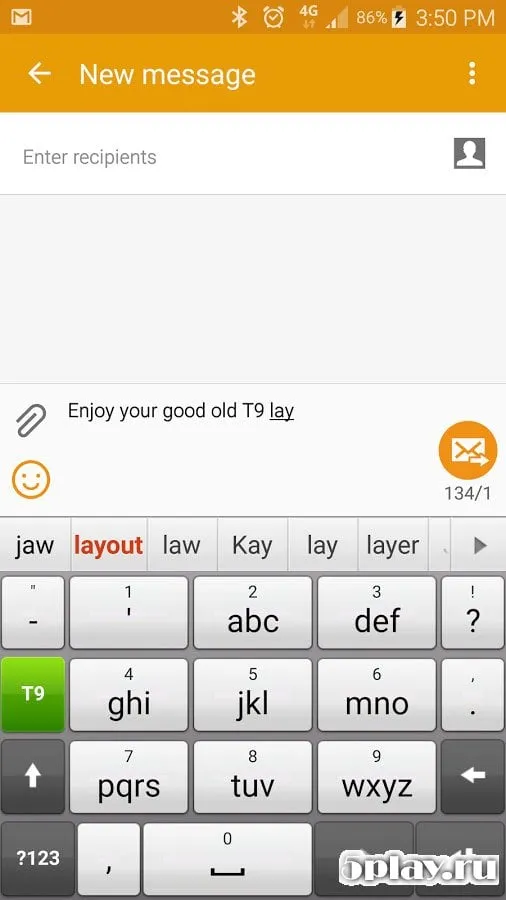
Smart Keyboard Pro is a universal input solution designed for Android smartphones and tablets, developed by Dexilog. It offers a clean, intuitive interface that allows users to quickly configure the app to suit their specific needs. The keyboard operates with remarkable speed thanks to its well-thought-out optimization, ensuring a smooth typing experience even on older devices.
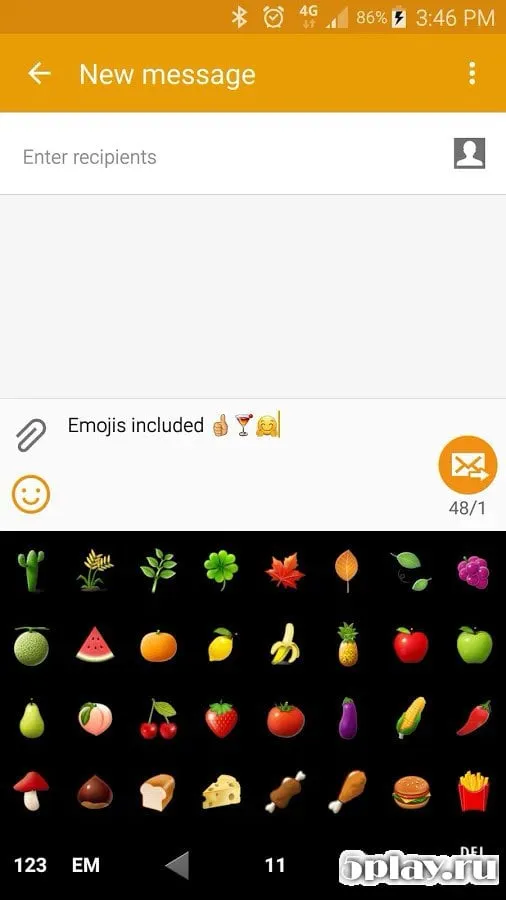
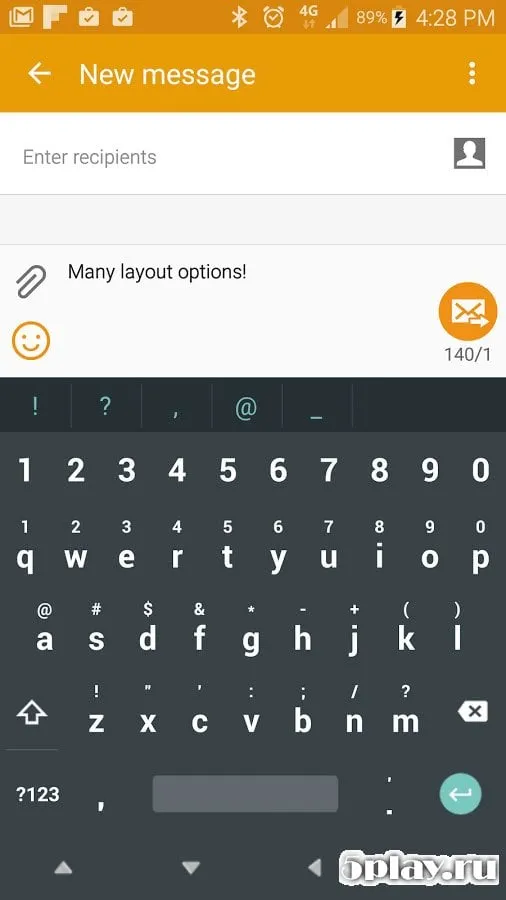
While its default appearance may look similar to other standard keyboards, the underlying functionality is far more robust and versatile. One of the standout features is the extensive customization options. Users can easily switch between different skins or themes, including standard presets or additional sets downloaded from the Google Play Store.
Unlike many competitors, this app provides full localization support, making it accessible to a wider audience. The setup process is straightforward; simply navigate to the menu to access various configuration sections. You can manage language settings, adjust gesture controls, and customize vibration patterns for different usage scenarios.
The application also includes advanced synchronization capabilities, allowing you to back up your data and sync settings across multiple Android devices. In the advanced settings menu, you can choose the interface style, switch between portrait and landscape modes, adjust transparency levels, and explore many other personalization options.
How to install the app
- Check the version, Android compatibility, developer and source in the app details block.
- Open the Downloads tab and use the official source or an available catalog link.
- Before installing, review app permissions and use only sources you trust.
Frequently asked questions
Is Smart Keyboard Pro compatible with all Android devices?
Yes, Smart Keyboard Pro is designed to work universally on Android smartphones and tablets, offering optimized performance across various device models and screen sizes.
Does the keyboard learn my typing style?
Absolutely. The built-in smart dictionary adapts to your usage patterns, providing increasingly accurate predictive text suggestions the more you type within the app.
Can I sync my settings across multiple devices?
Yes, the app allows you to back up your data and synchronize your keyboard settings across multiple Android devices for a consistent typing experience everywhere.
How do I customize the keyboard appearance?
You can change skins, adjust transparency, and switch between different interface styles directly from the advanced settings menu to match your personal aesthetic preferences.
Similar apps







No comments yet. Be the first!