

SuperSU Pro
Open in Google PlayApp details
- Updated
- 10.09.2021
- Category
- Tools
- Package name
eu.chainfire.supersu.pro- Source
- Official Google Play page
SuperSU Pro is a powerful and highly optimized application designed to grant and manage root access on Android devices. It allows users to take full control over their gadget by managing root permissions for all installed applications. The program has been significantly improved in its latest versions to fix bugs and errors found in earlier releases, ensuring a stable and reliable experience for Android users.
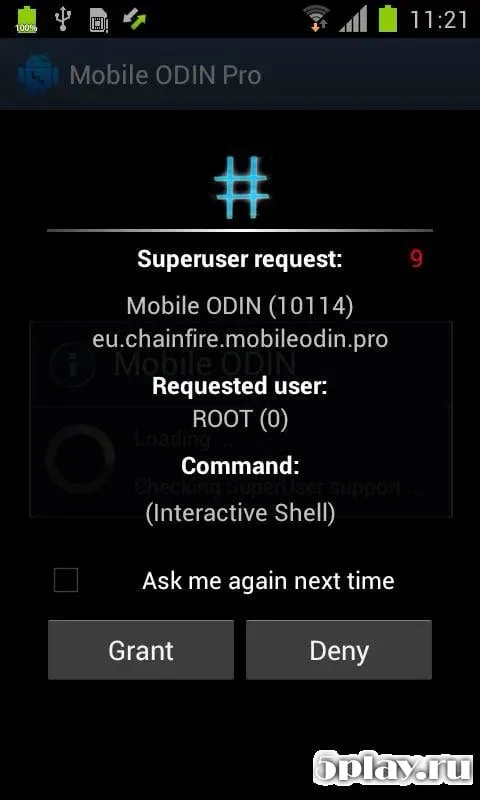
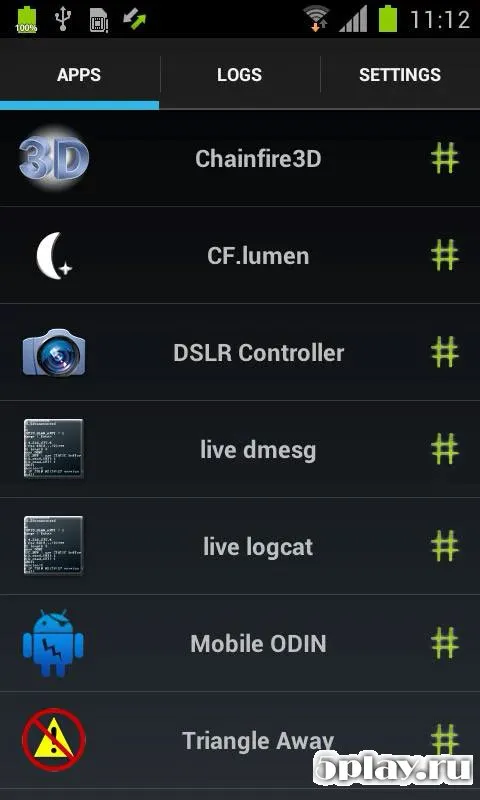
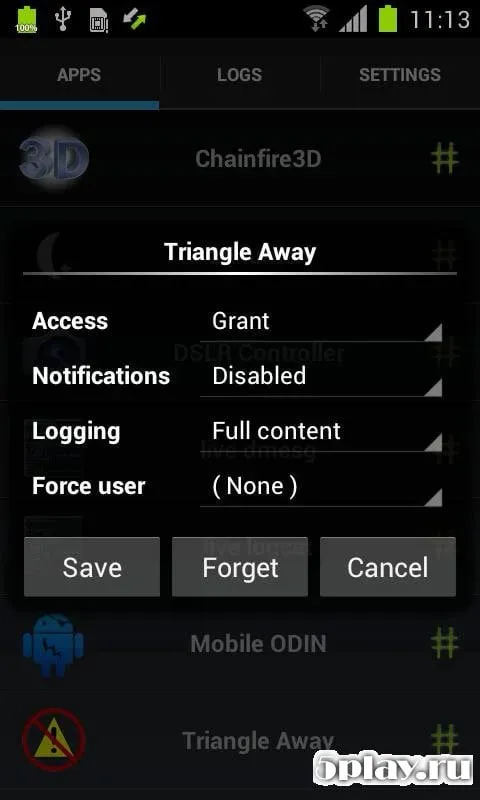
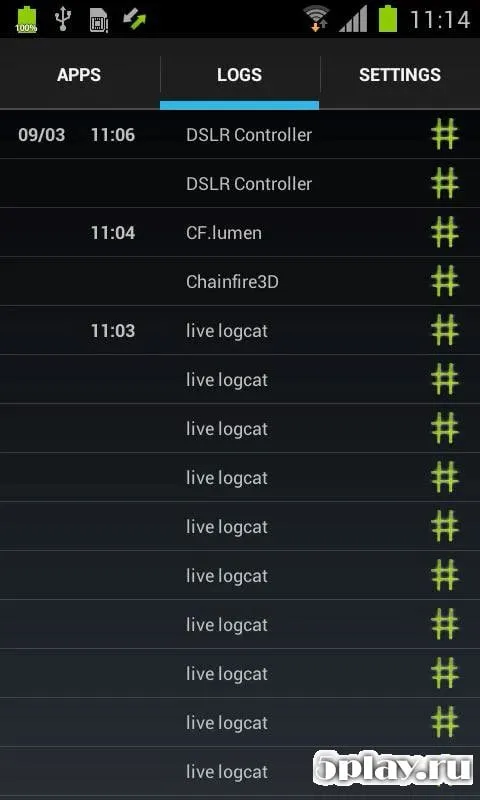
One of the key features of SuperSU Pro is its ability to handle root permissions for every installed add-on on your device. This means you no longer need to juggle multiple security programs to manage access rights. All actions are centralized within a single, user-friendly interface, making it easy to monitor and control which apps have superuser privileges.
This streamlined approach enhances both security and convenience for power users. For added security, you can set a PIN code to verify root access requests. When an app demands superuser rights, you will be prompted to enter your PIN, ensuring that only authorized actions are performed.
The application also works in the background and launches automatically whenever your smartphone is turned on, providing seamless management of root permissions without requiring constant manual intervention. In addition to the classic features of a root manager, SuperSU Pro includes new functionalities that allow you to revoke root permissions.
How to install the app
- Check the version, Android compatibility, developer and source in the app details block.
- Open the official app page on Google Play if a link is available.
- Before installing, review app permissions and use only sources you trust.
Frequently asked questions
What is SuperSU Pro and how does it work?
SuperSU Pro is a root management application that allows users to grant or deny root access permissions to installed apps on their Android device, ensuring secure control over system privileges.
Does SuperSU Pro support background operation?
Yes, SuperSU Pro is designed to work in the background and automatically launches when your smartphone is turned on, providing continuous management of root permissions without user intervention.
How can I secure root access requests in SuperSU Pro?
You can set a PIN code in the settings to verify root access requests. When an app requests superuser rights, you must enter your PIN to authorize the action, adding an extra layer of security to your device.
Can I revoke root access for system updates?
Yes, SuperSU Pro allows you to revoke root permissions before performing system updates to prevent conflicts. After the update is complete, the app will prompt you to restore root access in a single step.
Similar apps







No comments yet. Be the first!