
TeamViewer
DownloadApp details
- Version
- 15.8.115
- Updated
- 17.10.2026
- Category
- Arcade
- Compatibility
- Android 4.0
- Package name
com.teamviewer.teamviewer.market.mobile- Source
- Official Google Play page
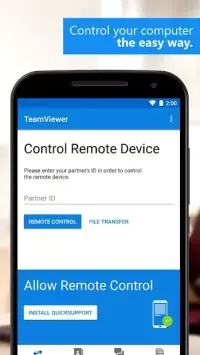
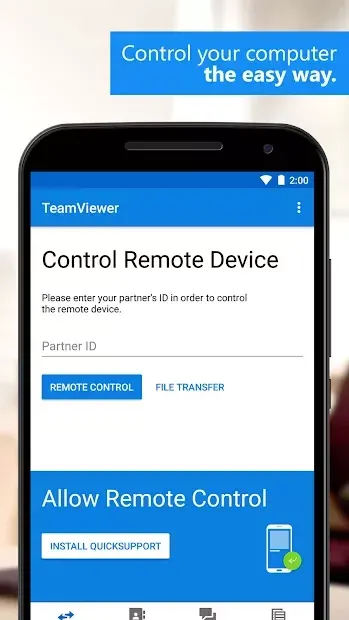
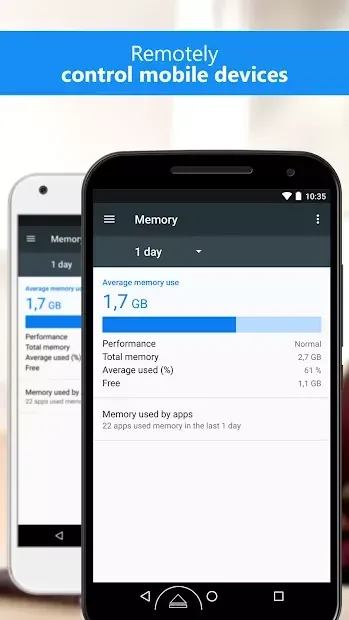
TeamViewer is a leading remote access software that enables seamless connectivity between your mobile device and personal computers. Designed for efficiency and reliability, this application allows you to establish a stable connection with ease, giving you full control over your desktop environment from anywhere in the world. Whether you are at home or on the go, TeamViewer ensures that your work continues without interruption by bridging the gap between mobile and desktop platforms.
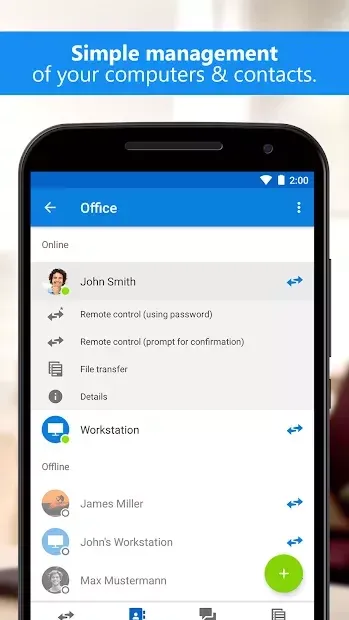
The application supports a wide range of operating systems, including Windows, Mac, and Linux, making it a versatile tool for IT professionals and everyday users alike. With just a few taps, you can initiate a remote session and gain complete access to files and folders on your computer. This functionality is particularly useful for troubleshooting issues, transferring data, or managing documents without needing to be physically present at your workstation.
One of the key features of TeamViewer is its ability to transfer files in both directions, allowing for flexible data management. You can easily move documents from your phone to your PC or vice versa, ensuring that important information is always accessible. Additionally, the app supports keyboard input and multi-monitor setups, providing a more immersive and productive remote desktop experience that mimics using your computer directly.
Installing TeamViewer on your Android device is straightforward and quick.
How to install the app
- Check the version, Android compatibility, developer and source in the app details block.
- Open the Downloads tab and use the official source or an available catalog link.
- Before installing, review app permissions and use only sources you trust.
Frequently asked questions
Does TeamViewer support remote control on multiple operating systems?
Yes, TeamViewer allows you to connect to and control computers running Windows, Mac, and Linux operating systems from your Android device.
Can I transfer files between my phone and computer using TeamViewer?
Absolutely. TeamViewer supports bidirectional file transfer, meaning you can move files and folders between your mobile device and the remote computer easily.
Is TeamViewer suitable for managing multi-monitor setups?
Yes, the application supports multi-monitor functionality, allowing you to view and control multiple displays from your remote desktop session efficiently.
Similar apps
No comments yet. Be the first!