
Zapis' Ekrana - snimat' video s ekrana, XRecorder 1.5.0.1
App details
- Updated
- 23.06.2025
- Category
- Miscellaneous
XRecorder is a powerful screen recording utility designed for Android users who want to capture high-quality video directly from their device display. Whether you are a gamer streaming live gameplay, a content creator recording tutorials, or simply someone who wants to save a funny moment or important presentation, this app provides a seamless way to record your screen with ease. The interface is intuitive, allowing you to start capturing video with just a few taps, making it accessible for users of all technical skill levels.
One of the key advantages of using XRecorder is its ability to record video played on your mobile device without requiring root access. This means you can start recording immediately after installing the APK and selecting your preferred settings. The app supports various recording modes, including full screen or specific app recording, ensuring you only capture what you need.
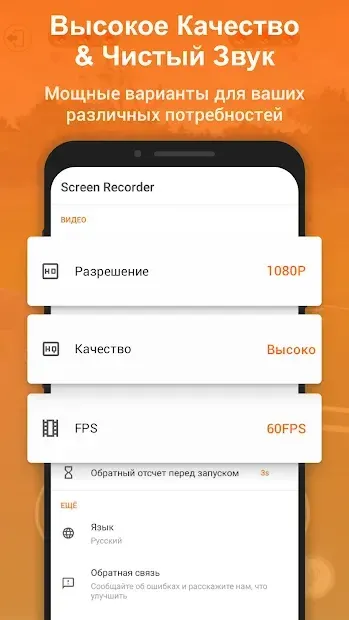
You can also choose to include audio from your microphone or system sound, giving you full control over the final video output. The recording process is straightforward and efficient. Once you have configured your desired resolution, frame rate, and audio source, you simply press the start button to begin capturing your screen.
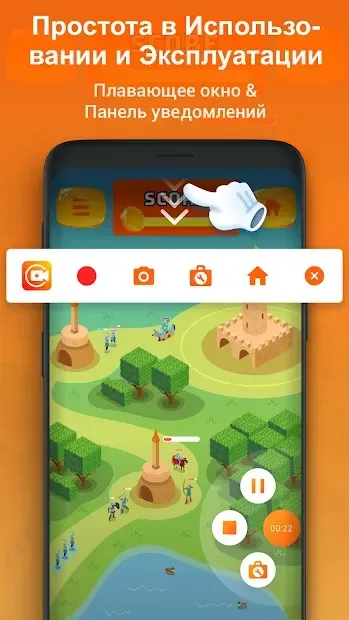
The app runs in the background, minimizing disruption to your current activity, and allows you to pause and resume recording as needed.
How to install the app
- Check the version, Android compatibility, developer and source in the app details block.
- Open the official app page on Google Play if a link is available.
- Before installing, review app permissions and use only sources you trust.
Frequently asked questions
Does XRecorder require root access to record the screen?
No, XRecorder does not require root access. You can start recording immediately after installing the APK and configuring your settings.
Can I record audio while using XRecorder?
Yes, you can record audio from your microphone or system sound. You can choose the audio source in the app settings before starting your recording session.
Where are the recorded videos saved?
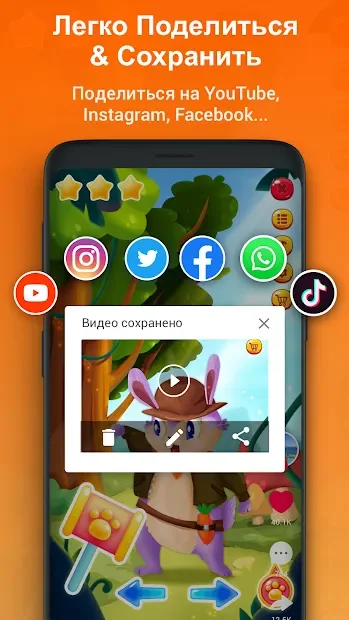
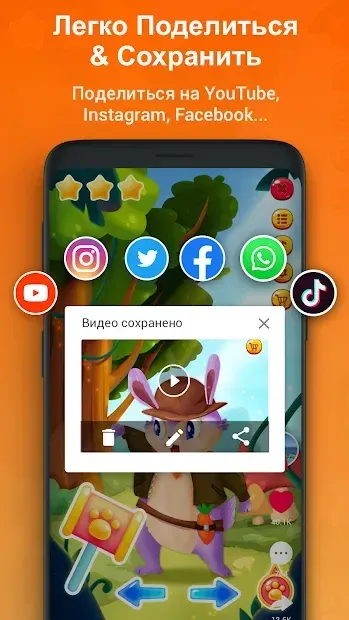
Recorded videos are saved directly to your device storage. You can access them through your file manager or the app’s gallery to edit or share them.
Is XRecorder suitable for recording gameplay?
Absolutely. XRecorder is optimized for performance, making it ideal for recording high-quality gameplay videos without significant lag or battery drain.
Similar apps





No comments yet. Be the first!