

Blend Me Photo Editor
DownloadApp details
- Version
- 10.49
- Updated
- 10.09.2026
- Category
- Photo editors
- Compatibility
- Android 10+
- Package name
com.photoeditor.blendmephotoeditor- Source
- Official Google Play page
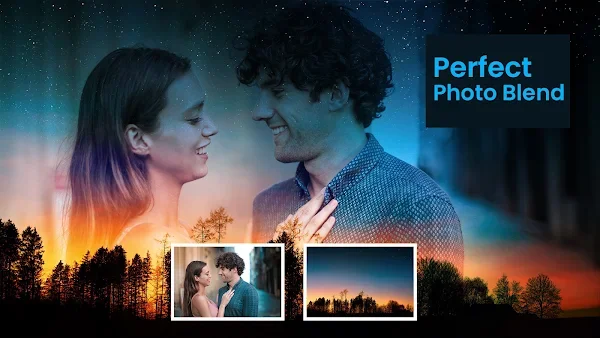
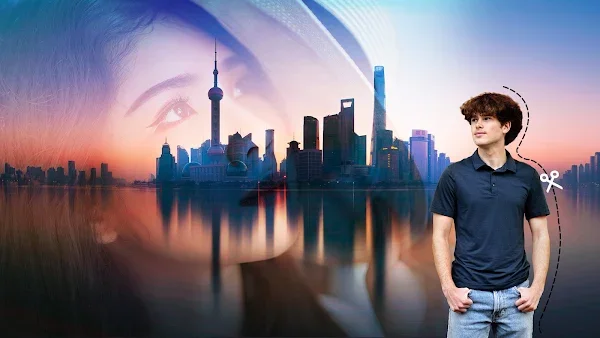
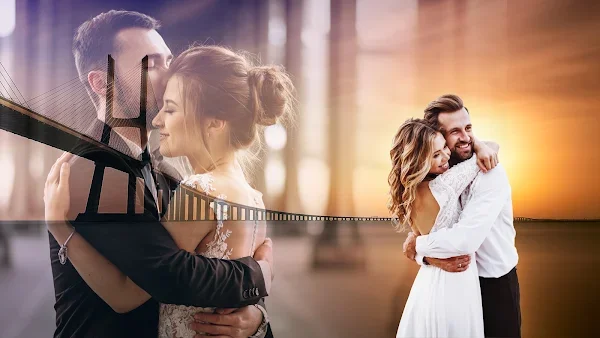
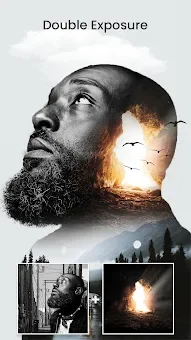
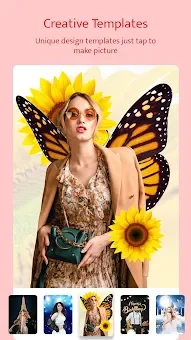
Blend Me Photo Editor is a powerful Android application designed to help you mix two or more images with stunning blend effects and shape overlays. This versatile photo editor enhances the beauty of your original photos, creating beautiful mixture photos that stand out. Whether you are a casual user or a creative enthusiast, the app provides an intuitive interface for blending multiple pictures simultaneously, ensuring high-quality results every time.
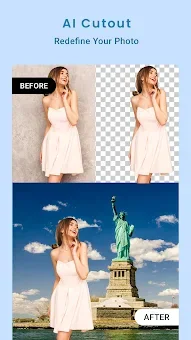
One of the standout features is the AI Photo Cutout tool, which allows you to remove backgrounds and change them with ease. Simply select and erase objects accurately to isolate your subject. The app offers thousands of backgrounds, including romantic love themes, nature scenes, world tourist spots, and vibrant color options.
This feature makes it simple to transform ordinary photos into professional-looking compositions without complex editing skills. The Auto Blend feature lets you apply blend effects effortlessly by adjusting opacity or fade levels according to your requirements. For a more stylized look, the Shape Blend tool supports hearts, circles, rectangles, triangles, and 3D shapes.
Overlaying your photo with these shapes adds a unique and stylish touch to your images. You can experiment with different combinations to find the perfect aesthetic for your social media posts or personal projects. In addition to blending, the app includes a huge collection of filter effects that suit various photo styles.
How to install the app
- Check the version, Android compatibility, developer and source in the app details block.
- Open the Downloads tab and use the official source or an available catalog link.
- Before installing, review app permissions and use only sources you trust.
Frequently asked questions
How do I blend multiple images in Blend Me Photo Editor?
You can mix two or more images by selecting them in the app and adjusting the opacity or fade levels using the Auto Blend feature for a seamless effect.
What is the AI Photo Cutout feature?
The AI Photo Cutout tool allows you to accurately remove backgrounds and change them to thousands of available options like nature, love themes, or solid colors.
Does Blend Me Photo Editor support shape overlays?
Yes, the app supports various shapes including hearts, circles, rectangles, triangles, and 3D shapes to add a stylish overlay to your photos.
What is the difference between the free and Pro versions?
The Pro version unlocks thousands of premium backgrounds, shapes, effects, and fonts, and provides an ads-free editing experience.
Similar apps

No comments yet. Be the first!