
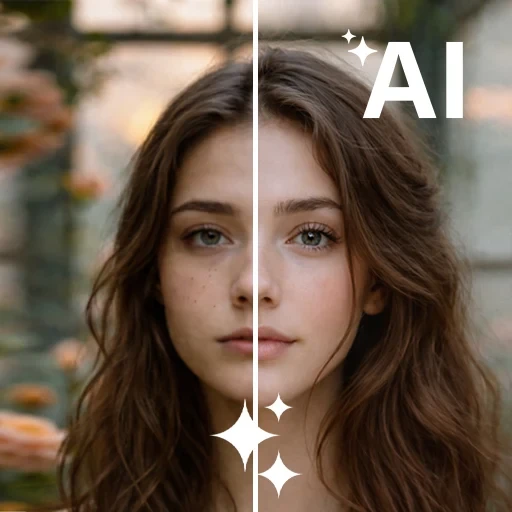
AI Photo Beauty Editor Studio
DownloadApp details
- Version
- 1.3.0
- Updated
- 15.09.2026
- Category
- Photo editors
- Compatibility
- Android 10+
- Package name
com.aiphotoedior.photogenerator.photoretouch- Source
- Official Google Play page
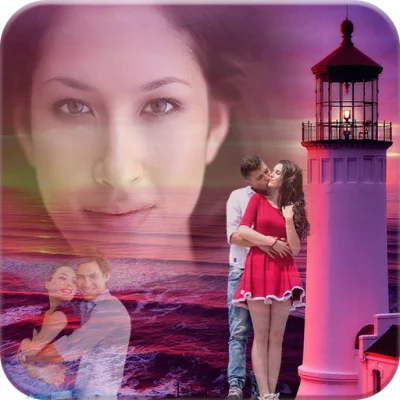
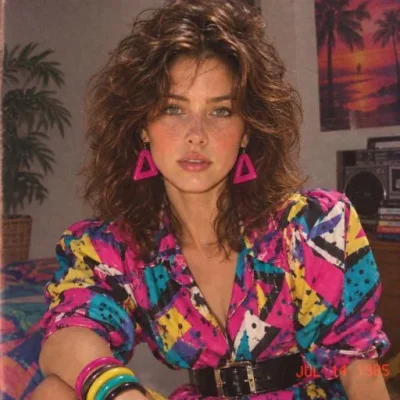
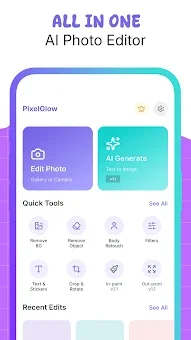
AI Photo Beauty Editor Studio is an innovative mobile application that seamlessly blends manual editing precision with the power of artificial intelligence. This Android app offers modern tools for quick and high-quality image updates, allowing you to transform ordinary photos into professional-looking shots in just a few seconds. The application is ideal for amateurs who want to quickly enhance their selfies and for content creators who need precise and aesthetic image processing for social media platforms.
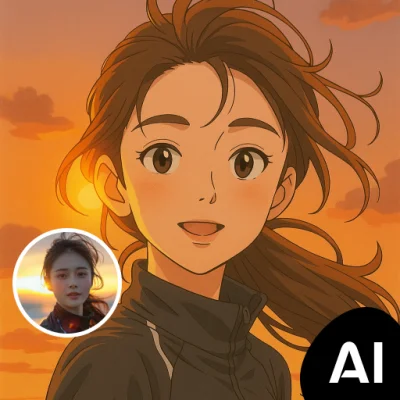
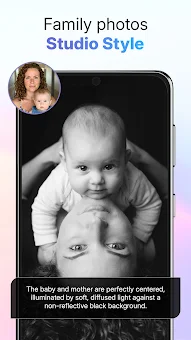
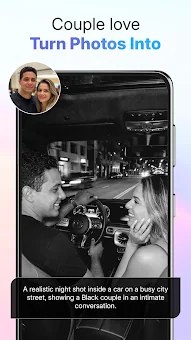
One of the key advantages of this program is the ability to edit photos using text prompts. You do not need to be an expert in adjusting parameters; simply enter text describing the desired changes, and the AI will automatically apply them to your image. You can change the style, lighting, or background by describing your ideas in plain language.
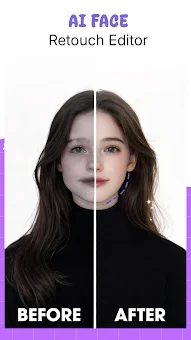
This makes the editing process incredibly fast and creative, allowing you to bring your boldest ideas to life without diving deep into complex interface settings. For portraits and human images, the app offers advanced retouching and body correction tools. You can naturally adjust proportions, slim the waist, correct the shape of hips, or modify overall body contours.
The AI analyzes the structure of the image so that changes look natural and do not distort real proportions.
How to install the app
- Check the version, Android compatibility, developer and source in the app details block.
- Open the Downloads tab and use the official source or an available catalog link.
- Before installing, review app permissions and use only sources you trust.
Frequently asked questions
How does the text prompt editing feature work in this app?
You can describe the changes you want using plain language text. The artificial intelligence analyzes your request and automatically applies the adjustments to the image, such as changing lighting or style, without requiring manual parameter tweaking.
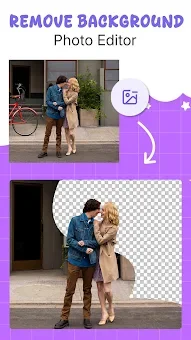
Can I remove the background from my photos automatically?
Yes, the app features a one-tap background removal tool. It allows you to instantly isolate the subject from the original background and replace it with a new scene or save the image in PNG format with transparency for graphic design projects.
Does the app distort natural body proportions during retouching?
The AI analyzes the image structure to ensure that changes look natural. It allows for slimming or adjusting body contours while maintaining realistic proportions, ensuring the final portrait looks professional and authentic rather than artificially distorted.
What is the difference between inpainting and outpainting?
Inpainting allows you to intelligently add or remove specific objects within the existing frame. Outpainting expands the image beyond its original borders, creating new context and scenery around the main subject to give the photo a broader visual scope.
Similar apps


No comments yet. Be the first!