
Floating Apps (multitasking)
DownloadApp details
- Version
- 4.28.0 (142800013)
- Updated
- 11.09.2021
- Category
- Android applications
- Package name
com.lwi.android.flappsfull- Developer
- LWi s.r.o.
- Source
- Official Google Play page
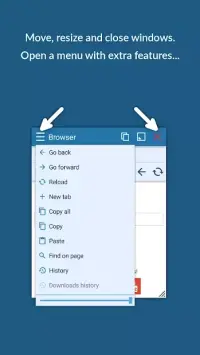
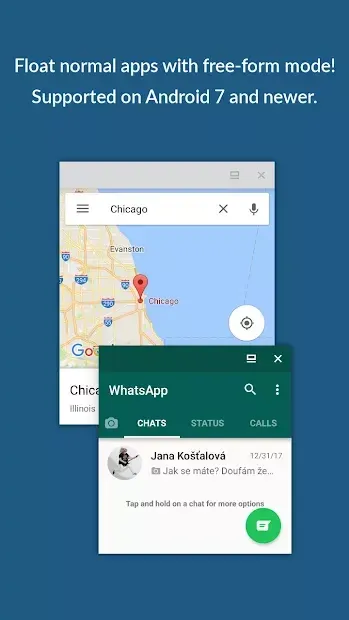
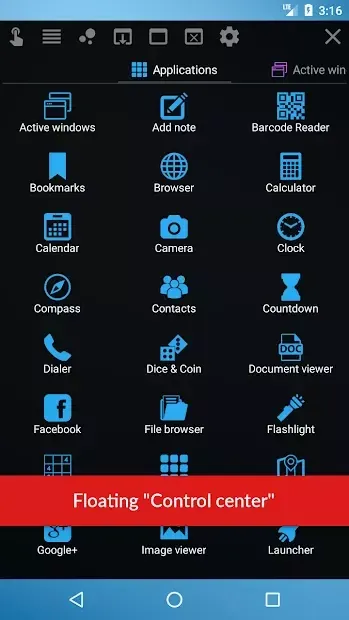
Enhance your Android experience with Floating Apps (multitasking), a utility designed to simplify daily smartphone usage by enabling true multitasking capabilities. This application allows you to create floating windows for various apps, letting you view multiple programs simultaneously on a single screen. Imagine watching a movie in one window while chatting with friends in a messenger app in another, all without switching between full-screen modes.
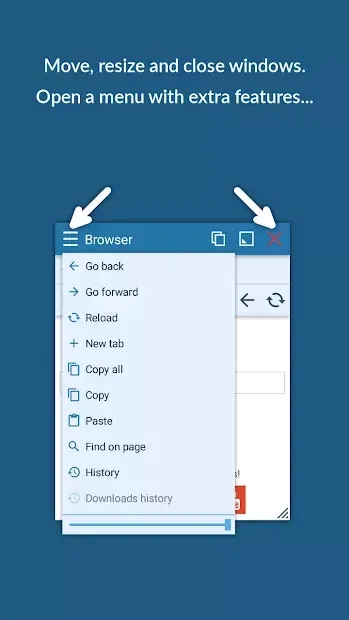
This feature is perfect for users who want to stay connected and entertained without interruption. The interface is remarkably simple and intuitive, requiring no professional technical knowledge to operate. Developers have streamlined the control mechanisms, introducing new interaction methods that make managing multiple windows effortless.
You can easily anchor or pin windows to specific areas of the screen, ensuring your important apps remain visible and accessible. The design is clean, allowing you to focus on your tasks rather than navigating complex menus. Performance optimization is a core strength of this application.
Floating Apps (multitasking) runs smoothly without overloading your device's RAM, ensuring a stable experience even when running multiple background tasks. The developers prioritized stability to prevent system crashes and errors, conducting extensive testing to guarantee reliability.
How to install the app
- Check the version, Android compatibility, developer and source in the app details block.
- Open the Downloads tab and use the official source or an available catalog link.
- Before installing, review app permissions and use only sources you trust.
Frequently asked questions
Does Floating Apps (multitasking) consume a lot of RAM?
No, the application is optimized to run efficiently without overloading the device's RAM, ensuring smooth performance even with multiple windows open simultaneously.
Is the interface difficult to learn for new users?
The interface is designed to be simple and intuitive, requiring no professional knowledge. Users can easily learn to anchor and manage windows with minimal effort.
Can I customize the appearance of the floating windows?
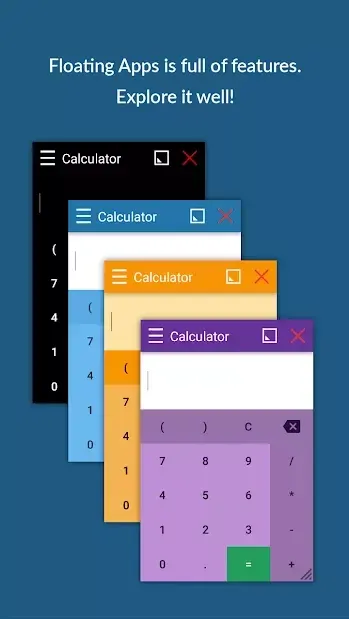
Yes, the app offers a variety of styling options, allowing you to customize the look and feel of your floating windows to suit your preferences and improve visibility.
Is the APK stable and free from crashes?
Developers conducted extensive testing to ensure stability. The app is designed to prevent system crashes and errors, providing a reliable multitasking experience on Android devices.


No comments yet. Be the first!