
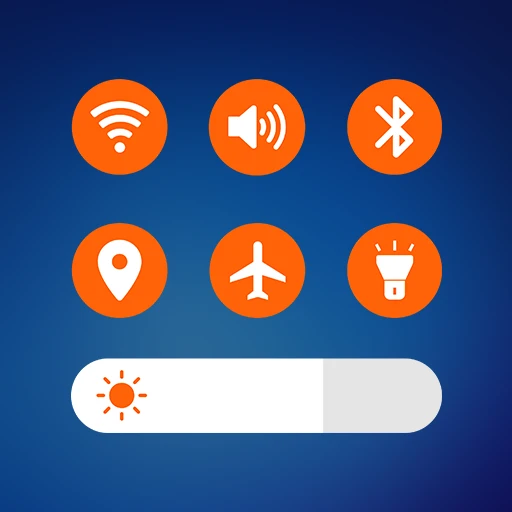
Control Center in Ubuntu Style
DownloadApp details
- Version
- 4.18
- Updated
- 29.09.2026
- Category
- Systemic
- Compatibility
- Android 12+
- Package name
com.jalan.control.center.ubuntu- Developer
- Jalan
- Source
- Official Google Play page
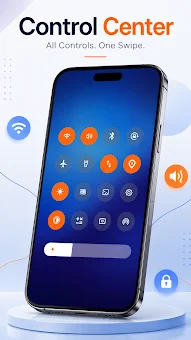
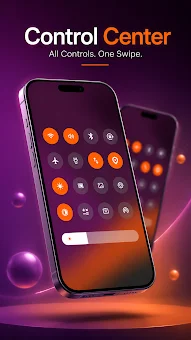
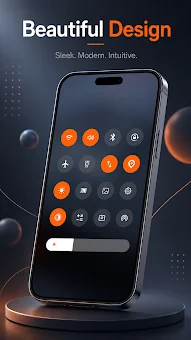
Transform your Android device's interface with Control Center in Ubuntu Style, a unique application that brings the sleek and modern aesthetics of the Ubuntu operating system to your mobile screen. This innovative tool replaces the standard notification and quick settings panel with a minimalist design inspired by Linux distributions, offering a fresh and visually appealing alternative for users who crave a cleaner look. The app utilizes Android's accessibility services to overlay a customizable window on top of your lock screen and home interface, ensuring seamless integration with your existing workflow without requiring root access or complex system modifications.
Upon installation, you gain access to a highly functional control panel that consolidates essential utilities into one easy-to-reach interface. The application provides quick toggles for frequently used features such as Wi-Fi, Bluetooth, flashlight, camera, and media playback controls. It also supports connections with external speakers and Bluetooth headphones, allowing you to manage audio settings efficiently.
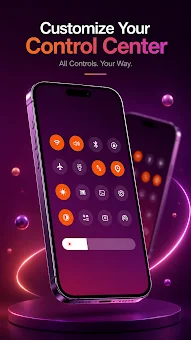
The interface is designed to be both aesthetic and practical, reducing clutter while maintaining quick access to the tools you use most often during your daily commute or work sessions. Customization is at the heart of this application, allowing you to tailor the experience to your personal taste.
How to install the app
- Check the version, Android compatibility, developer and source in the app details block.
- Open the Downloads tab and use the official source or an available catalog link.
- Before installing, review app permissions and use only sources you trust.
Frequently asked questions
What is Control Center in Ubuntu Style?
It is an Android application that replaces the standard notification panel with a minimalist, Ubuntu-inspired interface for better aesthetics and quick access.
Does the app require root access to function?
No, the app uses Android's accessibility services to overlay the interface on the lock screen and home screen without needing root privileges.
Can I customize the appearance of the control panel?
Yes, you can change the color of the control tiles and select different wallpapers for the panel to match your personal style and device theme.
What features are included in the quick settings?
The app includes toggles for Wi-Fi, Bluetooth, flashlight, camera, media playback, and notifications, providing over thirty useful tools in one interface.
Similar apps





No comments yet. Be the first!