

PDF Converter - Editor &Resume
Open in Google PlayApp details
- Version
- 1.0.0
- Updated
- 05.08.2026
- Category
- Tools
- Compatibility
- Android
- Package name
com.pdf.converter.editor.mp3.tools- Source
- Official Google Play page
PDF Converter - Editor & Resume is an all-in-one tool designed to simplify document handling in your professional and academic life. With powerful features, you can easily edit contracts, scan receipts with high accuracy, or create an impressive resume for your next career move, all within a user-friendly interface. The advanced PDF editor allows you to annotate and edit your documents by adding text, inserting images, and drawing directly on your PDFs.
Sign documents digitally on the go and manage pages effortlessly by merging, splitting, and rearranging them to organize your files. The smart AI-based scanner features advanced OCR technology, enabling you to extract text from photos and scans with remarkable precision. Enjoy high-quality scanning that automatically detects document edges and removes shadows for professional results.
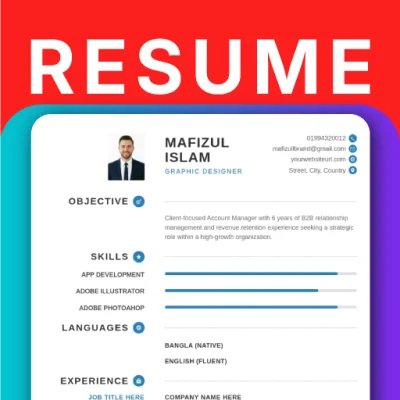
Create attention-grabbing resumes in minutes using our expert templates. Simply input your details, choose a style, and let the app format the perfect resume for you, which you can then save in high-quality PDF format, ready to send to employers. With robust privacy measures and local processing, your sensitive documents remain secure, ensuring that they never leave your device without your consent.
PDF Converter - Editor & Resume is your reliable assistant in the document world, helping you stay organized and efficient.
How to install the app
- Check the version, Android compatibility, developer and source in the app details block.
- Open the official app page on Google Play if a link is available.
- Before installing, review app permissions and use only sources you trust.
Frequently asked questions
What features does PDF Converter - Editor & Resume offer?
It offers PDF editing, document scanning, and resume creation.
Is PDF Converter - Editor & Resume free to download?
Yes, it is available for free download on Android.
How does the AI scanner work?
The AI scanner uses OCR technology to extract text from images and scans.
Can I sign documents with this app?
Yes, you can digitally sign documents on the go.


No comments yet. Be the first!