

Pixel Launcher
DownloadApp details
- Version
- 9-5214744
- Updated
- 17.10.2026
- Category
- Arcade
- Compatibility
- Android 9.0
- Package name
com.google.android.apps.nexuslauncher- Source
- Official Google Play page
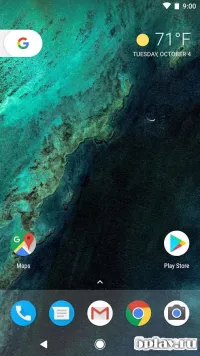
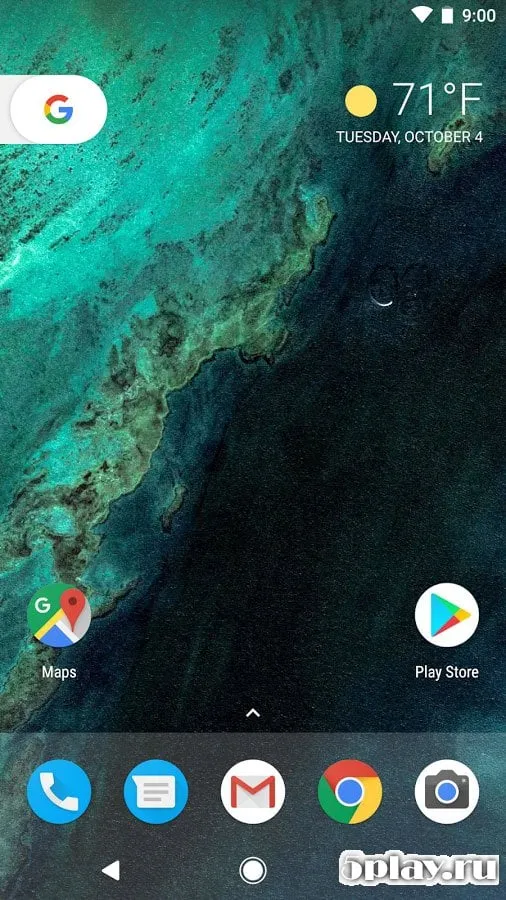
Pixel Launcher is the official home screen application developed by Google, originally designed specifically for the Pixel series of smartphones. While it was created to enhance the experience on Google's own devices, this launcher is fully compatible with a wide range of other Android devices. It offers a clean, intuitive interface that defines the stock Android experience, ensuring that users get a smooth and responsive performance regardless of the hardware they are using.
One of the standout features of this application is its attention to detail and visual design. The launcher features a minimalist aesthetic with a focus on usability, including the iconic Google search bar that sits prominently at the bottom of the screen. This design choice allows for quick access to web searches, apps, and settings without cluttering the interface.
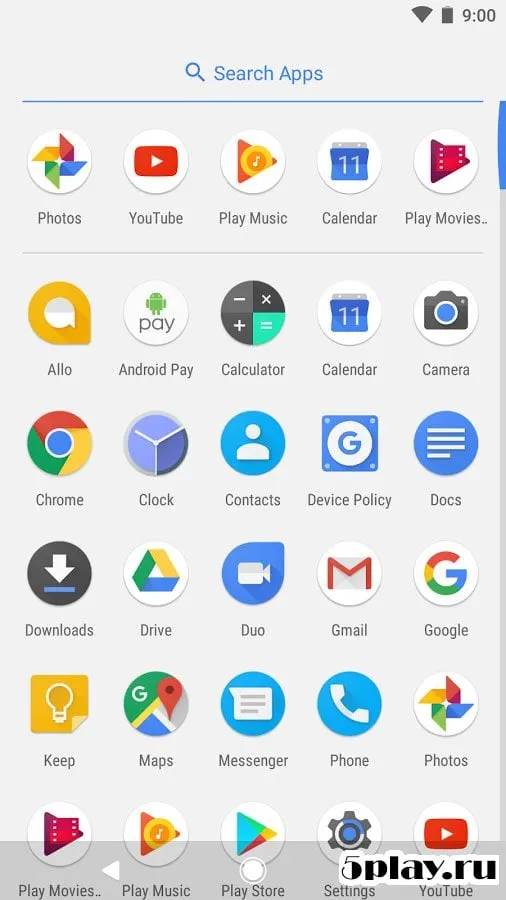
The color palette is neutral and modern, making it easy on the eyes and suitable for any user preference. The app includes a well-organized app drawer that displays all installed applications in a clean grid. It supports easy customization, allowing users to arrange icons, widgets, and shortcuts to suit their daily workflow.
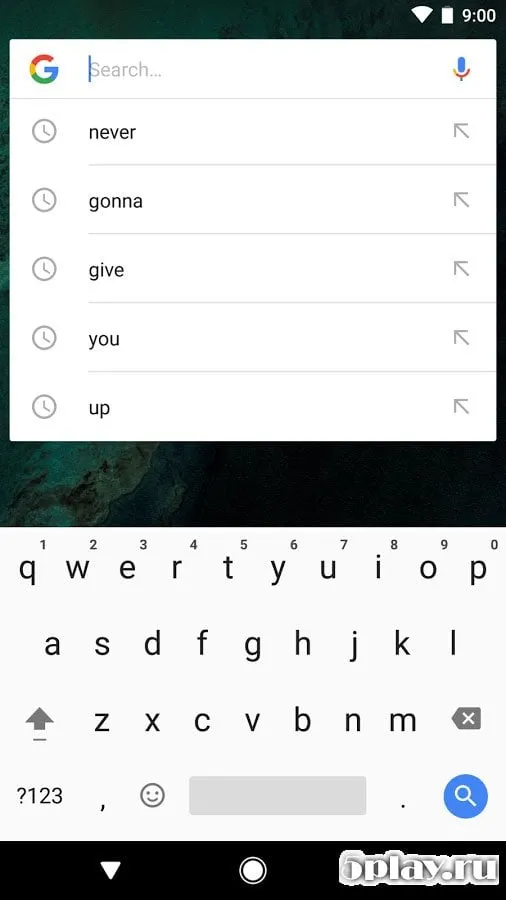
The integration with Google services is seamless, providing quick access to Google Assistant, search history, and suggested apps based on your usage patterns. This level of integration makes it a powerful tool for managing your digital life efficiently. Performance is key to the Pixel Launcher experience.
How to install the app
- Check the version, Android compatibility, developer and source in the app details block.
- Open the Downloads tab and use the official source or an available catalog link.
- Before installing, review app permissions and use only sources you trust.
Frequently asked questions
What is the Pixel Launcher?
The Pixel Launcher is the default home screen application developed by Google for its Pixel smartphones, known for its clean design and deep integration with Google services.
Can I install Pixel Launcher on non-Pixel devices?
Yes, the Pixel Launcher is compatible with most Android devices. You can download the APK file and install it on your phone to get the stock Google experience.
Does Pixel Launcher support Google Assistant?
Yes, it includes built-in support for Google Assistant, allowing you to launch voice commands and access smart features directly from the home screen or search bar.
Is the Pixel Launcher free to use?
Yes, the Pixel Launcher is completely free to download and use on Android devices. It does not require any subscription or payment to access its core features and interface.
Similar apps




No comments yet. Be the first!