
Root Explorer
Open in Google PlayApp details
- Updated
- 18.11.2021
- Category
- Tools
- Package name
com.speedsoftware.rootexplorer- Source
- Official Google Play page
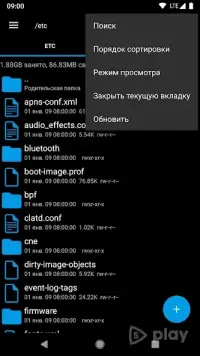
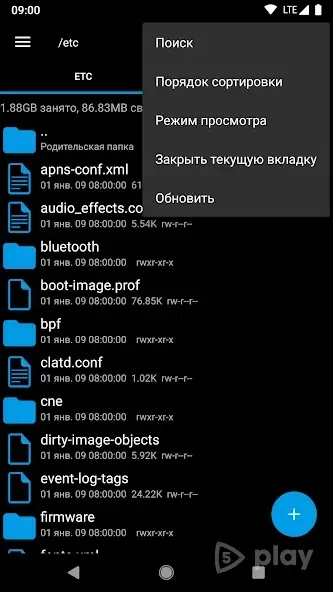
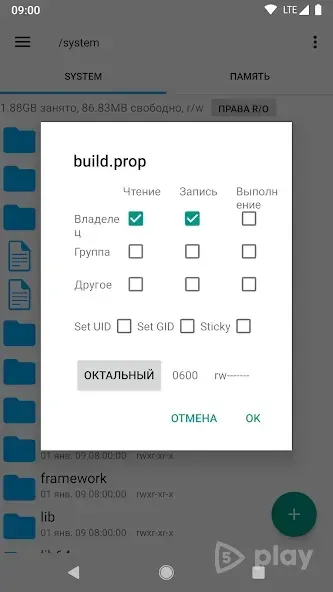
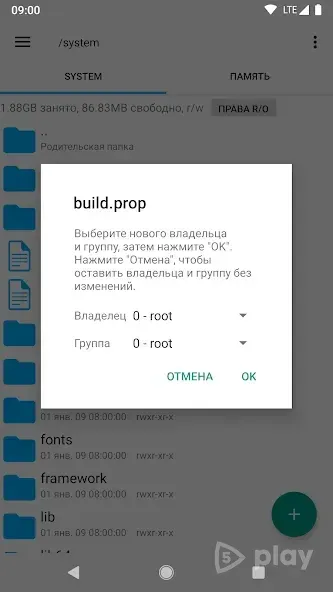
Root Explorer is a powerful file manager designed for Android users who have ROOT access on their devices. This application provides full control over the file system, allowing you to browse, edit, and manage files with ease. It is a favorite among tech-savvy users who need to access system directories and modify settings that are normally hidden.
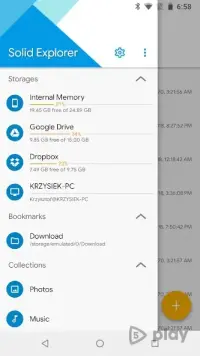
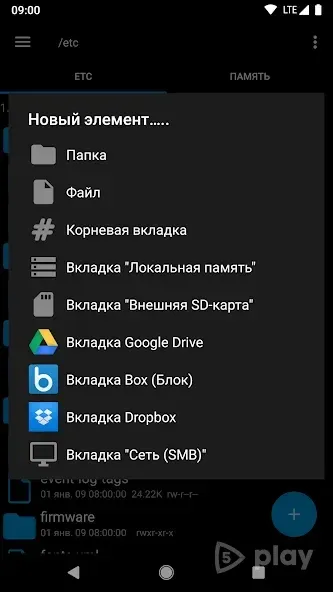
The app supports multiple tabs, making it easy to switch between different directories without losing your place. It also integrates with various cloud storage services, enabling you to back up your data securely. This feature is essential for users who want to ensure their important files are safe and accessible from anywhere.
Root Explorer includes a SQLite Database Viewer, which is useful for examining and editing database files. It also supports creating and extracting RAR and ZIP archives, making it a versatile tool for handling compressed files. The built-in text editor allows you to quickly view and edit text files without needing to install additional software.
Sharing files is straightforward, as you can send them via Bluetooth, email, or other wireless methods. The app supports all file formats, ensuring compatibility with a wide range of devices and applications. A useful feature is the ability to open files with other apps, providing flexibility in how you interact with your data.
While the app is not free, it offers a one-time purchase for a reasonable price.
How to install the app
- Check the version, Android compatibility, developer and source in the app details block.
- Open the official app page on Google Play if a link is available.
- Before installing, review app permissions and use only sources you trust.
Frequently asked questions
What is Root Explorer and who is it for?
Root Explorer is a file manager for Android devices that requires root access. It is ideal for advanced users who need to access and modify system files and directories.
Does Root Explorer support cloud storage?
Yes, Root Explorer can synchronize with various cloud storage services. This allows users to create backups and access their data from online services securely.
Can Root Explorer handle compressed files?
Yes, Root Explorer can create and extract files with RAR and ZIP extensions. It also includes a SQLite Database Viewer for examining database files.
Is Root Explorer free to use?
No, Root Explorer is a paid application. Users need to purchase it from the developer to unlock all features and remove any limitations on its use.






No comments yet. Be the first!