

ZenUI Launcher
Open in Google PlaySpaceAPK does not provide APK files. A listed Google Play link is a reference: check the store for availability, version, price and paid features. The catalog version is not offered as a downloadable file.
App details
- Recorded version
- 5.5.2.19
- Updated
- 30.09.2021
- Category
- Arcade
- Compatibility
- Android 8.0
- Package name
com.asus.launcher- Source
- Google Play reference
ZenUI Launcher is a sophisticated Android application developed by ASUS that allows users to personalize their device's home screen experience. Originally available exclusively for ASUS gadgets, this launcher is now accessible to any user with a basic Android smartphone or tablet. The app offers a refined interface that enhances the standard Android experience, providing users with greater control over their device's appearance and functionality without requiring root access or complex modifications.
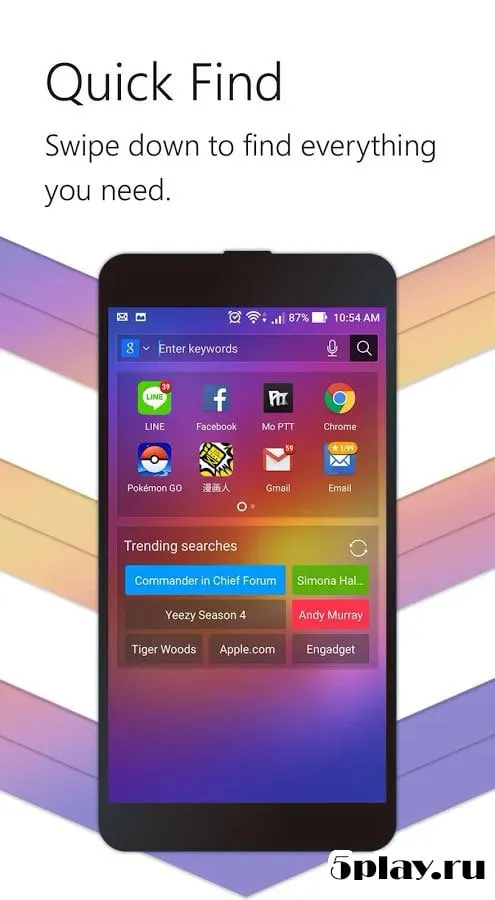
Upon launching the application, users are presented with two distinct desktop layout options. The first option mirrors the classic Google Now layout, offering a clean and practical approach to accessing apps and information. The second option arranges all applications across multiple desktop pages, catering to users who prefer a traditional grid-based interface.
Regardless of the chosen layout, users retain full access to the core features of ZenUI Launcher, ensuring a consistent and high-quality user experience across different usage patterns. The design philosophy of ZenUI Launcher centers on minimalism and elegance. The interface is executed in a minimalist style, which is easy on the eyes and reduces visual clutter.
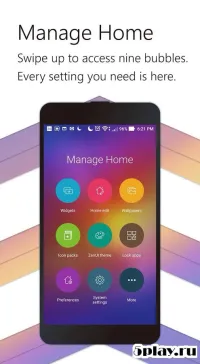
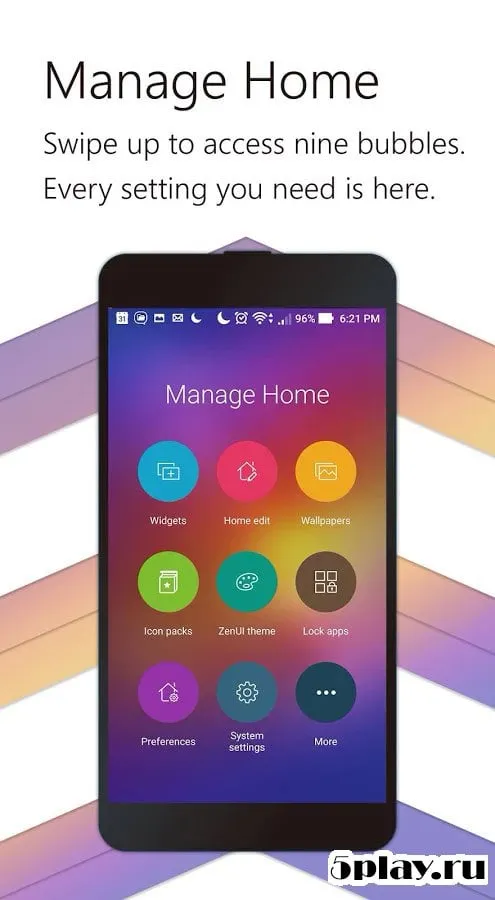
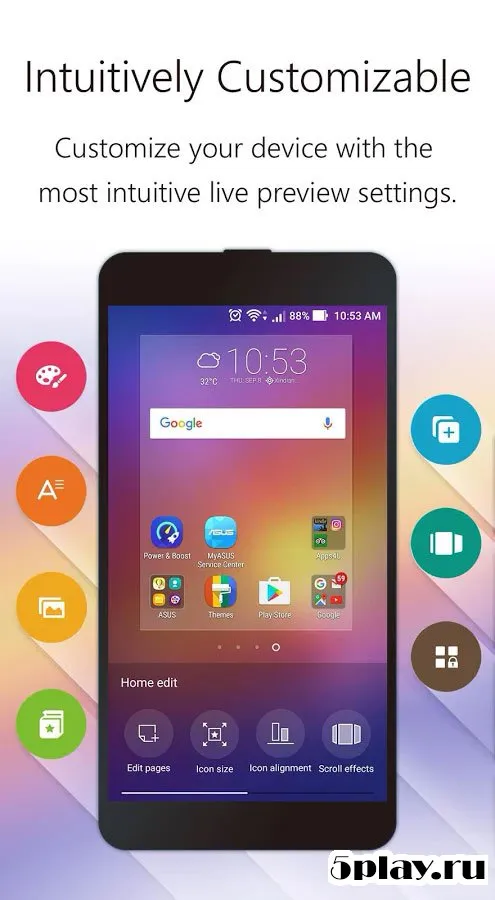
Standard animations for switching between desktop pages add a smooth and polished feel to the navigation. A long press on the screen activates the settings center, where users can select new themes, change wallpapers, edit the main page, and add widgets.
Availability and source
- Check the version, Android compatibility, developer and source in the app details block.
- Open the official app page on Google Play if a link is available.
- Before installing, review app permissions and use only sources you trust.
Frequently asked questions
Is ZenUI Launcher free to use on any Android device?
Yes, ZenUI Launcher is free and compatible with any basic Android smartphone or tablet, not just ASUS devices as it was originally intended.
What layout options does ZenUI Launcher provide?
The app offers two main layouts: a classic Google Now-style interface and a traditional multi-page grid where all applications are organized across different desktops.
Can I customize icons and folders in ZenUI Launcher?
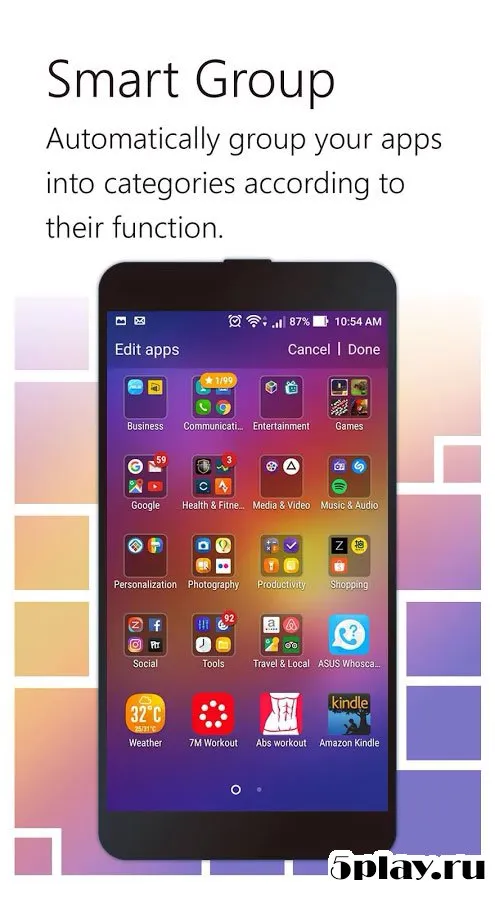
Absolutely. The advanced settings allow you to adjust icon sizes, folder dimensions, change wallpapers, and manage other visual elements of your home screen.
How do I set ZenUI Launcher as my default home app?
You can set ZenUI Launcher as the default home application directly from the settings menu within the app, ensuring it launches automatically when you press the home button.
Similar apps







Version history
Below are the catalog pages found for this app. When a source changelog is available, it will be added separately.
No comments yet. Be the first!