
AI Photo Editor: Art Studio
DownloadApp details
- Version
- 1.0.0
- Updated
- 07.10.2026
- Category
- Photo editors
- Compatibility
- Android
- Package name
com.ai.art.magic.image.generator- Developer
- Leilani Rogers
- Source
- Official Google Play page
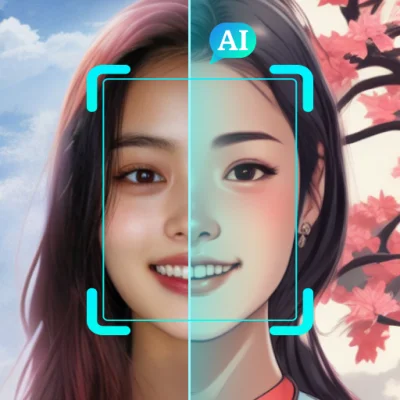
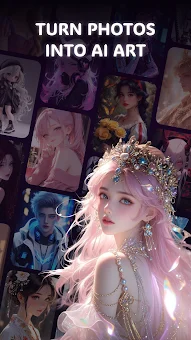
AI Photo Editor: Art Studio is a cutting-edge mobile application that seamlessly combines powerful editing tools with the latest artificial intelligence capabilities in a single, user-friendly interface. This innovative app allows you to easily transform ordinary photographs into stunning works of art, opening up new horizons for creativity and self-expression. By leveraging advanced AI technology, the editing process becomes smoother, more intuitive, and incredibly efficient, offering users unique filters and artistic styles that were previously only accessible to professional graphic designers and photographers.
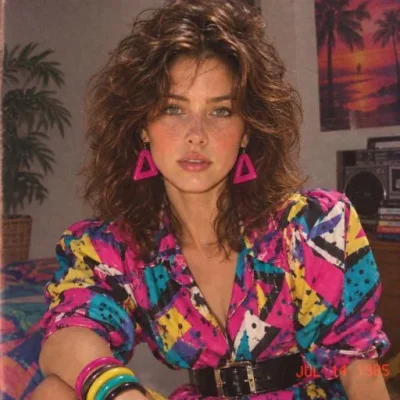
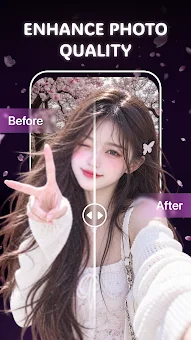
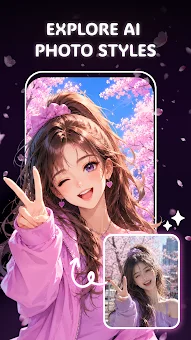
The app is designed to meet a wide variety of creative needs, making high-quality image manipulation accessible to everyone. With this application, you can generate stunning AI art by effortlessly transforming your photos using various creative styles. The editor offers a dedicated section featuring trendy effects, templates, and popular visual enhancements, allowing you to quickly find inspiration and refresh the look of your images.
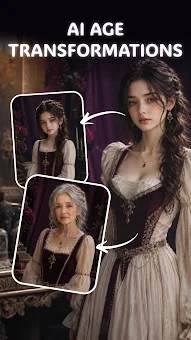
Special attention is given to fun transformations; you can visualize how you might look in the future, explore different life stages using the Journey of Time feature, create a hugging effect for couples, or try out gender transformation effects.
How to install the app
- Check the version, Android compatibility, developer and source in the app details block.
- Open the Downloads tab and use the official source or an available catalog link.
- Before installing, review app permissions and use only sources you trust.
Frequently asked questions
What is AI Photo Editor: Art Studio?
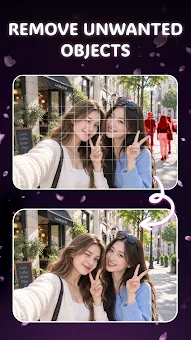
It is a mobile application that uses artificial intelligence to help users edit photos, create artistic effects, remove objects, and change backgrounds easily on Android devices.
Can I remove unwanted objects from my photos?
Yes, the app includes powerful tools that allow you to easily remove unwanted objects, distractions, or blemishes from your photos to focus on the main subject.
Does the app support background replacement?
Yes, you can replace the background of your photos to create new visual scenes, which is useful for social media posts and creative projects.
How are edited images stored?
All generated and edited images are automatically saved in a dedicated My Gallery section within the app, ensuring convenient access to your creations at any time.
Similar apps



No comments yet. Be the first!